
Remini AI Avatars: Create Stunning AI Photos in 2026

Remini AI Avatars turns a set of your own selfies into stylized AI portraits and avatars — professional headshots, casual lifestyle shots, cinematic characters, and painterly versions of you. My honest verdict after testing it: the best results in a pack are genuinely impressive and usable, but roughly half of what it generated was not, and you should expect that split before you pay.
Last updated: October 29, 2026
I uploaded a real set of selfies, waited through the generation queue, and went through the results pack by pack, keeping score of what I would actually use and what I deleted on sight. With AI avatars, the only question that matters is not “does it work?” but “how much of what it makes actually looks like me?”
Table of Contents
My Generation Diary: One Upload, Four Packs, Honest Scores
I started on a weekday evening with 12 selfies from my camera roll — no retakes, just the photos most people actually have. I opened AI Photos, selected the full set, picked my gender setting, and chose a professional pack first. The pack arrived after a longer wait than the app suggested. Its top three or four portraits looked like a studio session I had never sat for. Then I kept swiping, and the diary got more complicated.
Here is how my four packs scored, counting only portraits I would show another person as “me”:
- Professional pack: 6 usable out of 10. Strongest likeness, sensible outfits, clean backgrounds. Failures were subtle — a slightly different jawline, eyes a fraction too symmetrical.
- Casual lifestyle pack: 5 usable out of 10. Relaxed when it worked, but two results aged me noticeably and one put me in a jacket I would never wear, in a city I have never visited.
- Cinematic pack: 4 usable out of 10. Most fun, least consistent. Great lighting — and the worst hand artifacts, including a blurred extra finger I only spotted on zoom.
- Artistic/painterly pack: 3 usable out of 10. Beautiful as artwork, weakest as likeness — the style itself does most of the work, so the AI drifts furthest from your real face.
Overall hit rate: about 45 percent usable. You do not need 40 great avatars — you need two or three excellent ones, and every pack cleared that bar. Expect a contact sheet, some frames great and a few unusable, and the price feels fair.
What AI Avatars Actually Is — and Where It Sits in the App
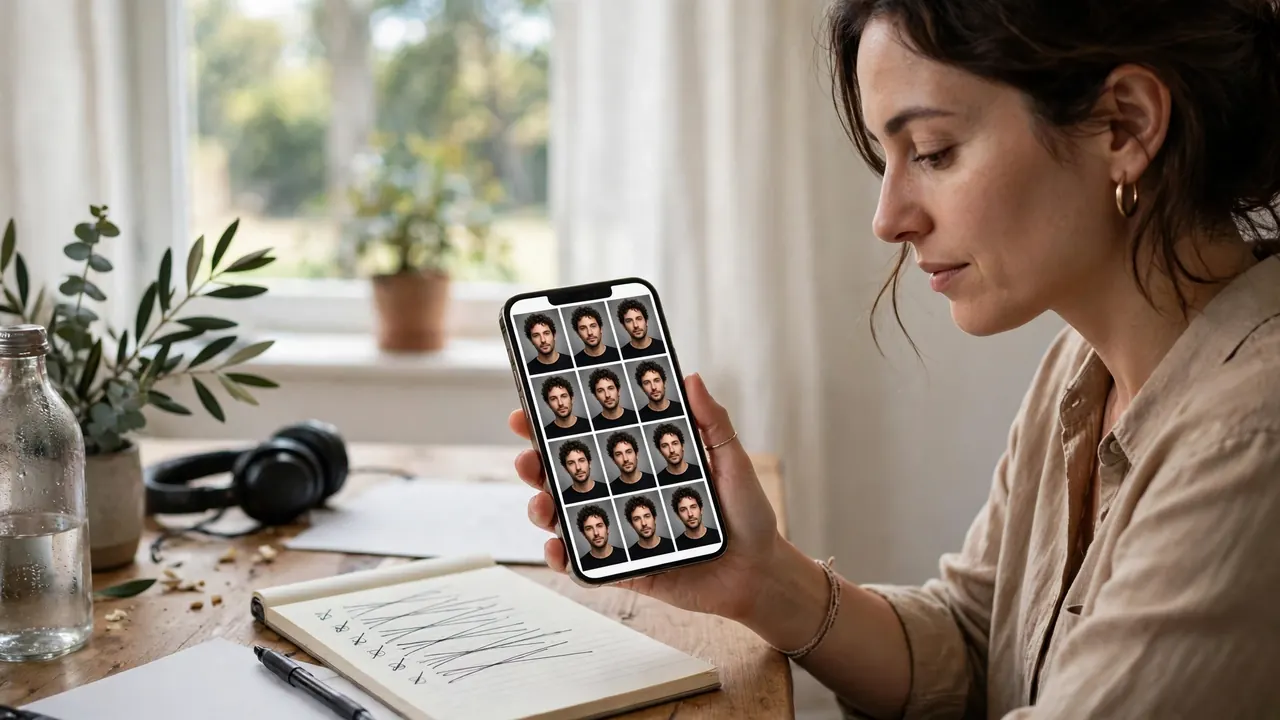
Remini is best known as a photo enhancer: you give it an existing picture and it sharpens and restores it. AI Avatars, inside the AI Photos section, is different. It does not improve a photo of you. It studies your selfies, builds a temporary model of your face, and invents entirely new portraits — new outfits, lighting, backgrounds, and poses you never struck. An enhanced photo is still your photo; an avatar is an interpretation. When the approximation is good, the result is startling. When it drifts, you get a handsome stranger with a family resemblance to you.
New to the app? Start with our complete guide to using the Remini app. The official feature overview is at remini.ai.
The Selfie Upload Rules That Decide Everything
Every disappointment I have seen with this feature traces back to the upload step. The model can only learn the face you show it. These rules actually moved my results:
How many photos: Upload the full set the app asks for, not the minimum. In my test the maximum set produced visibly tighter likeness than a smaller set. More angles of your face means less guessing.
Solo only: Every training photo must show only you. Group photos, even cropped, risk teaching the model a blend of two faces — one early upload of mine caught a friend’s partial face at the frame’s edge, and that batch’s odd cheekbones likely came from it.
Face fully visible: No sunglasses, no hats pulled low, no hand-on-chin poses, no heavy beauty filters. Filters are the silent killer: a smoothed, reshaped selfie teaches the model a face that is not yours, and the avatars faithfully reproduce that stranger.
Variety helps: Mix front-facing shots with slight side angles, smiling and neutral expressions, and different lighting. Twelve near-identical selfies from one afternoon teach the model one expression in one light, and the portraits inherit that stiffness.
Recent and honest: Use current photos. If your hairstyle, facial hair, or glasses have changed, include recent images that show it, or the avatars will resurrect an older version of you.
Step by Step: How My Generation Actually Went
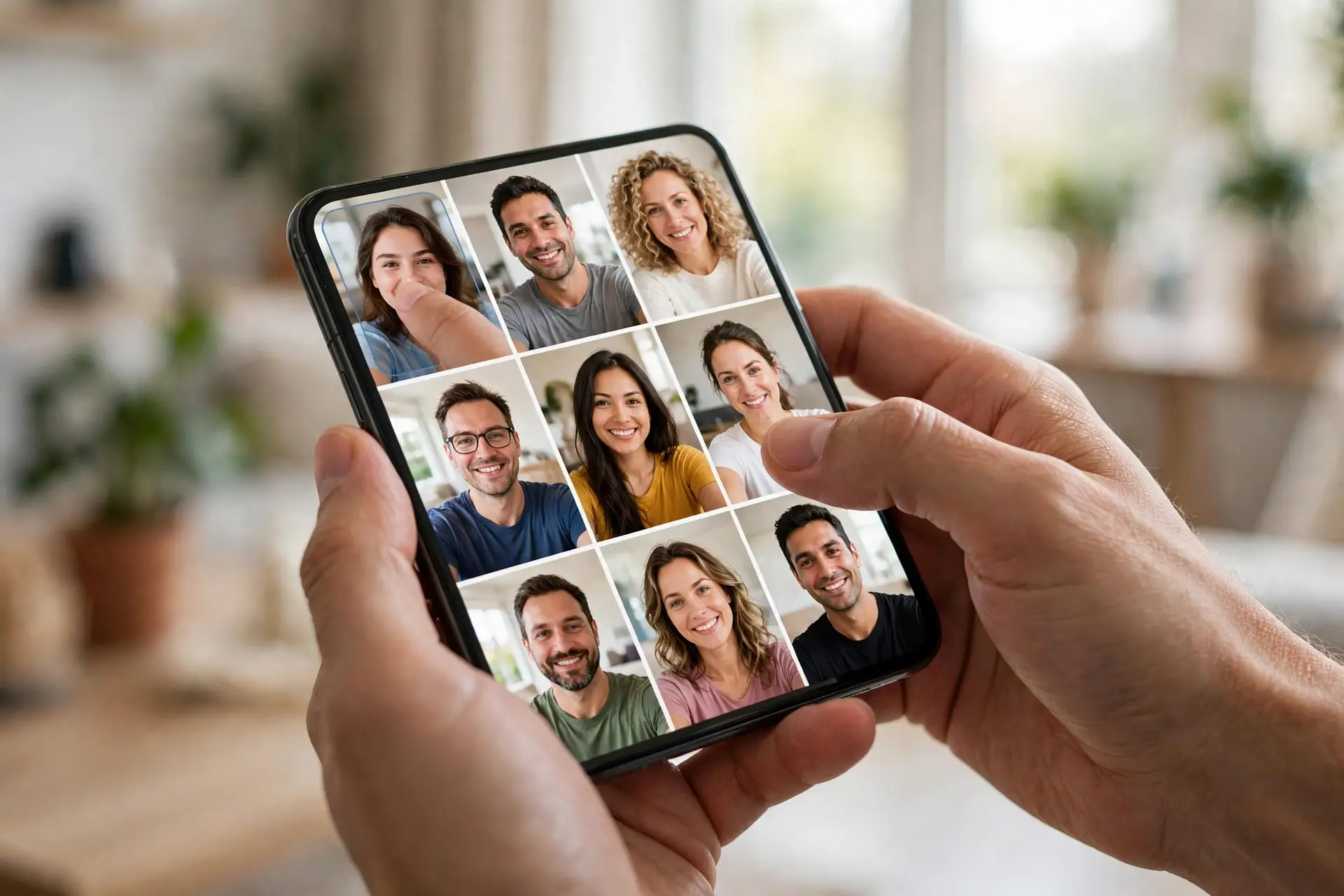
- Open Remini and tap AI Photos on the home screen. This is the generative section, separate from Enhance.
- Start a new AI Photos generation. Expect a subscription or Pro Card prompt — generation is a paid action, covered below.
- Upload your selfies. Select 8–12 clear, solo, unfiltered photos following the rules above. This step decides the outcome more than any other.
- Select the gender setting that matches how you want the portraits styled. It shapes the model images and outfits offered.
- Choose a model image or style pack. Pick one coherent style per generation rather than hoping a mixed pack will satisfy every use.
- Confirm and wait. You can leave the app; the finished pack appears when server generation is done.
- Review ruthlessly. Save the portraits that genuinely look like you, delete the rest, and download favorites to your camera roll immediately — do not rely on the session staying available.
The Styles: Which Ones Flatter Real Faces
The style gallery rotates, but its families are stable — and not equal on real faces.
Professional and studio styles flatter almost everyone. The lighting is forgiving, the outfits neutral, and the restrained style lets the model spend its effort on your face rather than costume detail. If you generate only one pack, make it this one. For work-focused portraits, our Remini AI Headshots guide goes deeper.
Casual lifestyle styles — cafes, streets, golden-hour shots — are the most shareable when they land, and the most likely to quietly change your age or build when they do not. Check jawline and hairline carefully.
Cinematic and character styles are entertainment, not portraiture. Treat them as posters of a character based on you, and the odd artifact bothers you less.
Artistic and painterly styles hide likeness drift best, because nobody expects a painting to be a photograph. That makes them a safe gift option: a stylized portrait looks intentional even where the face is approximate.


The Honest Flaws Nobody Puts on the Download Page
Here is the failure list from my own packs, unsoftened:
- Likeness drift. The most common flaw. Features migrate a few percent — nose slightly narrower, eyes slightly wider — until the person is recognizably related to you but is not you. Worst in artistic packs and batches trained on too few selfies.
- Gender and age misreads. Two of my casual-pack results read noticeably older; readers with softer features report the opposite, with packs reading younger or subtly shifting gender presentation. The gender setting reduces this; it does not eliminate it.
- Weird hands and backgrounds. Extra or fused fingers appear in a minority of gesturing poses, and backgrounds can contain melted signage, impossible architecture, or garbled text. Head-and-shoulders packs avoid most of this.
- Inconsistent quality between packs. Same selfies, same evening, dramatically different hit rates. There is a lottery element no guide can remove — budget for the possibility that one pack in three disappoints you.
None of this makes the feature bad. It makes it a tool with a known yield, and you should plan around the yield, not the highlight reel.
Time and Cost Reality
Time: Generation took minutes, not seconds — long enough to put the phone down — and varied with server load. Retraining starts the clock again. Anyone promising instant avatars is describing a simpler filter feature.
Cost: Avatar generation is not meaningfully free — you can browse styles, but generating packs requires Remini Pro or Pro Cards, depending on how your app version presents the purchase. A subscription makes sense if you will generate several packs in a short period, because each extra pack costs less at the margin. A one-off route suits wanting exactly one good profile portrait. Our Remini Pro Cards explained guide breaks down the card system before you spend. I would not subscribe for a year on the strength of one pack — generate first, judge your hit rate, then decide.
Remini vs Lensa: The Short, Honest Version
Lensa’s Magic Avatars are the obvious rival, and the comparison is closer than fans of either admit. Lensa leans harder into bold, illustration-flavored output — striking, but further from a photograph of you. Remini’s best packs lean more photographic, which is why its professional styles work better as actual profile and work portraits. Lensa’s per-pack pricing is simpler for a single purchase; Remini’s subscription-plus-Cards mix is more flexible but easier to overspend on. Likeness inconsistency, hand artifacts, and the occasional stranger? Both apps, honestly. The full breakdown is in our Remini vs Lensa comparison.
Privacy: What Happens to Your Face
Read this section slowly. To make avatars, your selfies are uploaded to Remini’s servers and used to train a temporary model of your face. That is not a side effect — it is the mechanism. There is no version that keeps your face photos entirely on your phone.
In practice, you are trusting the developer’s stated retention and deletion policies, so read them in the app before uploading — policies can change after any article is written. My practice is deliberate use: upload, generate, save what I want, then remove my data through the account and privacy options rather than leaving a face model on a server indefinitely. If cloud processing of your face makes you uneasy, that is a legitimate answer: skip this feature and use the enhancer on photos you already have. The wider picture, including modified-app risks, is in our Is Remini safe? review. I will never tell you any face-upload service is completely risk-free, because that claim is not mine to make.
Where Avatars Genuinely Earn Their Keep
After the novelty wore off, three uses survived:
Profile pictures. The single best use. One strong avatar replaced my aging profile photo everywhere, and it looks like a deliberate portrait rather than a cropped group shot.
Gaming and social avatars. Cinematic packs that fail as portraits succeed here, because the context expects stylization. An avatar “inspired by you” is exactly the brief.
Gifts. A painterly portrait of a parent, printed small and framed, landed surprisingly well — with the caveat that I picked the most flattering result from a full pack, not the first one produced.
What I would not use them for: identity documents, verification photos, dating profiles where an unaltered photograph is reasonably expected, or any context where misrepresenting your appearance would actually matter.
Frequently Asked Questions
How many selfies do I need for Remini AI Avatars?
The app asks for around 8–12 selfies. Upload the full set: more clear, varied, solo photos give the model more to learn from, and in my test the fuller set produced noticeably better likeness.
How long does avatar generation take?
Expect minutes, not seconds. Training and rendering happen on Remini’s servers, and the wait varies with server load. You can leave the app and check back when the pack is ready.
Is Remini AI Avatars free, and how much does it cost?
Browsing styles is free, but generating packs requires Remini Pro or Pro Cards, depending on your app version. A subscription suits several packs; a one-off route suits a single portrait. Check the current in-app price first, as pricing changes.
Why do some of my avatars not look like me?
Usually the training photos: too few, filtered, obstructed, or all in the same light and pose. Stylized packs also drift further by design. Re-upload a full set of clear, unfiltered, varied selfies and try a professional pack, which holds likeness best.
Can I use my Remini avatars commercially?
That depends on your plan’s and the app’s current license terms — read them in the app before commercial use. Paying for a pack does not automatically include every commercial right.
Are my photos kept, and is this private?
Your selfies are uploaded to Remini’s servers to train a temporary model — the feature cannot work otherwise. Retention and deletion follow the developer’s current privacy policy; read it before uploading. I generate, save what I want, then delete my data.
Can I redo a pack that came out badly?
Yes — generate a new pack, ideally after improving the selfie set rather than re-rolling the same inputs. A better training set changes results far more than a repeat generation. Each new generation follows the same Pro or Pro Card cost rules.
Do avatars work for couples or pets?
No — the feature is built around one person’s face per model, and training photos should be solo. Mixed faces are a common cause of distorted results. Other Remini features handle couple and pet edits separately.
Conclusion
Remini AI Avatars is a feature of yields, not guarantees. Feed it a full set of honest, unfiltered selfies and roughly half of what comes back will look like you — and a handful in every pack will look like you on your best day, photographed properly. That handful is the product, and judged that way it earns its cost for profile pictures, social avatars, and gift prints. Go in with a contact-sheet mindset, delete your data when you are done, and the feature is genuinely enjoyable.
Related Remini Guides
- Remini AI Headshots
- Remini Baby AI
- Remini Wedding AI
- Remini AI Yearbook
- Remini AI Filters List
- Remini Colorize
- Remini Pregnancy AI
- Remini vs Lensa
- How to Use the Remini App
- Remini Pro Cards Explained
Written by Rahul Sharma
