
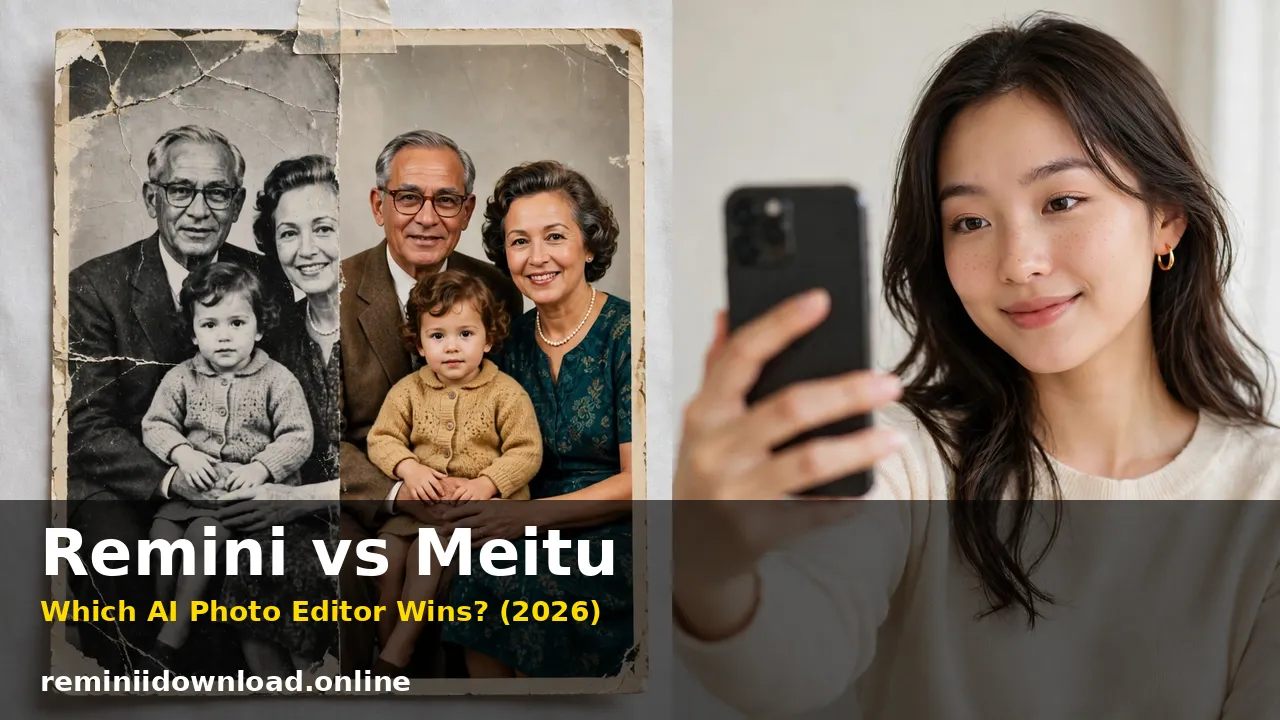
Remini vs Meitu: Which AI Photo Editor Wins? (2026)

Remini vs Meitu is decided by what is wrong with your photo. If it is old, blurry, faded or low-resolution, Remini wins — its AI rebuilds realistic detail other editors cannot recover. If the photo is fine but you want smoother skin, makeup, reshaping or an anime style, Meitu wins, and it is not close.
Last updated: October 29, 2026
I ran both apps through four concrete jobs instead of comparing feature lists: a damaged family print, an everyday selfie, an anime-style portrait, and a group photo where nobody stood still. I also tested short video, checked the yearly cost, and read the privacy record properly.
Table of Contents
The Scorecard
| Test | Remini | Meitu | Winner |
|---|---|---|---|
| Damaged old family photo | Rebuilds faces, fades, scratches | Cleans and brightens only | Remini |
| Everyday selfie retouch | Sharpens, but no beauty controls | Skin, makeup, eyes, teeth, reshaping | Meitu |
| Anime / AI-art portrait | Realistic AI portraits only | Anime, clay, painting and cartoon styles | Meitu, for fun styles |
| Group photo | Uneven — some faces over-processed | Beautifies detected faces only | Neither, cleanly |
| Video | Enhances old, soft clips | Edits new clips with live beauty retouch | Split — different jobs |
| Ease of use | One tap, nothing to learn | Powerful, but a crowded home screen | Remini |
| Cost over 12 months | Expensive on weekly billing | Cheaper yearly VIP | Meitu |
| Privacy transparency | Cloud upload, stated retention | Cloud upload, long data-collection history | Neither is private by design |
That split never moved: every job about repairing a picture went to Remini, every job about changing how a person looks went to Meitu.
Test One: The Damaged Old Family Photo
I started with the hardest job: a scanned family portrait, faded toward yellow, a scratch across one corner, and faces softened by decades. This is the photo most people download Remini for, and it showed.
Remini treated the scan as reconstruction. Its tools rebuilt eyes, hair and skin texture, pulled the colour back toward something believable, and softened the scratch and grain in seconds. One face came back a little too smooth, and I would not swear the rebuilt detail is exactly what the camera saw — but it looked like a photograph of real people again. Our guide to restoring old photos with Remini covers the scan settings that make this work best.
Meitu treated the same scan as a polish job. Its enhancer brightened the image, lifted contrast and sharpened edges, and the print looked cleaner. Zoom in, though, and nothing lost had come back: the soft faces were still soft, just with better contrast. Meitu works on the pixels that survived; Remini generates plausible replacements for the ones that did not.
That difference carries a warning I give in every restoration test: Remini reconstructs, it does not recover. On an irreplaceable photo, always work on a copy, keep the original scan untouched, and look closely at faces before you share the result with family.
Verdict: Remini, by a distance. If the photo is damaged, this comparison effectively ends here.

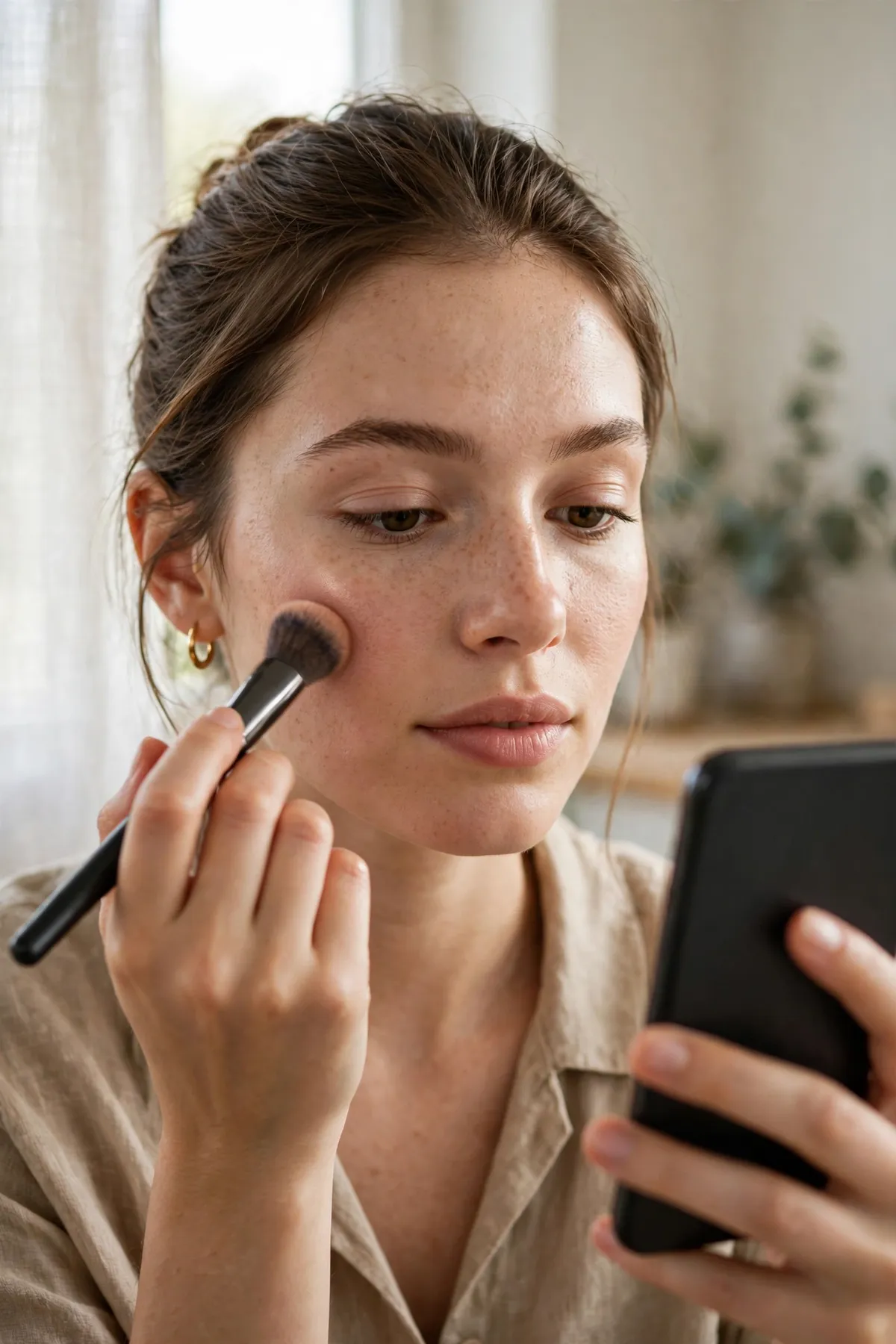
Test Two: The Everyday Selfie That Needed Retouching, Not Repair
The second job was deliberately ordinary: a front-camera selfie in mixed indoor light. Nothing was badly wrong with it — tired skin, a small blemish, dull eyes, teeth that could be brighter. This is Meitu’s home ground, and it won the round before Remini had really started.
Meitu let me decide everything. I smoothed skin lightly, removed the blemish, brightened the eyes without enlarging them into cartoon territory, whitened teeth one notch, and added a soft lip colour. Every change sat on a slider, so the final photo still looked like the person who took it — just on a better day. Push harder and Meitu will slim a jaw, enlarge eyes and adjust body proportions, which is powerful and easy to overdo.
Remini’s answer was to enhance the same selfie and stop. The result was sharper and cleaner in a technical sense — and the blemish, tired skin and dull eyes were sharper too. Remini has no makeup, skin sliders or reshaping, because it is not a beauty app. Where Meitu can make a good photo look edited, Remini can make a flawed photo look very clearly flawed, in higher resolution.
Verdict: Meitu, uncontested. If your selfies need beautifying rather than repairing, Remini is simply the wrong tool.
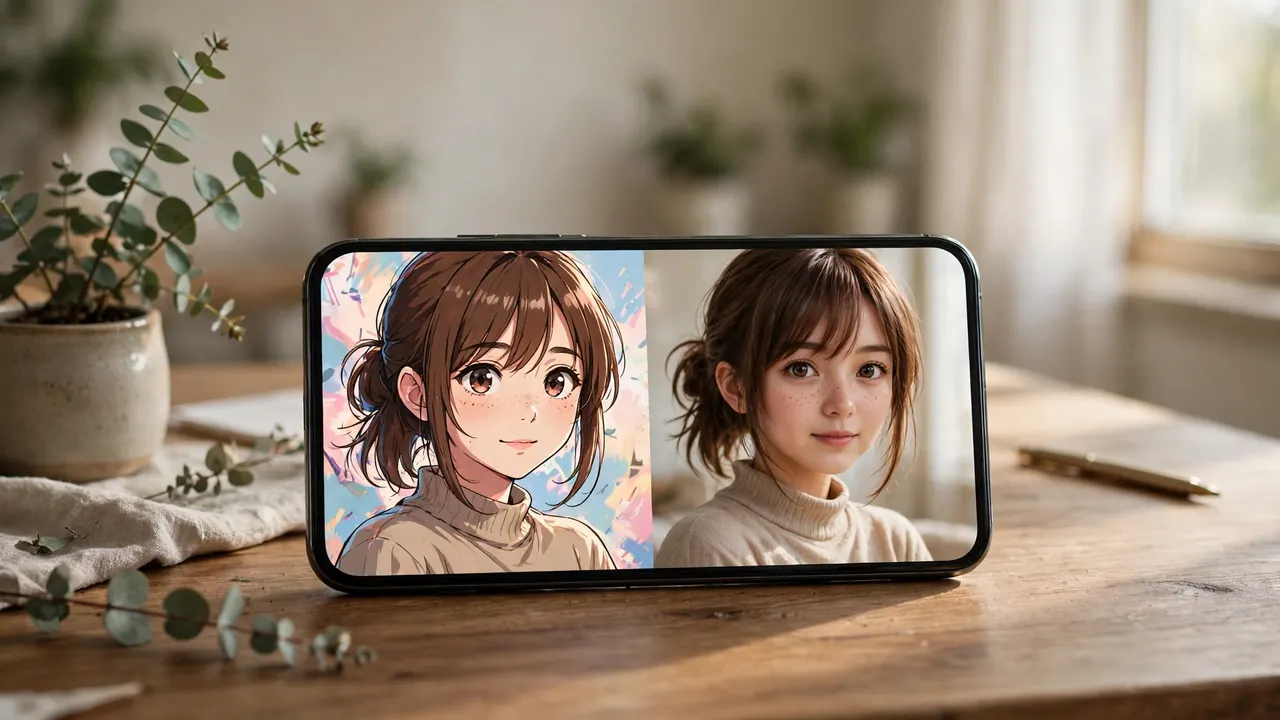
Test Three: The Anime and AI-Art Portrait
Both apps now generate stylised portraits, so I fed the same selfie into both and compared what came out.
Meitu was faster and far more playful. In seconds it produced anime, clay-figure, painting and cartoon versions, most shareable straight away, and its built-in beautification meant the stylised faces arrived already flattering. For a profile picture or something fun for social media, Meitu gives you more styles, more quickly, with more of them free to try.
Remini’s AI Photos work in the opposite direction. You upload a set of selfies, wait longer, and get realistic portraits — headshots, wedding and yearbook styles — meant to look like photographs, not illustrations. Our Remini AI avatars guide shows the range. Its realistic portraits were the more convincing images, but it had nothing for anime or clay. Honest weaknesses: Meitu’s styles can soften hands and fine detail, and Remini’s portraits occasionally drift from the person’s real likeness.
Verdict: Split by intent. Anime, clay and playful AI art — Meitu. Realistic AI portraits and headshots — Remini.
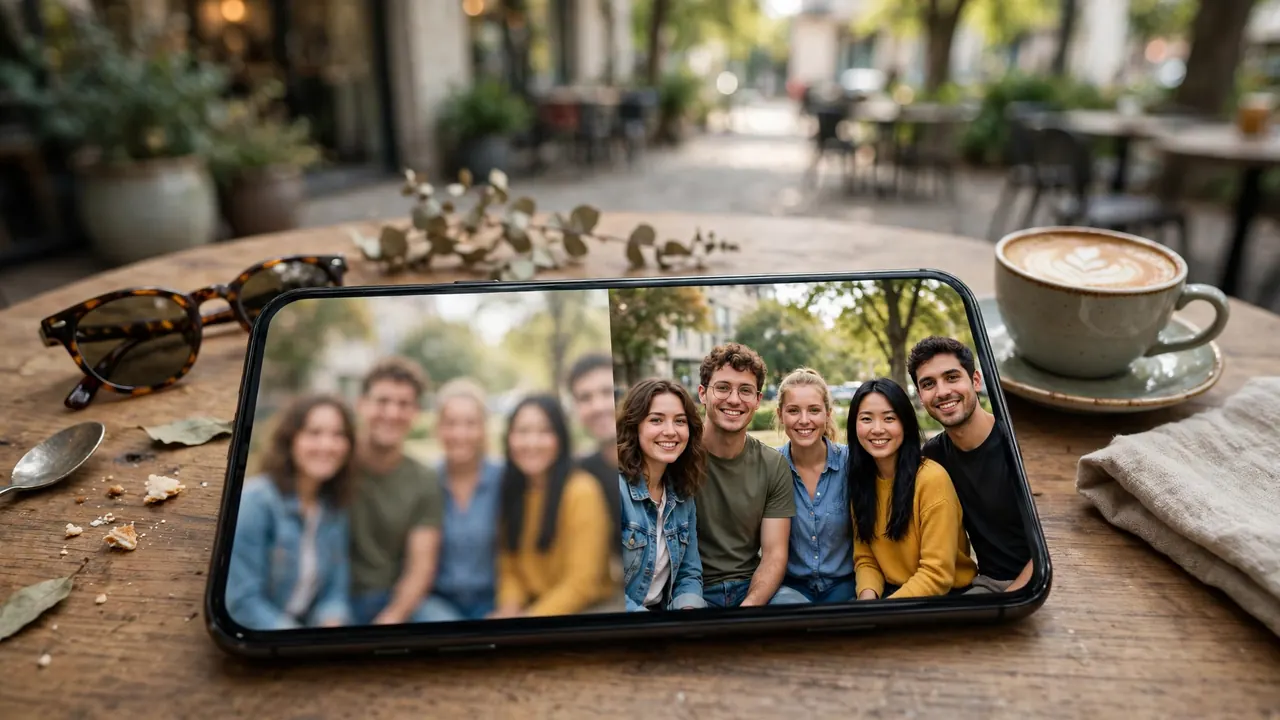
Test Four: The Group Photo Nobody Stood Still For
Group photos are where marketing claims go to die, so I tested a slightly blurred outdoor group shot — faces at different distances, mixed light, one person mid-blink.
Remini sharpened the group unevenly. The clearest faces improved a lot; the softest face came back over-processed, with skin texture that looked generated, and the person at the edge barely improved at all. Remini is brilliant on a single, centred face and less reliable across five faces at three depths.
Meitu found the obvious faces and beautified them — smoother skin, brighter eyes — but did nothing for the blur, and faces it did not detect were left alone, which made the edited faces stand out. Neither result was one I would print. The best version came from Remini first, gently, with Meitu afterwards only on the main subject.
Verdict: No clean winner. For groups, use Remini cautiously, check every face at full size, and expect to keep the original.
Video: Enhancement Versus Beauty Editing
Both apps mention video, and again they mean different things. Remini enhances video: the same face-rebuilding AI applied to old, soft or compressed clips, genuinely useful on family footage from older phones. Meitu edits video: trimming, filters, transitions and — its signature trick — beauty retouching on moving faces in new clips for Reels and TikTok. Old and ugly clip: Remini. New clip that needs polish while you edit: Meitu.
Privacy: The Section Most Comparisons Soften
Both apps process your photos on remote servers, so neither is a private, on-device editor. Beyond that shared fact, their records differ, and Meitu’s deserves a straight telling.
In January 2017, when Meitu went viral outside China, security researchers reported that its Android app requested around 23 permissions and collected device and usage data — including IMEI and MAC address, carrier and location information — and transmitted data to servers in China. Meitu responded that the collection was for analytics and performance, explaining that Google and Apple tracking services were blocked in China, so it used its own and third-party tracking systems instead, and it denied selling user data. The app has been updated many times since, and its current store listing still notes that data may be used for tracking across apps and websites. That record is a legitimate reason to review its permissions before installing, and to keep sensitive images out of it.
Remini’s trade-off is simpler but real. Your photo leaves your phone and is processed in the cloud, and uploads are retained for a period that varies by platform before deletion. Face data handling and training opt-ins are covered in our Remini safety guide — read it before uploading photos of children or anyone who has not agreed to it.
You will also find unofficial modified builds of both apps advertised online. They are not distributed or endorsed by the developers, and their contents cannot be verified, so neither app’s privacy policy tells you anything about what a modified build does with your photos. The official apps from Remini and Meitu are the versions this comparison actually tested.
Pricing and Pros and Cons
Meitu is the cheaper subscription. Its free tier covers real everyday editing, and VIP — around $8.59 a month or $37.99 a year, varying by region and platform — removes ads and watermarks and unlocks advanced retouching and over 1,000 extra materials. Remini costs around $9.99 a week on weekly billing or roughly $69.99 a year; at the weekly rate, about five weeks costs more than a full year of Meitu VIP. Remini makes financial sense bought in short bursts — subscribe, restore the family archive, cancel — and our Remini subscription plans breakdown tracks its current tiers.
Remini — pros: best-in-test restoration and unblurring; realistic AI portraits; one-tap and genuinely effortless; also enhances old video. Cons: no beauty, makeup or reshaping tools; can invent or over-smooth facial detail; expensive on weekly billing; free tier is tightly limited.
Meitu — pros: complete beauty toolkit with slider control; huge filter and material library; fast, fun AI-art styles; video beauty editing; cheaper yearly plan and a generous free tier. Cons: cannot truly restore damaged photos; crowded interface for beginners; reshaping tools are easy to overdo; a documented history of broad data collection that privacy-conscious users should weigh.
The Decision Guide
- Old, faded, scratched or scanned family photos: Remini. Meitu polishes; only Remini rebuilds.
- Blurry or low-resolution portraits: Remini — then check the face closely, because rebuilt detail is generated, not recovered.
- Everyday selfies and beauty retouch: Meitu. Skin, makeup, eyes, teeth and reshaping are its entire reason to exist.
- Anime, clay and playful AI art: Meitu, for speed, variety and free styles.
- Realistic AI headshots and portraits: Remini’s AI Photos.
- Group photos: Neither app alone. Remini gently first, Meitu lightly second, original kept.
- Short social video: Meitu for editing new clips with beauty retouch; Remini for rescuing old footage.
- Privacy as the top priority: Neither — both upload to the cloud. If you must choose, review Meitu’s permissions carefully and keep sensitive photos out of both apps.
- The tightest budget: Meitu VIP yearly for creators; short Remini bursts for one-off restoration projects.
Plenty of people will end up with both, in that order: restore in Remini, beautify in Meitu — reserved for photos that matter.
Frequently Asked Questions
Is Remini or Meitu better overall?
Neither is better at everything. Remini is better at repairing photos — restoration, unblurring and realistic enhancement. Meitu is better at beautifying and restyling photos — skin, makeup, reshaping, filters and AI art. Your main job decides the winner.
Can Meitu restore old or damaged photos like Remini?
No. Meitu’s enhancer can brighten, sharpen and clean up an old photo, but it cannot rebuild lost facial detail or repair serious damage. On faded, scratched or heavily blurred prints, Remini produced clearly stronger results in testing.
Does Remini have beauty tools like Meitu?
No. Remini has no virtual makeup, skin-smoothing sliders, body reshaping or teeth whitening. It enhances the photo you give it. Any beautification has to happen in a second app — which is exactly the gap Meitu fills.
Is Meitu safe and private to use?
Meitu is a legitimate, widely used app, but its privacy record needs honesty. In 2017 researchers reported the Android app requesting around 23 permissions and collecting device identifiers, carrier and location data for analytics; Meitu denied selling data and said the tracking replaced services blocked in China. Both Meitu and Remini also upload your photos to cloud servers for processing. Review permissions, avoid sensitive images, and delete uploads you no longer need.
Which app is better for anime and AI art?
Meitu, for playful styles. Its anime, clay, painting and cartoon effects are faster and more varied, with many free to try. Remini’s AI Photos aim the other way — realistic headshots and portraits that look like photographs.
Can I use photos edited in Remini or Meitu commercially?
Generally, yes for your own photos, subject to each app’s current terms — paid tiers are the safer basis for client or business work, because free tiers may add watermarks and carry stricter licence terms. Check the terms inside the app before using edited images in advertising or products for sale, and do not assume a modified, unofficial build grants any licence at all.
Which is cheaper over a year?
Meitu VIP, at roughly $37.99 a year against roughly $69.99 a year for Remini — and Remini’s weekly plan passes Meitu’s yearly price in about five weeks. Remini is best value in short bursts for a specific restoration project.
Can I use Remini and Meitu together?
Yes, and for important photos that is the strongest workflow here. Restore or enhance in Remini first, then beautify in Meitu. Enhancing first gives Meitu clean detail to work with; beautifying first and enhancing afterwards tends to exaggerate smoothing into a plastic look.
Conclusion
Remini vs Meitu stops being a contest the moment you name the job. When the photo itself is broken — old, faded, scratched, blurred — Remini is the better app by a margin Meitu does not seriously challenge, because rebuilding detail is what it was built to do. When the photo is sound and the face in it is the project — skin, makeup, reshaping, filters, an anime style for tonight’s post — Meitu wins just as clearly. Test both free tiers on your worst photo and your favourite selfie, read the permissions before you commit, and pay only for the app that fixes the problem you actually have.
Related Remini Guides
- Remini vs Polish
- Remini vs FaceApp
- Remini vs Lensa
- Remini vs PicsArt
- Remini vs Canva
- Best Remini Alternatives
- Remini AI Avatars
- Remini AI Filters List
- Is Remini Safe?
- Remini Subscription Plans
Written by Rahul Sharma
