

Remini AI Headshots: Professional LinkedIn Photos from Selfies (2026)

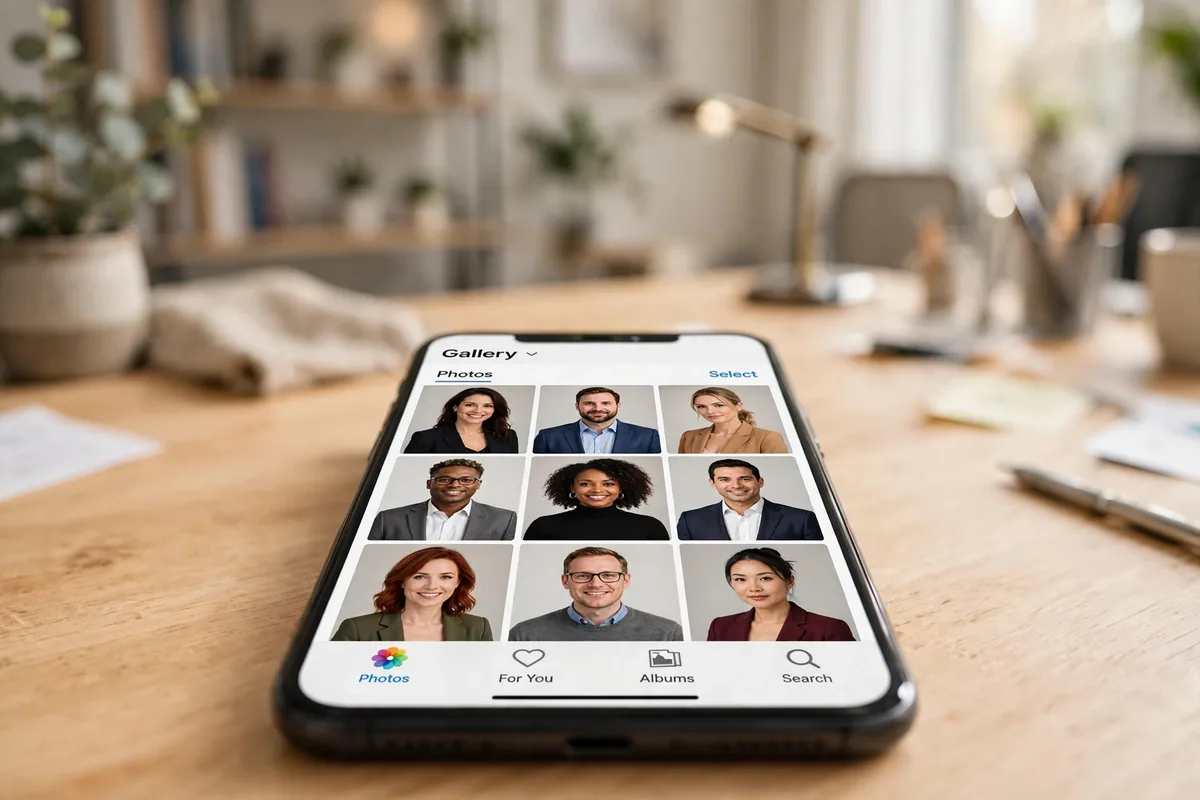
Remini AI headshots are AI-generated professional portraits created from 8–12 of your own selfies. Open Remini, tap AI Photos → Generate my photos, upload clear varied photos, pick a gender and a professional “model” style, and the app renders several studio-quality headshots in a few minutes — no photographer, no studio, no $300 sitting fee.
That one-paragraph version gets you 80% of the way there. The remaining 20% — the difference between a headshot that looks like you on your best day and one that looks like a polished stranger — is entirely in the details: which photos you upload, which style template you pick, and how honestly you judge the results. This guide covers all of it, including what Remini’s competitors charge and where AI headshots still fall short.
Table of Contents
What Are Remini AI Headshots?
Remini started life as a photo enhancer — the app famous for unblurring old, pixelated photos. Then it added a generative-AI wing called AI Photos, and the headshot generator became its breakout hit, going viral on TikTok and LinkedIn circles a while back. The concept: instead of booking a photographer and sitting under studio lights, you feed the app a handful of your selfies and a neural network renders you as though you had.
Under the hood, the feature uses a generative diffusion model. It studies the facial geometry in your 8–12 uploads — face shape, eye spacing, skin tone, the details that make you recognizable — and maps that identity onto “model” templates: pre-styled portraits with professional lighting, backgrounds, and attire. You pick the template (corporate, LinkedIn business, creative, casual), and the model produces a batch of finished headshots in various poses and framings.
It’s important to understand what this is not: it isn’t a filter applied to one photo, and it isn’t the same as Remini’s AI avatars, which go the artistic/stylized route. Headshots aim for realism — you, but photographed by a professional. Everything in this guide assumes that realism goal.
Why Your LinkedIn Headshot Actually Matters
If you’re job hunting or building a personal brand, this isn’t vanity — it’s arithmetic. LinkedIn’s own data has long shown that profiles with a professional photo get dramatically more engagement than those without: more profile views, more connection requests, more messages from recruiters. A headshot is often the first thing a hiring manager sees before reading a single word of your experience.
A professional studio session typically costs anywhere from $100 to $500+ depending on your city, and that’s before hair, makeup, or retouching. AI headshots compress that into minutes and a few dollars. That’s the whole appeal of Remini AI headshots: executive-level presentation at a fraction of the cost and time. But the savings only matter if the final image still looks like you — which is why the source-photo step below is the most important section of this guide.
How to Create Remini AI Headshots: Step by Step
- Open Remini and tap “AI Photos” on the bottom bar. This is the generative section of the app — separate from the Enhance tools.
- Tap “Generate my photos.” This starts the headshot flow (the same flow also powers features like Baby AI and AI avatars — pick the headshot-style templates here).
- Upload 8–12 photos of yourself. This is the step that decides roughly 80% of your result quality. Don’t rush it — detailed photo tips below.
- Select your gender. This guides the model’s styling choices for hair, clothing, and posing.
- Pick a “model” image. This is the style template: the pose, outfit, lighting, and composition your face gets rendered into. For LinkedIn-style results, choose the corporate/professional options rather than the trendy or travel ones.
- Wait a few minutes. Generation isn’t instant — the AI needs several minutes per batch. The app usually offers to notify you when results are ready.
- Review your batch. You’ll get several options per generation. Save the ones you like, delete the rest, and re-run with different photos or a different model image if the first batch misses.
Choosing the Right 8–12 Source Photos (This Decides Everything)
Most guides rush past this step. Don’t. The model can only learn what you show it:
- Variety beats quantity. Different backgrounds, different angles, different expressions, different days. Twelve near-identical bathroom selfies teach the AI almost nothing about your real face shape.
- Face clearly visible and well lit. Sunglasses, heavy shadows, and motion blur are the three fastest ways to get back a headshot of a stranger. Natural daylight near a window is ideal.
- Mix close-ups with wider shots. Close-ups help the model map facial features; a few wider shots teach it your face shape and proportions. See our guide to the best Remini settings for more on getting maximum detail out of every upload.
- No group photos, no heavy filters. One face per image, minimal filters — the AI needs your actual face, not a beautified version of it.
- Recent photos only. Changed your hairstyle or grew a beard since? The model will happily generate the old you. Upload photos that look like you today.

Picking the Best Model Template for a Professional Look
The model image is where many people go wrong. Remini offers professional, corporate, trendy, travel, and casual aesthetics — and the temptation is to pick the most glamorous one. For a LinkedIn headshot, resist it:
- Choose corporate or LinkedIn-business templates: neutral or blurred office backgrounds, business attire, straightforward eye contact.
- Look for templates with close, natural framing — head-and-shoulders shots read as more professional (and more believable) than dramatic wide poses.
- Match the attire to your industry. A blazer works for finance and consulting; a smart-casual shirt is fine for tech and creative roles. An AI-generated tuxedo on a software engineer looks exactly as odd as it sounds.
- Avoid templates with heavy jewelry, bold patterns, or extreme lighting — these draw attention to the generation rather than to you.
How Much Do Remini AI Headshots Cost?
Honest answer: it depends on when you’re reading this. Remini is free to download, but the AI generation features — headshots included — have historically sat behind a subscription, with a free trial as the usual on-ramp. Reported pricing has shifted over time, so check the current plans inside the app before committing.
The practical play most people use: start the trial, generate your headshots, save the winners, then decide whether the subscription earns its keep. For a full breakdown of current pricing tiers and what’s included in each, see our guide to Remini subscription plans. And if you start a trial just for the headshots, make a calendar note — our walkthrough on how to cancel your Remini subscription covers getting out cleanly before any charge hits.
Cost comparison, roughly: a studio photographer session runs $100–500+; dedicated AI headshot services like HeadshotPro charge around $29 one-time and Aragon AI runs similar pack pricing; Remini’s subscription route lands in the single digits to low tens of dollars depending on the plan and whether you time it with a trial. On pure price, Remini is the cheapest credible option — the trade-off is that dedicated headshot services give you more control over the final look.
Do Remini AI Headshots Actually Look Real?
Sometimes shockingly so. The good outputs genuinely pass as studio portraits — users report the AI preserving small distinctive features, like the particular shape of a smile or a specific mole. That’s the generative model doing its job well.
But — and this matters — not every output lands. Common complaints since the feature launched:
- Likeness misses. Some results barely resemble the uploader. If your source photos lacked variety, this is usually why.
- “Creative” anatomy. Body proportions and hands can come out wrong in wider framings — another reason to prefer close head-and-shoulders templates.
- Style mismatch. The model’s idea of “professional” might include an outfit or backdrop you’d never choose. The template you pick matters enormously.
- Inconsistency across batches. Two generations from the same photos can look like slightly different people.
My honest verdict after reading through waves of user reports and testing the workflow: treat the first batch as a draft. Upload better photos, try two or three different model images, and judge the best three outputs, not the average. One genuinely good headshot out of a batch is a win — that’s all LinkedIn needs.
Remini AI Headshots vs the Alternatives
Remini isn’t the only player. Here’s how the main options compare for someone who wants a professional LinkedIn photo:
| Option | Typical cost | Turnaround | Best for |
|---|---|---|---|
| Remini AI headshots | Subscription / trial (few $) | ~15 minutes | Cheapest fast option; good if you already use Remini |
| HeadshotPro | ~$29 one-time | ~2 hours | Dedicated headshot quality, more style control |
| Aragon AI | Pack pricing (~$30+) | ~30–60 min | Polished corporate results |
| Professional photographer | $100–500+ | Days | Maximum realism, direction, and retouching |
| Remini Enhance on your own photo | Free (with limits) | Seconds | Sharpening an already-good real photo — most authentic option |
If absolute realism matters — say, you’re a public-facing executive — a real photographer still wins. For everyone else, the AI options are close enough that the deciding factors are price and how much control you want. Remini wins on price and convenience; dedicated services win on consistency.
One more comparison worth making: Remini AI headshots vs Remini AI avatars. Easy to confuse, completely different features. Headshots aim for realism: you, but photographed by a professional — for LinkedIn, CVs, and company directories. AI avatars go the other direction: artistic, stylized renders meant for social profiles and fun. Don’t generate avatars when you need a headshot; you’ll get a beautiful illustration that no recruiter will take seriously.
Common Mistakes That Ruin Remini AI Headshots
- Uploading 12 nearly identical selfies. Variety is the training data. Different days, different lighting, different angles.
- Picking a glamorous template for a job application. The “fashion editorial” template is fun; it is not a LinkedIn photo.
- Accepting the first batch. Generate at least two batches with different model images before judging.
- Ignoring the background. A generated boardroom that looks like a video-game cutscene undermines the whole point. Prefer simple, blurred backgrounds.
- Over-editing the winner. A light touch-up is fine (see our Remini AI filters guide for what’s available), but heavy smoothing pushes the result back into uncanny territory.
- Using a headshot that doesn’t look like you. If colleagues wouldn’t recognize you in a video call, it’s not a headshot — it’s a fantasy. Pick the output closest to your real appearance.
Privacy and Safety: Is It Safe to Upload Your Face?
You’re handing your face to an AI service, so the usual rules apply: use the legitimate app from the official app stores, read the privacy policy before uploading, and don’t upload anything you wouldn’t want processed on someone else’s servers. Remini processes uploads on its servers and its policy allows limited retention to improve its models.
A few practical precautions: delete generations you don’t keep, avoid uploading other people’s photos without consent, and check what the current privacy policy says about AI-training use of your uploads — policies change. We’ve covered the full picture in our Is Remini Safe security and privacy review. For the official word, Remini’s own help center documents how AI Photos generation works: remini.zendesk.com.
Tips for Getting Studio-Quality Results
- Generate in the morning light mindset: even though the AI does the “photography,” well-lit source photos produce noticeably better skin tones and sharper features.
- Judge thumbnails at LinkedIn size. Your headshot will mostly be seen as a tiny circle. Shrink the candidates down — the winner at full size isn’t always the winner at 100 pixels.
- Crop thoughtfully. LinkedIn displays a circular crop; make sure your face stays centered and nothing important gets clipped.
- Update it yearly. An AI headshot from three hairstyles ago has the same problem as any outdated photo.
- Consider the honest hybrid: enhance your best real photo with Remini’s standard tools instead of generating from scratch. It’s the most authentic option and costs nothing extra.
Frequently Asked Questions
What are Remini AI headshots?
AI-generated professional portraits created from 8–12 photos of you. Pick a professional style template, wait a few minutes, and the app renders several studio-style headshot options you can save and use on LinkedIn, your CV, or company profiles.
How do I make AI headshots in Remini?
Open Remini → AI Photos → Generate my photos → upload 8–12 clear, varied selfies → select your gender → choose a professional model image for the style → wait a few minutes → save your favorites and delete the rest.
Are Remini AI headshots free?
The app itself is free to download, but headshot generation has typically required an active subscription or a free trial. Pricing changes periodically, so check the current plans inside the app — and see our subscription plans guide for the latest breakdown.
Do Remini AI headshots look real enough for LinkedIn?
The best outputs do — convincingly. But results vary from batch to batch: some miss your likeness or add odd artifacts. Generate two or three batches with different model images and keep only the winners that genuinely look like you.
What’s the difference between Remini AI headshots and AI avatars?
Headshots are realistic professional photos for LinkedIn, CVs, and job applications. AI avatars are artistic, stylized renders for social profiles and fun. They’re different tools inside the same app — don’t use avatars where a headshot is expected.
Can I use my Remini AI headshot on my resume or CV?
Yes for most purposes — a good AI headshot works fine on resumes, LinkedIn, portfolios, and company directories. Just make sure it genuinely resembles you; some employers and industries frown on heavily altered photos, so keep it realistic.
Is it safe to upload my photos to Remini for headshots?
Reasonably, with precautions: use the official app, review the privacy policy, delete generations you don’t keep, and don’t upload others’ photos without consent. Full details in our Is Remini Safe review.
How many selfies do I need to upload for the best results?
Remini asks for 8–12. Aim for the full 12 with maximum variety — different days, angles, lighting, and expressions. More varied input consistently produces more accurate, better-looking headshots.
Conclusion
Remini AI headshots are one of those rare viral features that mostly earns the hype: feed the app a dozen good, varied selfies, pick a genuinely professional template, and fifteen minutes later your LinkedIn profile can look like you hired a studio. The keys are all in this guide — varied well-lit source photos, a corporate model image, realistic expectations about batch quality, and a clear-eyed look at the pricing before you pay. Do that, and skip the $300 photographer.
By Rahul Sharma, Content Writer — this guide is based on Remini’s official AI Photos help-center documentation, tested app workflows, and user reports on headshot quality from 2026. App interfaces and pricing change frequently; the steps above were verified in October 2026.
