
Is Remini Safe? Security & Privacy Review (2026)

Is Remini safe? The official Remini app is generally safe — it encrypts uploads, processes photos on secure servers, and lets you delete your data. Modified “Mod APK” versions, however, carry real risks including malware, data theft, and account bans. This honest 2026 security and privacy review separates the official app from the mods, explains exactly how your photos are handled, and gives you 7 practical rules to stay protected.
Every AI photo app asks for something precious: your pictures. Before you hand over family photos, it is worth knowing where they go, who can see them, and what the difference is between the app on the Play Store and the “premium unlocked” file from a random website. Our Remini Mod APK ultimate guide covers the download side; here is the full safety picture.
Table of Contents
Is Remini Safe? The Short Answer
Two different products, two different answers:
- Official Remini app (Play Store / App Store): Yes, generally safe. Developed by Bending Spoons, scanned by Google Play Protect, with published privacy policies, encrypted uploads, and account-level data deletion.
- Remini Mod APK (third-party sites): Risky. No store review, no verified publisher, and repackaged code can hide malware or data theft. Safety depends entirely on the source — and most sources cannot be verified.
If you only remember one line from this guide: the app is safe, the mods are a gamble.
How the Official Remini App Handles Your Data
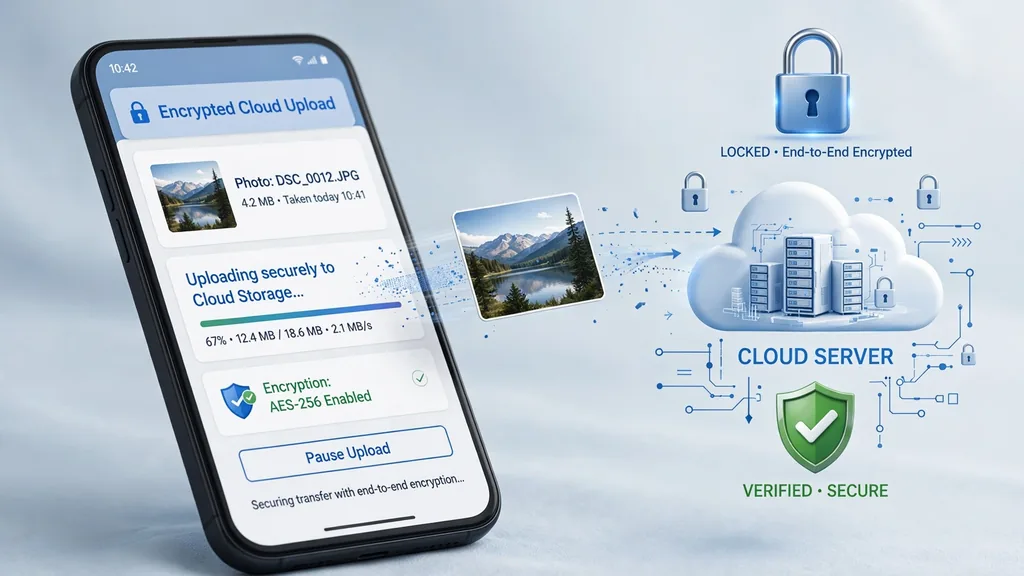
Understanding the data flow removes most of the fear:
- Encrypted uploads: photos travel to Remini’s servers over encrypted connections, the same standard your email uses.
- Cloud processing: the AI enhancement happens on company servers, not on your phone — which is why the app needs internet and why results are consistent across devices.
- Timed deletion: the company states uploaded images are deleted from servers after a set period. You can also request deletion through your account.
- App permissions: it asks for camera, gallery, and network access — all genuinely needed for its job. It does not need your contacts, SMS, or call logs; deny anything beyond the essentials.
- Privacy policy: published and updated; skim the data-retention section before uploading anything sensitive.
Bottom line: the official app’s data handling is standard for a modern cloud AI app. Avoid uploading highly sensitive documents or private images you would never want on a server — the same rule applies to every online service.
Remini Mod APK Safety: The Real Risks
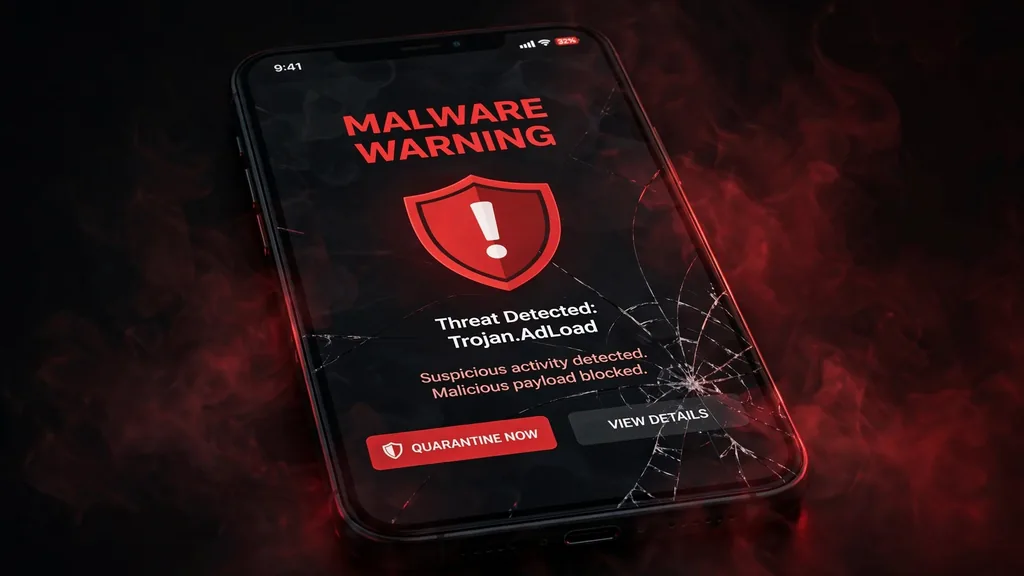
Modified builds are a different story. Because they bypass the Play Store, none of Google’s malware screening applies. The concrete risks:
- Hidden malware: repackaged APKs can carry spyware, adware, or trojans. Once installed with storage permissions, a malicious build can read far more than your photos.
- Photo and data theft: your uploads already go to servers — with a mod, you do not know whose servers. Facial data and personal images are valuable to attackers.
- Account bans: logging into a modded app with your Google account can trigger restrictions; Remini’s servers can detect unofficial clients.
- No security updates: mods do not auto-update, so known vulnerabilities stay open indefinitely.
- Fake “premium” builds: many sites promise unlimited features but deliver broken or infected files — see what mods can and cannot actually do in our premium unlocked features guide.
How to Tell a Safe Download from a Dangerous One
Run every download through this checklist before installing:
- Source reputation: does the site have a real track record, contact info, and history? Anonymous one-page download blogs are a red flag.
- Scan the file: upload the APK to VirusTotal before installing — it checks against 70+ antivirus engines in seconds.
- Check the version: compare the version number against the official release; spoofed or ancient versions are suspicious. Our homepage tracks the current build.
- Minimal permissions: a photo enhancer needs storage and network. If the installer requests SMS, contacts, or device-admin rights, delete it immediately.
- Separate account: never sign into a modded app with your primary Google account — use a throwaway account.
- Keep a backup: back up your photos before installing anything unofficial.
7 Rules to Stay Safe with Any Remini Version
- Prefer the official app from the Play Store or App Store whenever possible.
- Scan every third-party APK with VirusTotal before installing.
- Grant only the permissions the app genuinely needs.
- Do not upload sensitive documents, IDs, or deeply private images to any cloud AI tool.
- Use a secondary Google account with modded builds.
- Keep the app updated — or replace outdated mods with current builds.
- Read the privacy policy’s data-retention section once a year; policies change.
Safe Alternatives If You Are Worried
If the risk trade-off does not appeal to you, several official free apps cover the same ground with zero sideloading: Snapseed and Google Photos for general enhancement, and dedicated AI enhancers with free tiers. Our Remini alternatives roundup compares 10 of them side by side. New to the app itself? Start with our step-by-step Remini tutorial.
Verify the official listing any time: Remini – AI Photo Enhancer on Google Play (developer: Bending Spoons).
Frequently Asked Questions
Is Remini safe to use?
The official Remini app is generally safe — it uses encrypted uploads, processes photos on secure servers, and lets you delete your data. Avoid uploading highly sensitive images, as with any cloud service.
Is Remini Mod APK safe to download?
Not reliably. Modded APKs bypass Play Store screening and can contain malware or steal data. Safety depends entirely on the source, which usually cannot be verified. Scan every file with VirusTotal and never use your primary Google account.
Does Remini steal your photos?
The official app uploads photos to its servers for AI processing and states they are deleted after a set period. It does not “steal” photos, but your images do leave your device — avoid uploading anything you would never want on a server.
Can Remini Mod APK give you a virus?
Yes, it can. Because modded APKs are not reviewed by Google Play, malicious builds can include spyware, adware, or trojans. Always scan downloads with multiple antivirus engines before installing.
Will my Remini account get banned for using a mod?
Possibly. Remini’s servers can detect unofficial clients, and using a modded app violates the terms of service. Account restrictions or bans are a real risk — use a secondary account if you test mods.
What permissions does Remini actually need?
Camera, photo gallery, and network access — everything required to upload and enhance images. Deny anything else (contacts, SMS, call logs, device admin); a photo enhancer has no legitimate need for those.
What is the safest free alternative to Remini?
Google Photos and Snapseed offer solid free enhancement with official store distribution and clear privacy policies. See our alternatives roundup for a full comparison of 10 options.
Disclaimer: We are not affiliated with Bending Spoons (Remini) or Google LLC. All trademarks belong to their respective owners. This article is for informational and educational purposes only.
About the author: Hi, I’m Rahul Sharma — a tech enthusiast and digital content creator from India. For over 4 years I’ve helped users find safe, reliable apps, and I founded ReminiDownload.online to make photo enhancement accessible to everyone without expensive subscriptions. Note: I am not affiliated with Bending Spoons or the developers of any app mentioned here; all rights belong to their respective owners. I share information for educational purposes only and never host harmful files — your safety is my top priority.
