
Remini Pro Cards: What They Are & How They Work (2026)

Remini Pro Cards are prepaid credits that pay for premium AI processing on Remini’s servers. For a few photos a month, cards are usually cheaper. For weekly or daily editing, a subscription usually wins. For very light use, stay free and save both.
That short answer is the whole point of this guide. Most explainers start with definitions and leave the money question until the end, but the money question is why most people search for this topic at all. Cards are not automatically good value, and a subscription is not automatically a waste. Everything depends on how many premium edits you actually run in a typical month, and how steady that habit is. Work that out first, and the right choice becomes obvious.
Last updated: October 29, 2026
Table of Contents
Should You Buy Cards, Subscribe, or Stay Free?
Start here, before you spend anything. Find the row that sounds most like you, and treat it as your default answer unless the math section below changes your mind.
| Your usage | Best choice | Why |
|---|---|---|
| A few photos a month | Buy cards | A small pack covers this easily, nothing recurs, and unused cards stay in your account for next month. |
| A weekend album project | Buy cards | One pack can carry a single big project, and when the project ends, so does the spending. |
| Weekly content | Subscribe | Steady weekly editing passes the break-even point quickly, so a flat subscription rate usually beats repeated packs. |
| Daily professional work | Subscribe | Daily volume makes per-edit card costs add up fast; a subscription gives predictable cost and a fresh quota each cycle. |
| One or two photos, occasionally | Stay free | The daily free allowance already covers this, so paying for cards or a plan buys you nothing you will use. |
Notice there is no row saying everyone should buy the biggest pack. A bundle is only a deal if you will genuinely use the credits.

The Math: What One Enhancement Really Costs
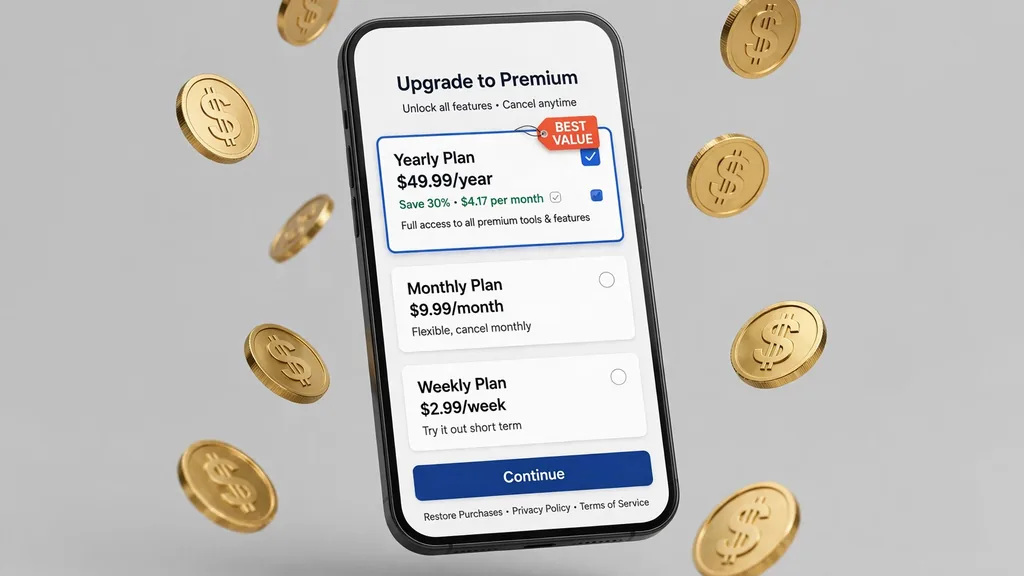
Pricing for card packs has hovered around $5 for a bundle that covers roughly a month of editing for a typical light user. Treat that $5 figure as a thinking tool, not a promise. Exact per-card prices vary by region and by platform — Google Play and the App Store do not always match — so you must check the current price inside your own app before relying on any number in any guide, including this one.
With that warning in place, here is how cost-per-enhancement thinking works. If a roughly $5 pack comfortably covers your month and you use it for, say, twenty premium edits, each edit has effectively cost you about twenty-five cents. That is cheap for a rescued family portrait or a sharpened product photo. If you only use half the pack, your real cost per edit doubles, because the unused portion was still paid for — although, importantly, purchased cards do not expire, so a half-used pack is delayed value rather than lost value. You can finish it next month.
Now run the same maths at higher volume. Batch processing and video work burn through credits far faster than single still photos. A creator who pushes through a pack every week is no longer paying light-user prices in any meaningful sense; they are paying pack prices four times a month, plus the friction of constant top-ups. That is the break-even zone. Once your monthly pack spending regularly meets or passes the price of a subscription, the subscription wins — not because it is fancier, but because its quota is built for volume and its cost stays flat while your usage grows.
The honest way to find your own break-even point is dull but reliable: for one month, note how many premium edits you run. Multiply that by your in-app cost per edit. If the total is clearly below the subscription price, cards are your answer. If it is at or above it, subscribe. If you barely edit at all, the free allowance is your answer and this whole comparison is moot.
What One Card Actually Buys
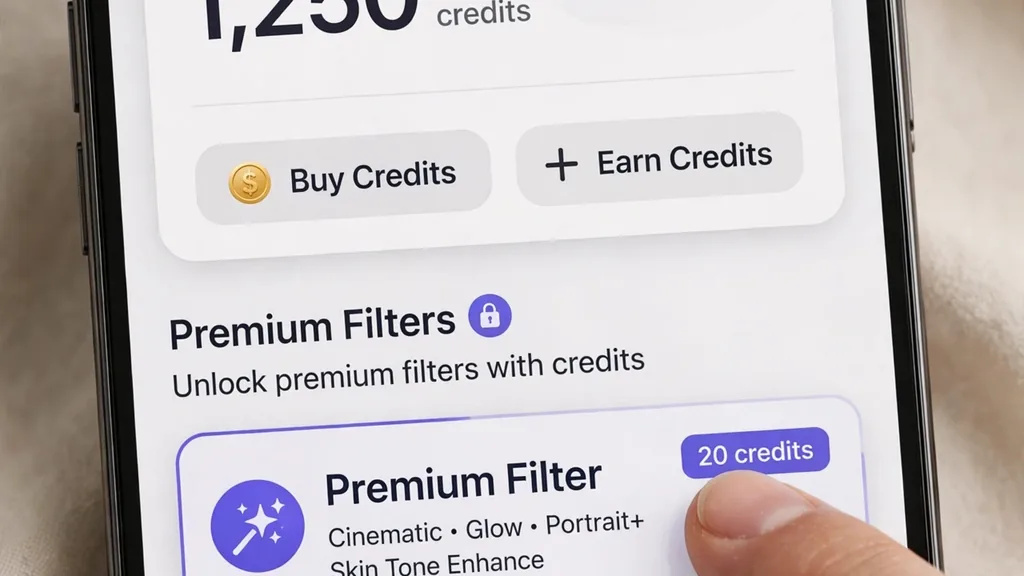
A card is spent when you use premium processing: premium filters and effects, enhancements beyond the free daily limit, and the advanced tools such as Enhance+, De-Scratch, oil painting effects, and selective-area editing for faces, eyes, and hair. Premium edits export without a watermark at full resolution, which is the practical difference most people notice first — if watermark removal is your main concern, our guide to how to remove the Remini watermark covers the legitimate options.
Not all features burn credits at the same speed. As a rough order, from fastest burn to slowest:
- Video enhancement sits at the top. Moving images mean far more data and far more server work per job, so video drains a balance faster than anything else.
- Batch processing is next. It feels like one action, but every photo in the batch is a separate enhancement, so a twenty-photo batch is twenty photos’ worth of processing.
- Advanced still tools such as Enhance+ and selective-area editing cost more in time and credits than a basic pass, because they do more work on the image.
- A single standard premium enhancement of one still photo is the cheapest typical spend — the baseline unit the light-user maths above assumes.
Why do credits exist at all? Because the AI computing happens on Remini’s servers, not on your phone. Cards meter that server time. Your balance lives in your account, not on your device, which matters later in this guide when we discuss sellers and modified apps.
You can stretch a pack further with three habits. First, test on your free allowance: run the free version of an edit to check framing and settings before spending a card on the premium version. Second, batch deliberately — decide the final set of photos before you process, instead of enhancing everything and discarding half. Third, avoid re-renders: repeated attempts at the same photo with slightly different settings are the most common way light users quietly double their cost per keeper.

Remini Pro Cards vs a Subscription
The full comparison, with the break-even logic included rather than tacked on:
| Factor | Pro Cards | Subscription |
|---|---|---|
| Best for | Light, irregular, or one-off project use | Steady weekly or daily use |
| Cost control | Excellent — you spend only when you choose to top up | Predictable flat cost, but it recurs whether you edit or not |
| Expiry | Cards from purchased packs do not expire | Quota resets each billing cycle and ends on cancellation |
| Ads | Depends on your account status; buying cards is not the same as buying an ad-free plan | Subscribers typically get the cleaner, ad-free experience |
| Quota reset | No reset — your balance is simply what you have bought and not yet spent | Fresh quota each billing cycle |
| Watermark | Premium edits made with cards export without a watermark at full resolution | Premium edits export without a watermark at full resolution |
| Best value | Below the break-even point: low monthly edit counts | Above the break-even point: high monthly edit counts |
Two rows deserve emphasis. The expiry row is where cards quietly beat subscriptions for irregular users: money spent on a pack stays available until you use it, while an unused subscription month is gone for good. The best-value row is the same lesson from the other side: subscriptions reward consistency, cards reward restraint. Our detailed breakdown of Remini subscription plans lists what each plan includes, and our guide to the Remini premium unlocked features shows exactly which tools sit behind the paywall, so you can judge whether those tools match the edits you actually make.
Legitimate Ways to Get Cards Without Paying
Before buying anything, collect what is already free. There are four legitimate routes, and none of them involves a third-party website.
Free users get a small number of enhancements per day with ads — that daily free allowance is the foundation, and for occasional users it may be all they ever need. Beyond that, Remini periodically offers free trials, which are the safest way to test premium features at volume before committing money; our Remini free trial guide explains how trials are usually offered and what to check before one renews. Promotional bonus-credit events also appear from time to time, often around holidays and app anniversaries, and referral bonuses are sometimes available when you invite friends who become active users. Availability of trials, promotions, and referrals changes, so check inside the app and on the official site, Remini, rather than trusting screenshots on social media.
The Scam Section: Cheap Sellers and “Unlimited Cards”
This part is not ambiguous. Third-party sellers offering cheap Pro Cards are scams without exception. There is no legitimate wholesale market for these credits, no reseller programme, and no discount channel outside the official app. Anyone selling cards through a messaging app, a marketplace listing, or a random website is either taking money for nothing or handing over access that will not survive contact with Remini’s servers.
The “unlimited cards” claim fails for a technical reason, not just a trust reason. Remember that your balance lives in your account and every enhancement is checked against server-side quota. A modified app can patch things that live on the device, such as the displayed paywall, but it cannot create server-side allowance that does not exist. When the real allowance ends, processing stops — that is the whole design. Modified builds are also not distributed or endorsed by the developer, Bending Spoons, and their contents cannot be verified, so installing one means trusting unknown code with your photos and your device. This guide does not recommend that trade to anyone.
Buy only inside the official app, or through the official store listings, such as the Google Play listing. If a price looks dramatically cheaper anywhere else, that is not a bargain; it is the warning.

Frequently Asked Questions
What are Remini Pro Cards?
They are prepaid in-app credits that pay for premium AI processing on Remini’s servers, including premium filters, advanced tools such as Enhance+ and De-Scratch, batch processing, and watermark-free exports at full resolution.
How much do Remini Pro Cards cost?
Pack pricing has hovered around $5 for a bundle covering roughly a month for a light user, but exact prices vary by region and platform, so always check the current price inside your own app before buying.
Can I get Remini Pro Cards for free?
Partly. You can use the daily free enhancement allowance, watch for periodic free trials and promotional bonus-credit events, and earn referral bonuses when that programme is available. There is no legitimate source of unlimited free cards.
Do Remini Pro Cards expire?
Cards from purchased packs do not expire; they stay in your account until you spend them. Subscription quota is different — it resets each billing cycle and ends if you cancel.
Can a mod really give unlimited Pro Cards?
No. A modified build can alter what the app displays on your device, but every enhancement is checked against server-side quota tied to your account, which no modified app can create. Processing stops when your real allowance ends.
Are Pro Cards or a subscription better value?
It depends on volume. Cards win for a few edits a month or a one-off project because they never expire and never recur. A subscription wins once your monthly edit count passes the break-even point where repeated packs cost as much as the plan.
Can I buy Pro Cards outside the app?
No — not legitimately. Third-party sellers offering cheap cards are scams without exception. Buy only inside the official app or through official store listings.
Do free users get Pro Cards?
Free users get a small daily enhancement allowance with ads rather than a card balance. Cards themselves come from purchased packs, trials, promotions, or referral bonuses when available.
Conclusion
The verdict by usage level is simple. A few photos a month: buy a small pack of cards and let it last, since purchased cards do not expire. A weekend album project: buy cards for the project, finish it, and owe nothing afterwards. Weekly content: subscribe, because you are past the break-even point and a flat rate will cost less than repeated packs. Daily professional work: subscribe, and treat the predictable cost as a business expense. And if you only enhance a photo now and then, stay on the free daily allowance and spend nothing at all. Whatever you choose, buy only inside the official app, check your local in-app price before deciding, and ignore anyone selling cheap or unlimited cards — the server-side quota makes those offers impossible as well as dishonest.
Related Remini Guides
- Remini Subscription Plans: Prices, Tiers and What You Get
- Remini Premium Unlocked Features: What a Paid Plan Opens Up
- Remini Free Trial: How to Get One and What to Check
- How to Cancel a Remini Subscription
- How to Delete Your Remini Account
- How to Use the Remini App: A Complete Beginner Guide
- Is Remini Safe? Privacy, Photos and App Permissions
- How to Remove the Remini Watermark Legitimately
- Remini Best Settings for Sharper, Cleaner Enhancements
- Remini Mod APK Ultimate Guide: Claims, Limits and Risks
Written by Rahul Sharma
