
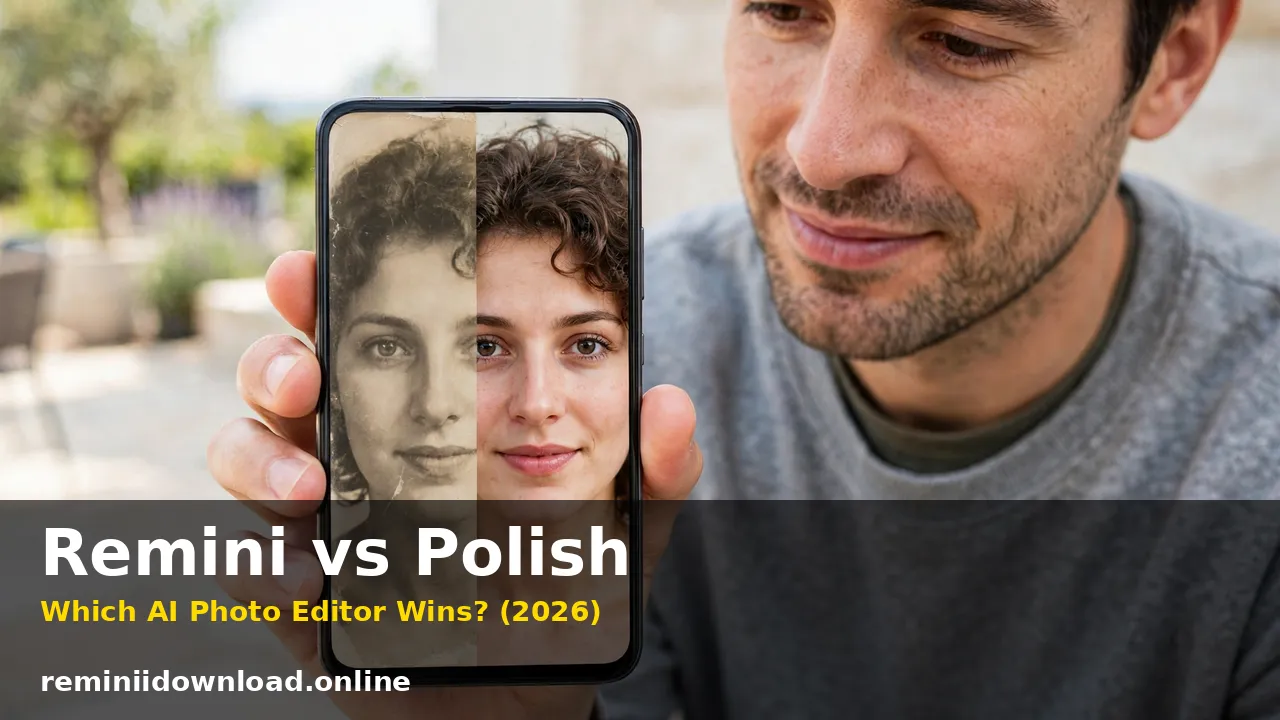
Remini vs Polish: Which AI Photo Editor Wins? (2026)

Remini vs Polish comes down to one simple question: do you want to rescue photos, or do you want to beautify and style them? Remini wins for one-tap AI photo enhancement and old photo restoration, while Polish (Photo Editor – Polish, by InShot Inc.) wins as an everyday beauty and creative editor with filters, retouching, and collages. If your main problem is a blurry, faded, or low-quality photo, Remini is the better tool. If you want to smooth skin, try trendy filters, and make social-ready selfies in seconds, Polish is the stronger choice. This guide compares both apps on enhancement quality, editing tools, pricing, ease of use, and real limitations, so you can pick the right one before you pay for either.
Table of Contents
Remini vs Polish at a Glance
| Remini | Polish | |
|---|---|---|
| Main strength | AI photo enhancement and restoration | Beauty retouching, filters, collages |
| Best for | Blurry photos, old photos, faces | Selfies, social posts, everyday photos |
| Manual editing controls | Very limited | Full: brightness, contrast, saturation, HSL |
| Filters and effects | AI Photos styles, filters list | 100+ filters, 500+ AI filters and effects |
| Collage maker | None | Yes, multi-photo grids and templates |
| Beauty retouching | Limited (AI Photos styles) | Dedicated: smooth skin, face retouch, AI Body |
| Free plan | Limited free enhancements, watermarked | Free with ads, some features Pro-only |
| Paid price | Around $9.99 per week | Low-cost annual Pro subscription (varies by region) |
| Platforms | iOS, Android, Web | iOS, Android (mobile-only) |
| Batch editing | No | No dedicated batch mode |
What Remini Does Best
Remini is a specialist. It does one job extremely well: it takes a low-quality photo and uses AI to rebuild detail. Upload a blurry selfie, a pixelated screenshot, or a scanned family photo from decades ago, and Remini sharpens faces, restores faded colors, and cleans up noise in seconds. Its Enhance tool, Unblur & Sharpener, and Colorize feature are built specifically for photos that are damaged, old, or low resolution. Remini also offers AI Photos, a generative feature that turns 8 to 12 selfies into stylized portraits, headshots, wedding photos, and baby predictions. In any Remini vs Polish comparison, this specialization is Remini’s biggest advantage: it goes deeper on one job than any general editor.
If you want to learn the basics first, our guide on how to use the Remini app walks through every tool step by step.
What Remini does not do is manual editing or beauty work. There are no curves, no layers, no text tools, no collage maker, and no dedicated skin-smoothing or makeup tools. You cannot build a collage, add a trendy Y2K filter, or fine-tune colors by hand. Remini decides what the improved photo looks like, and you mostly accept or reject the result. For old damaged prints specifically, see our guide to restoring old photos with Remini.
What Polish Does Best
Polish is a generalist for everyday photos. Made by InShot Inc., the company behind the popular InShot video editor, Polish is a mobile photo editor built for speed and social sharing. You get classic editing tools such as crop, resize, brightness, contrast, highlights, shadows, saturation, and HSL color controls, plus a huge library of filters and effects including CCD, Y2K, Vintage, VHS, Film, and Flash styles.
Polish’s real strength is beauty and creativity. Its AI Beautify tools smooth skin, retouch faces, and refine features, and its newer AI Body tools reshape and enhance body contours while its Smart Protection feature tries to keep faces and backgrounds intact. Add a collage maker for multi-photo grids, text and stickers, background removal, object removal, and light effects such as Bokeh and Lens Flare, and you have an app that covers almost everything a casual creator does with a photo.
Polish’s weakness is depth in restoration. In the Remini vs Polish comparison, breadth is Polish’s answer to Remini’s depth: its AI Photo Enhancer fixes blurry photos and improves quality in one tap, but it does not rebuild faces or rescue heavily damaged old photos the way Remini does. If your photo is badly blurred or decades old, Polish will improve it, while Remini will reconstruct it.
Remini vs Polish: AI Enhancement Quality Compared

This is the category that decides the comparison for most people, and Remini wins it clearly. Remini’s AI models are trained specifically on faces and photo restoration. They recover facial features, sharpen eyes and hair, and rebuild texture in a way that general editors do not. Independent tests consistently show Remini producing sharper, more natural-looking results on portraits and old photos, even though it sometimes over-smooths skin or invents detail that was never in the original. That last point matters: Remini reconstructs, it does not recover. On a very blurry face, the result can look plausible but not identical to the real person.
Polish’s AI Photo Enhancer is a solid one-click improvement. It corrects exposure, sharpens edges, and cleans up mild noise, and it does so quickly on your phone with no desktop needed. But on heavily blurred or damaged photos, the improvement is modest. Polish is better thought of as an enhancer for photos that are already decent, not a rescue tool for photos that are ruined. Verdict: for enhancement quality, especially faces and old photos, Remini is the clear winner. For quick everyday touch-ups, Polish is good enough and far more convenient.
Remini vs Polish: Editing Tools, Filters, and Beauty Features Compared

Here the result flips completely, and Polish wins by a wide margin. Polish gives you a complete everyday editing toolkit: crop, resize, rotate, HSL color controls, 100+ filters and 500+ AI filters and effects, frames, stickers, text, background removal, and object removal. Its collage maker builds multi-photo grids with customizable layouts, backgrounds, and frames, and its beauty tools cover skin smoothing, face retouching, teeth whitening-style touch-ups, and AI portraits for LinkedIn and social profiles. Its AI Cartoon tool turns photos into avatar-style art, and AI Expand resizes images for different platforms.
Remini offers almost none of this. Beyond enhancement and its AI Photos styles, you cannot add text, build a collage, design a post, apply a Y2K filter, or adjust colors manually. If you enhance a photo in Remini and then want to turn it into an Instagram post, you still need a second app. Verdict: if filters, beauty retouching, and collages matter to you at all, Polish is the only real choice of the two. Remini is not a beauty or design tool and does not try to be.
Remini vs Polish Ease of Use: Which Is Simpler?
Both apps are beginner-friendly, but in different ways. Remini is the simplest app of the two. Open it, pick a photo, tap Enhance, and wait a few seconds. There is almost nothing to learn, which is exactly why it is popular with casual users. The trade-off is control: if you dislike the result, your only options are to try a different tool or accept it. Polish is also easy to pick up, with clearly labeled tools and one-tap filters, but it has far more buttons, menus, and options. A first-time user may need a few minutes to find everything, especially with hundreds of filters and effects to browse. The payoff is control: you can adjust exactly what you want, undo a single change, and combine tools freely. Verdict: Remini is simpler; Polish is more flexible. Beginners who only want enhancement will prefer Remini, while users who enjoy editing will quickly outgrow Remini’s limits.
Remini vs Polish Pricing and Free Plans
Pricing is where the two apps differ most in structure. Remini’s pricing is built around short subscriptions, around $9.99 per week, with longer plans bringing the effective cost down. There is a free tier, but free enhancements are limited and results carry a watermark. For full details, see our breakdown of Remini subscription plans and pricing and how the Remini free trial works. Remini is expensive if you only enhance a few photos a month, and the weekly billing catches many users by surprise, so check the renewal terms before subscribing.
Polish’s pricing is far cheaper and simpler. The app itself is free to download, with ads and some filters, effects, and tools reserved for Pro subscribers. Polish Pro is a low-cost annual subscription, with the exact in-app price varying by region and store, so check the price shown in your app store before paying. That makes Polish one of the cheapest paid options in this whole comparison series, and its free version is genuinely usable for everyday edits. If you want the full picture on Remini’s free side first, read our guide on whether Remini is safe and our best Remini settings guide before you pay for anything. Verdict: Polish is clearly better value for regular everyday use. Its annual Pro plan costs a fraction of a single month of Remini in most cases, and its free plan is genuinely usable. Remini only makes financial sense if you enhance photos often or need its restoration quality.
Remini vs Polish: Platforms and Availability
Remini works on iOS, Android, and through its web app, so you can enhance photos in a browser without installing anything. Polish works on iOS and Android only, with no web or desktop version. That is a real difference: if you edit on a work computer or a Chromebook, Remini’s web app is available while Polish is not. On the other hand, Polish’s mobile-first design is exactly what its audience wants, since its filters, beauty tools, and collages are built for phone-first social sharing. Remini’s best features, including AI Photos, also live mainly in the mobile apps, so both apps are at their best on a phone.
Remini vs Polish: Privacy, Limits and Honest Drawbacks
Both apps process your photos in the cloud, which means your images leave your device. Remini states that enhanced photos are processed on its servers, and you should avoid uploading sensitive documents or photos you would not want stored externally. Polish likewise uses AI tools that process images for enhancement, beautification, and background removal. Read both privacy policies before uploading personal or client photos, and delete uploads you no longer need.
Remini’s honest limits are worth repeating: it sometimes over-smooths skin, it can invent facial details on very blurry photos, and it offers almost no manual control. Its weekly pricing is also easy to forget about, so set a reminder if you subscribe. Polish’s honest limits are different: its free version shows ads and locks some filters and tools behind Pro, its AI enhancement is weaker than Remini’s for damaged photos, and beauty tools such as AI Body can distort a photo if overused, so use them lightly and keep the original. For a deeper look at Remini’s safety side, read our guide on whether Remini is safe.
Remini vs Polish: Who Should Choose Which?
Choose Remini if you mainly want to fix photos: restoring old family pictures, sharpening blurry selfies, improving low-light portraits, or colorizing black-and-white photos. Photographers and families digitizing old albums will get the most from it. Also consider Remini if you want AI portrait styles such as headshots or wedding photos, covered in our guides to Remini AI filters and best Remini settings.
Choose Polish if you want one tool for everyday photos: smoothing skin and retouching selfies, trying trendy filters, making collages, removing backgrounds or unwanted objects, and creating social-ready posts quickly. Content creators, influencers, and casual photographers will get far more value from Polish, especially given its low Pro price. If you are choosing between other editors too, our comparisons of Remini vs Fotor and Remini vs Canva cover the design-tool side in more depth.
The Smart Workflow: Use Remini and Polish Together
You do not have to pick just one. The best results often come from using both: enhance or restore the photo in Remini first, then bring the improved image into Polish for beauty retouching, filters, text, and collages. This workflow costs more than either app alone, but it combines the best enhancement quality available with a full everyday editing toolkit. If you only need this occasionally, use Remini’s short subscription for a batch of old photos, then cancel, and keep Polish’s free plan for everyday edits.
Frequently Asked Questions
Is Remini better than Polish for photo enhancement?
Yes. Remini vs Polish on pure enhancement quality goes to Remini, especially for faces, blurry photos, and old photo restoration. Polish’s AI enhancer is good for quick touch-ups but does not rebuild detail the way Remini does.
Is Polish free?
Yes, Polish is free to download and use, with ads and some features reserved for Pro subscribers. Polish Pro is a low-cost annual subscription, with the exact price varying by region and app store.
Can Polish restore old photos like Remini?
Polish can improve old photos with its AI enhancement and color tools, but it is not a dedicated restoration tool. For scratched, faded, or heavily damaged old photos, Remini produces noticeably better results.
Which is better for selfies and beauty editing, Remini or Polish?
Polish, by a large margin. Remini has no dedicated skin-smoothing or beauty retouching tools. Polish offers AI Beautify, face retouching, AI portraits, and hundreds of filters built for selfies.
Do Remini and Polish both have mobile apps?
Yes. Remini is available on iOS and Android plus a web app. Polish is available on iOS and Android only, with no web or desktop version.
Is Remini worth the price compared to Polish?
Remini is worth it if you regularly restore or enhance photos and need its quality. If you edit everyday photos or want beauty tools and filters, Polish’ low-cost Pro plan is far better value.
Can I use Remini and Polish together?
Yes, and this is the recommended workflow for best results. Enhance or restore the photo in Remini first, then import it it into Polish for beauty retouching, filters, collages, and text.
Does Polish remove backgrounds?
Yes. Polish includes an AI background remover and an object remover, which work well for social media graphics and cleaner photos. Remini does not offer a dedicated background removal tool.
Conclusion
Remini vs Polish is not a contest with one winner, because the two apps solve different problems. Remini is the best tool for making a bad photo good again, with AI enhancement and restoration that no general editor matches. Polish is the best tool for everything after that: beautifying selfies, trying filters, making collages, and creating social-ready photos in one affordable place. Pick Remini when photo quality is the problem, pick Polish when beauty and creativity are the goal, and use both together when you want the best of each. Whichever you choose, start with the free plan, test it on your own photos, and only pay once you know it does the job you actually need.
By Rahul Sharma
