

Remini Baby AI: How to Generate Your Future Baby’s Photo (2026)

Remini Baby AI is a generator inside the Remini app that blends clear photos of two parents into photorealistic portraits of an imagined baby, usually within a minute. My verdict after testing it both ways: with two good selfies it produces a sweet, shareable keepsake; it does not — and cannot — predict your real future child.
Last updated: October 29, 2026
Table of Contents
What the Generator Actually Produces
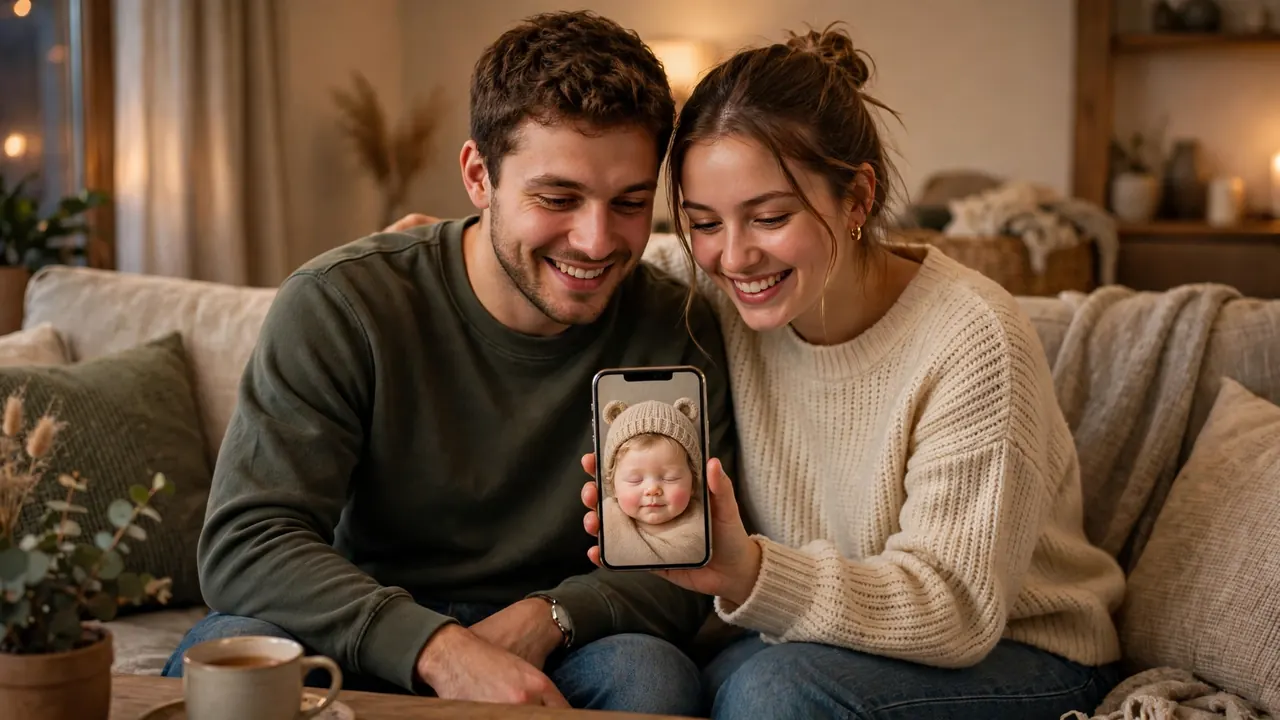
Forget the word “prediction” for a moment, because it misleads almost everyone who tries this feature. What you actually get is a small gallery of rendered baby portraits. The model reads visible traits from each parent photo — face shape, eye spacing and colour, nose and lip shape, skin tone, hair colour — and recombines them into a plausible infant face, then presents that face in soft, studio-style portraits at slightly different ages and expressions.
That distinction matters for how you judge the output. A good result is not one that is “correct” — nobody can know that. A good result is one where you can point and say: those are her eyes, that is his nose. In my tests, roughly half of each gallery cleared that bar, a few frames looked like a generic stock baby, and one or two always drifted somewhere strange. Expect that spread and you will enjoy the feature; expect a genetic forecast and you will be disappointed.
The generator sits inside Remini’s wider AI Photos family, so the flow feels familiar if you have made avatars or headshots in the app. New to Remini? Our walkthrough on how to use the Remini app covers the basic layout first.
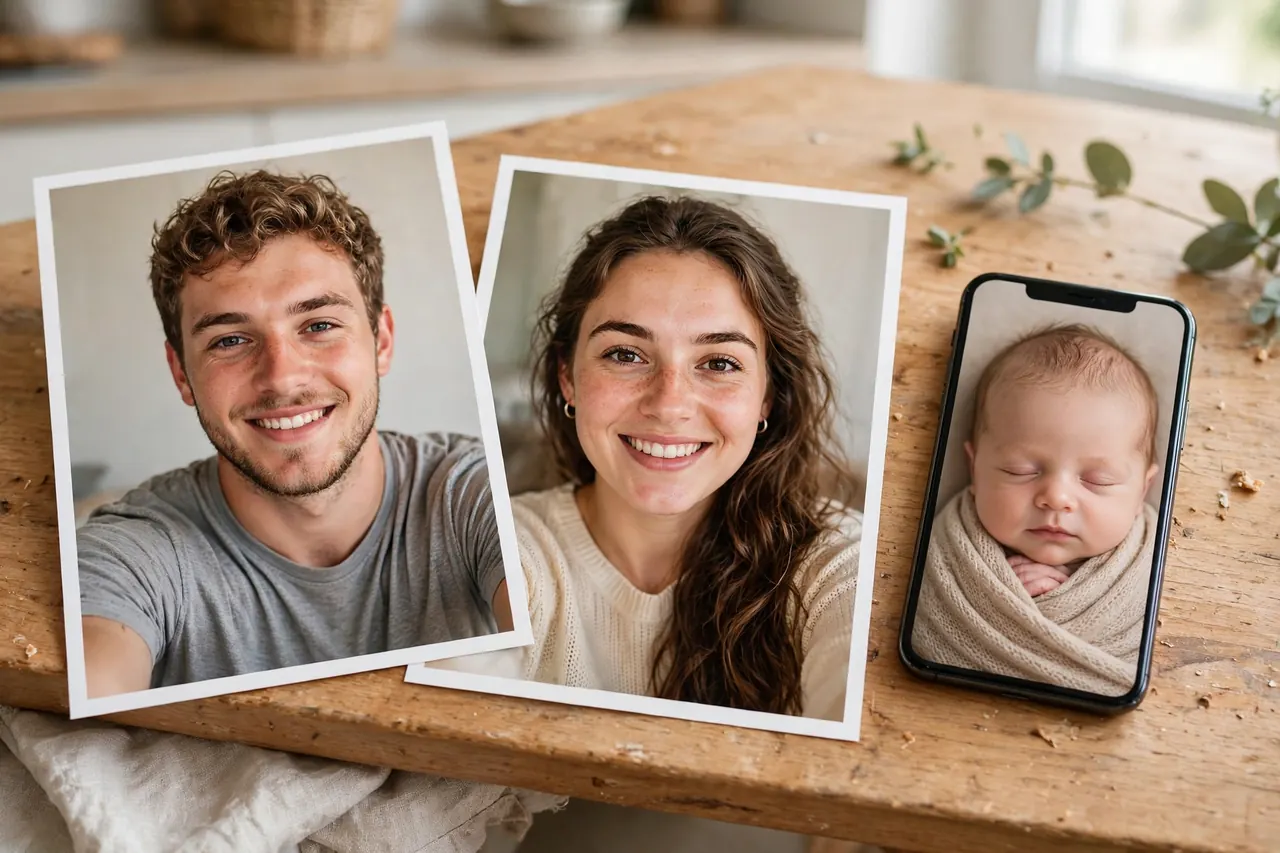
Worked Example 1: Clear Selfies, a Baby We Could Both Recognise
For my first test I did everything deliberately properly. Each “parent” photo was a solo selfie taken facing a window in the morning: front-on, neutral-to-soft expression, no glasses, no filter, hair away from the face, and both shots taken at roughly the same distance so the faces filled a similar portion of the frame. Upload to result took under a minute.
The gallery that came back was the best case for this feature. Most portraits showed a believable mix — one parent’s wider face shape softened by the other parent’s eyes and mouth, skin tone sitting sensibly between the two inputs. Two frames were weaker — one airbrushed catalogue baby, one with an oddly adult expression — but six or seven were frames a couple would happily send to family captioned “apparently this is our future.”
The lesson: the generator did nothing clever I can claim credit for. It simply had clean data. Every recognisable feature in the output was clearly visible in an input.
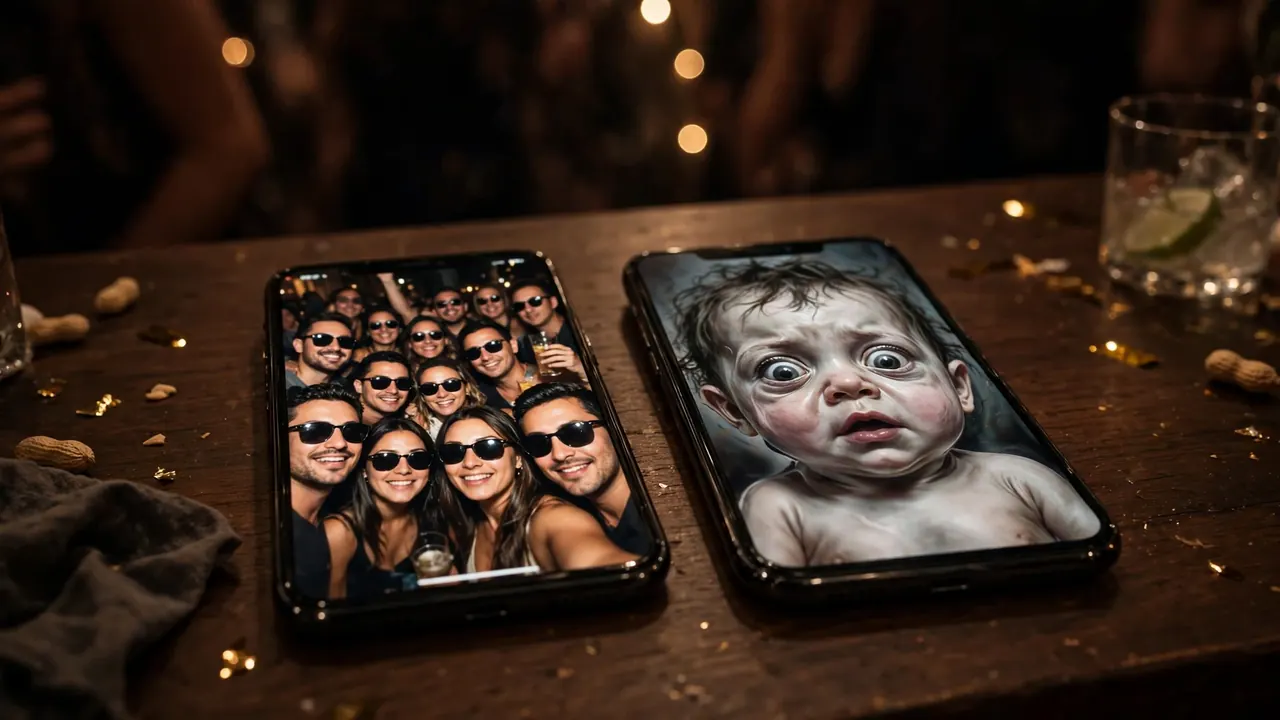
Worked Example 2: Group Photos, Sunglasses, and a Baby From Nowhere
My second test used the photos people actually reach for: a group shot from a party, cropped loosely, one parent wearing sunglasses in a second photo, strong overhead lighting, a beauty filter on one face, and the two photos taken years apart. I half expected the app to reject them. It did not — and that, honestly, is a weakness of the feature. It will happily generate from weak material instead of warning you properly.
The result was a baby who resembled neither input. The eyes were a generic dark brown that matched nobody, the face shape followed the wrong person in the group crop in at least one frame, and the filtered parent’s smoothed skin seemed to push the whole gallery toward that polished, slightly plastic look. One portrait even appeared to blend in a hint of a third face from the group photo.
Nothing about that failure was mysterious, and regenerating with the same photos produced the same kind of failure again, just rearranged. The fix was not a setting. It was retaking two proper selfies, after which the next gallery improved immediately. If your first result looks wrong, do not spend more credits regenerating — replace the inputs first.
How to Generate Your Baby Photo, Step by Step
- Install or update Remini. Download it from your app store or via the official Remini website, and sign in. AI features move around between versions, so update first if the next step is missing.
- Open AI Photos and find the Baby AI generator. It lives with the other generative tools, separate from the Enhance tab, which improves existing photos rather than creating new ones.
- Upload one clear photo of the first parent. Solo, front-facing, well lit, face uncovered. Crop group photos tightly — or better, retake the shot.
- Upload the second parent’s photo to the same standard. Matching quality matters: one sharp photo and one blurry photo produces a baby who leans heavily toward the sharp one.
- Choose any preferences offered, such as the baby’s gender presentation or age range, where your version shows them.
- Generate and wait. In my tests the gallery arrived in under a minute on a good connection, and a few minutes at busy times. You can leave the screen and come back.
- Review the whole gallery before judging. Save the frames where you can see both parents, delete the odd ones, and only regenerate after changing something.
What Actually Affects Realism
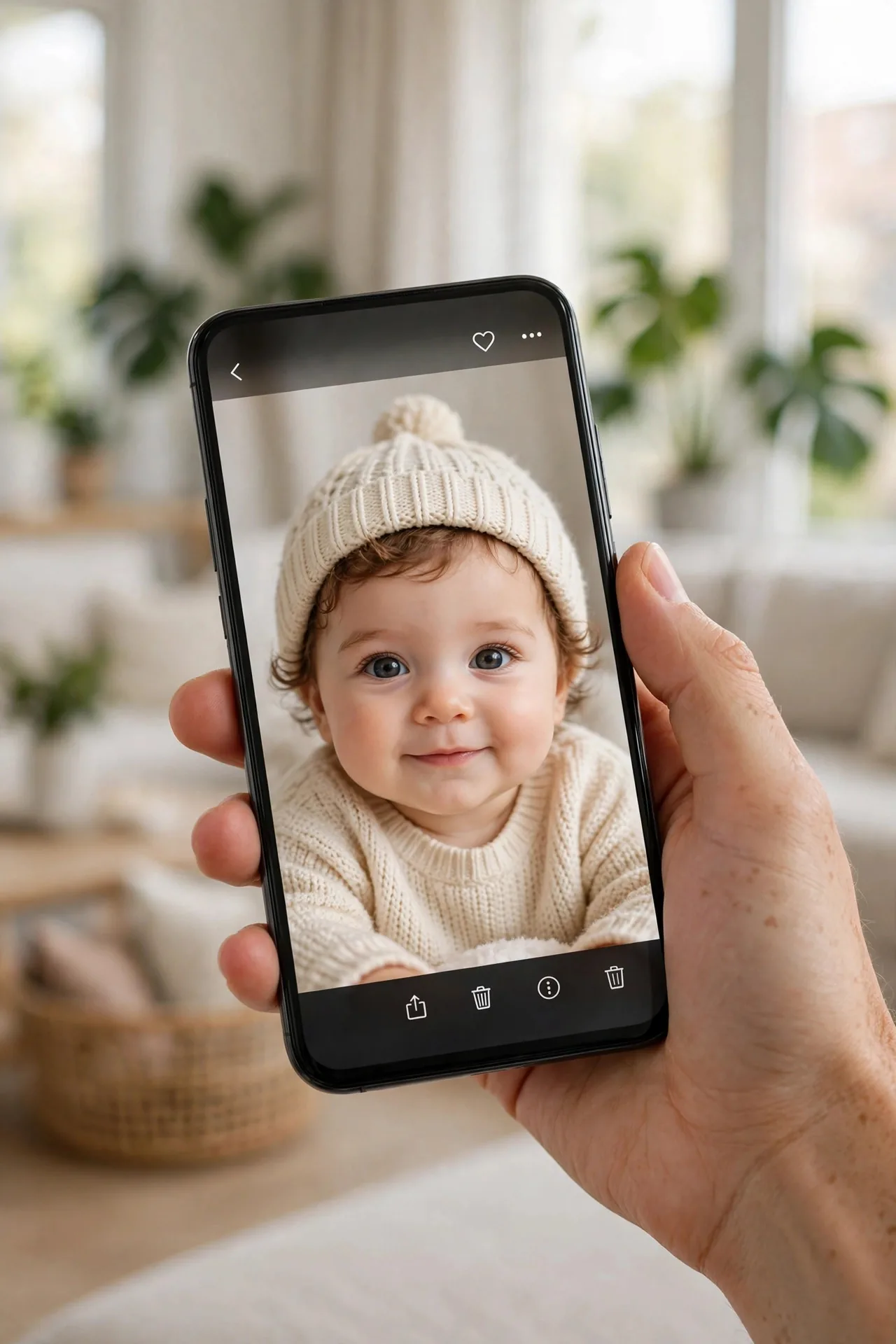
Input photo quality is almost everything. Sharp focus, even daylight, and a full, uncovered face give the model real features to blend. Blur, harsh shadow, sunglasses, hats, and heavy beauty filters all subtract information — and the model fills the gaps with generic baby features, which is why weak inputs produce babies who could belong to anyone.
Yes, you really want both parents. The feature is designed around two faces. Some versions let you experiment with a single photo, and I tried it: the output is essentially an aged-down, reimagined version of that one person, not a blend. It can be fun, but calling it a baby “prediction” is a stretch even by this feature’s loose standards.
Similar angles and lighting help more than people expect. Two front-facing photos taken in comparable light give the model matching geometry. One front-on portrait plus one three-quarter profile shot forces it to guess at half a face, and the guessing shows — usually as asymmetry or a face that favours the clearer parent.
Old or damaged parent photos can be rescued first. If the only photo you have of one parent is an old, faded print, run it through enhancement before uploading. Our guide to Remini old photo restoration shows that workflow, and a restored input genuinely improves the blend.
The Honest Part: Entertainment, Not Genetics
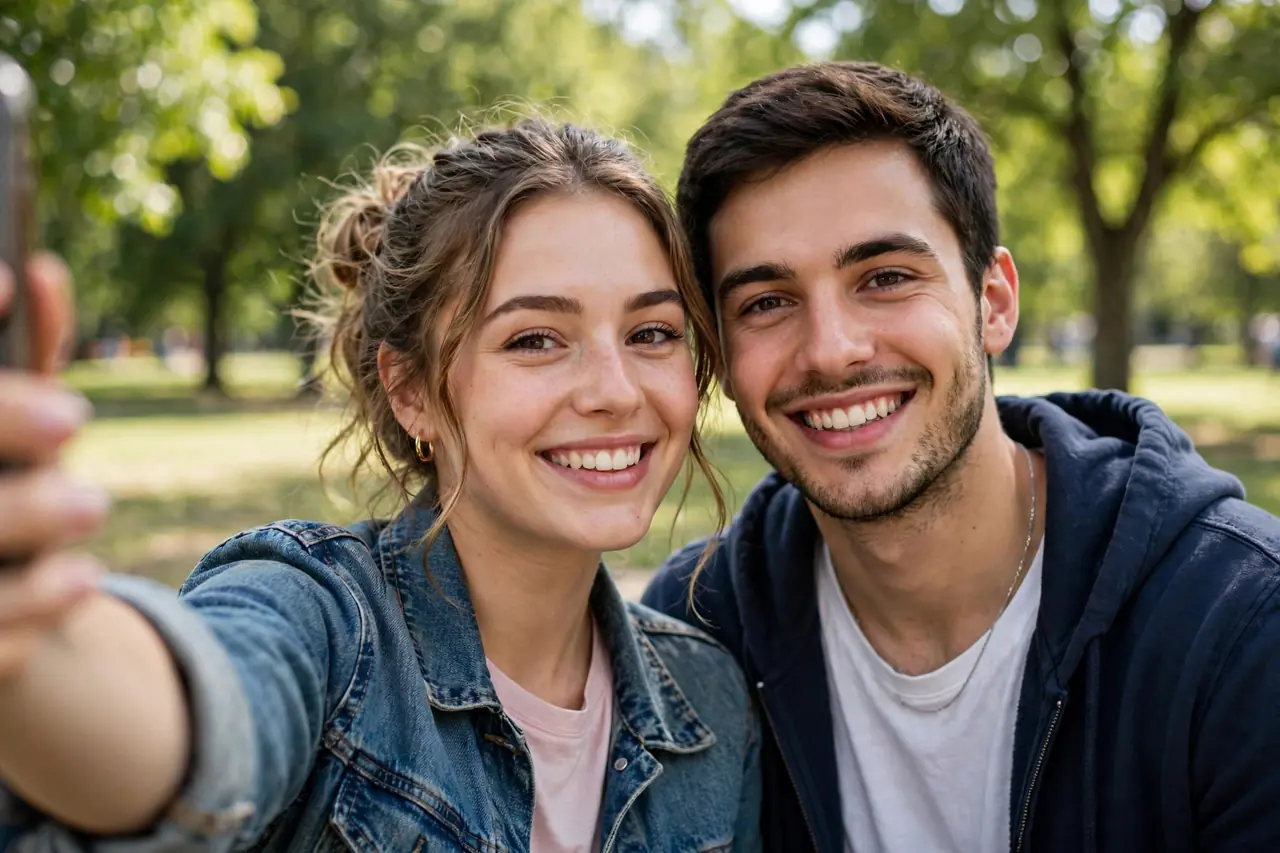
I want to be plain here, because a lot of coverage of this feature is not. A real child’s face depends on genetic inheritance — dominant and recessive traits, combinations from grandparents, and a good deal of chance — none of which a photo model can see, let alone calculate. Remini Baby AI blends what is visible in two photographs. It cannot know about a grandparent’s nose that skipped a generation, or which parent’s eye colour a child would actually inherit.
So treat the output exactly like a talented artist’s impression: emotionally fun, sometimes uncannily plausible, and scientifically meaningless. Couples in my testing who understood that enjoyed it most. The one genuinely uncomfortable moment came when a result was shared as if it were a real glimpse of a future child — it is not, and it is kinder to everyone, including grandparents, to keep the framing playful.
Privacy: You Are Uploading Two People’s Faces
This feature asks for more sensitive material than most: clear face photos of two adults, processed on Remini’s servers. That is how cloud AI generators work, and it is not automatically a problem — but it deserves more than a shrug.
Three habits I recommend. First, only upload photos you have clear permission to use; never upload someone else’s face as a joke without asking. Second, check Remini’s current privacy policy for how long uploads are retained and whether they are used to improve models, because those terms can change. Third, delete generations and uploads you no longer want, rather than leaving face data sitting in an account you forget about. Our review of is Remini safe goes through the app’s data practices in more depth.
What It Costs: Free Limits, Pro, and Pro Cards
The Remini app itself is free to download, and its photo enhancement offers limited free use — but Baby AI generation is a premium feature in practice. New accounts may get a free trial window or a small number of trial generations, and that trial is genuinely the smartest way to test this: generate one gallery with your best photos and judge the feature on that, not on marketing screenshots.
Beyond the trial, expect either an active Pro subscription or spending Pro Cards on generations, depending on your plan and region. Prices differ by country and app store and change often enough that I will not print a figure here that may be wrong next month — check the in-app pricing screen before you generate, and read our explainer on Remini Pro Cards so you know what each generation is actually costing you. My honest advice: two or three well-prepared generations satisfy almost every couple. Paying to regenerate the same weak photos twenty times is the expensive way to learn the lesson from my second example above.
Remini vs Dedicated Baby-Generator Apps
Dedicated future-baby apps do one thing: two parent photos in, a baby out. Some are free with ads and watermarks, and in my experience their output tends to look like a morphed overlay rather than a freshly rendered portrait. Remini’s portraits usually look more photographic, and you get enhancement and the other AI Photos tools alongside.
Where dedicated apps can win is price: if a baby photo is literally all you want, a one-off price may beat a Remini subscription you will not otherwise use. Where they usually lose is privacy transparency and output quality — several I looked at had vague data policies and heavy watermarking. Either way, the input rules above apply identically.
Frequently Asked Questions
Does Remini Baby AI need photos of both parents?
For a proper blend, yes. The feature is designed around two parent photos, and the most believable results come from one clear, front-facing photo of each parent. With only one side supplied, the model has nothing to blend.
Can you use Remini Baby AI with only one parent’s photo?
Some versions let you try, but in my testing the output is basically a baby version of that single person rather than a mix of two parents. It is a fun experiment, but it is not what the feature is built for.
Is Remini Baby AI accurate?
No — not in any scientific sense. It blends visible features from two photos into a plausible baby face, but it cannot read genetics or predict a real child. Treat every result as entertainment and an artist’s impression, not a forecast.
Is Remini Baby AI free, and how many free tries do you get?
The app is free to download, but Baby AI generation is a premium feature. New accounts may receive a free trial or a limited number of trial generations, which varies by region and current offer — check the pricing screen in your app to see exactly what your account includes before generating.
Is Remini Baby AI safe and private to use?
It requires uploading clear face photos of both parents to Remini’s servers for processing. Read the current privacy policy, upload only photos you have permission to use, and delete uploads and generations you no longer need. Our is-remini-safe guide linked above explains the app’s data practices in plain language.
How long does Remini Baby AI take to generate?
In my tests, usually under a minute on a good connection for a full gallery of variations. At busy times, or on a weak connection, it can take a few minutes — you can leave the screen and return to the finished set.
Can you save and share your Remini Baby AI results?
Yes. Open any portrait in the finished gallery and save it to your phone, then share it like any other photo. Save your favourites before closing the app or starting new generations, because unsaved variations can be difficult to track down later.
Why did my Remini Baby AI result fail or look wrong?
Almost always the inputs: group photos, sunglasses, hats, heavy filters, blur, harsh shadows, or two photos taken at very different angles and ages. Retake two clear, solo, front-facing selfies in similar light and generate again — changing the photos fixes far more than regenerating with the same ones.
Conclusion
Remini Baby AI does one job and, with the right inputs, does it charmingly: it turns two clear parent photos into a gallery of believable imagined-baby portraits in about a minute. My testing showed the pattern clearly — clean selfies produced a baby both parents could recognise themselves in, while group shots and filtered photos produced a stranger. Go in with good photos, a trial or a small credit spend, clear permission from both people in the pictures, and the understanding that this is entertainment rather than genetics, and you will get exactly the fun the feature promises.
Related Remini Guides
- Remini AI Avatars
- Remini Wedding AI
- Remini Pregnancy AI
- Remini AI Headshots
- Remini AI Filters List
- Remini Colorize
- How to Use the Remini App
- Remini AI Yearbook
- Remini Pro Cards Explained
- Is Remini Safe?
Written by Rahul Sharma
