
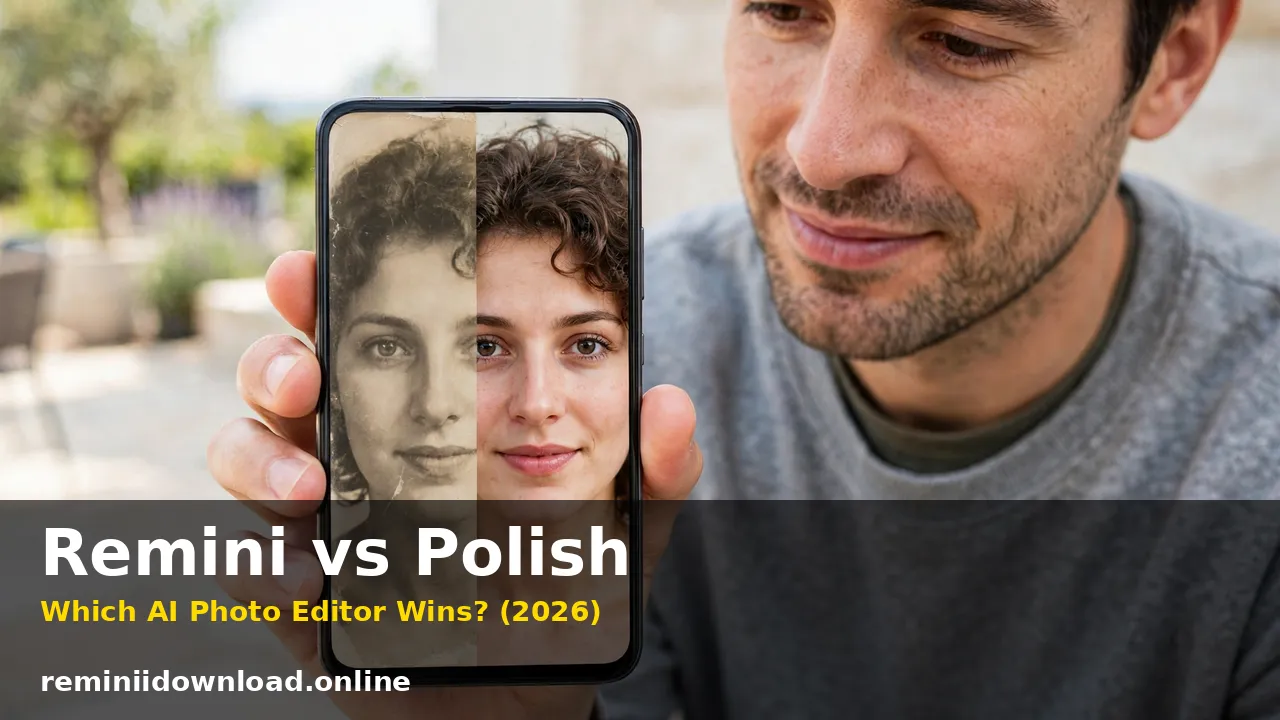
Remini vs Polish: Which AI Photo Editor Wins? (2026)

Remini vs Polish is a choice between rescuing a photo and styling it. Remini wins if the photo is blurry, faded or damaged, because its AI rebuilds detail that is no longer in the file. Polish Photo Editor, by InShot Inc., wins if the photo is already decent and you want beauty retouch, filters, collages and stickers. I ran both apps through four real photo jobs to show exactly where each one holds up — and where each one fails.
Last updated: October 29, 2026
Table of Contents
The Scorecard
| Test | Remini | Polish | Winner |
|---|---|---|---|
| Blurry low-light selfie | Rebuilds eyes, hair and skin texture | Sharpens and brightens only | Remini |
| Old damaged family photo | Reconstructs faces, repairs fade and scratches | Cleans contrast and colour only | Remini |
| Beauty retouch portrait | Enhancement only, no retouch controls | Skin, face and body tools with sliders | Polish |
| Instagram post and collage | No collage, text or template tools | Collage maker, stickers, text, 100+ filters | Polish |
| Background and object removal | No dedicated tool | AI background and object remover | Polish |
| Manual editing control | Almost none — accept or reject | Brightness, contrast, HSL and more | Polish |
| Ease of use | One tap, nothing to learn | Easy, but a crowded toolbox | Remini |
| Value for everyday use | Weekly subscription adds up fast | Free with ads, low-cost Pro tier | Polish |
The split never blurs: every job about fixing an image goes to Remini, every job about making something from an image goes to Polish.
Test One: The Blurry Low-Light Selfie
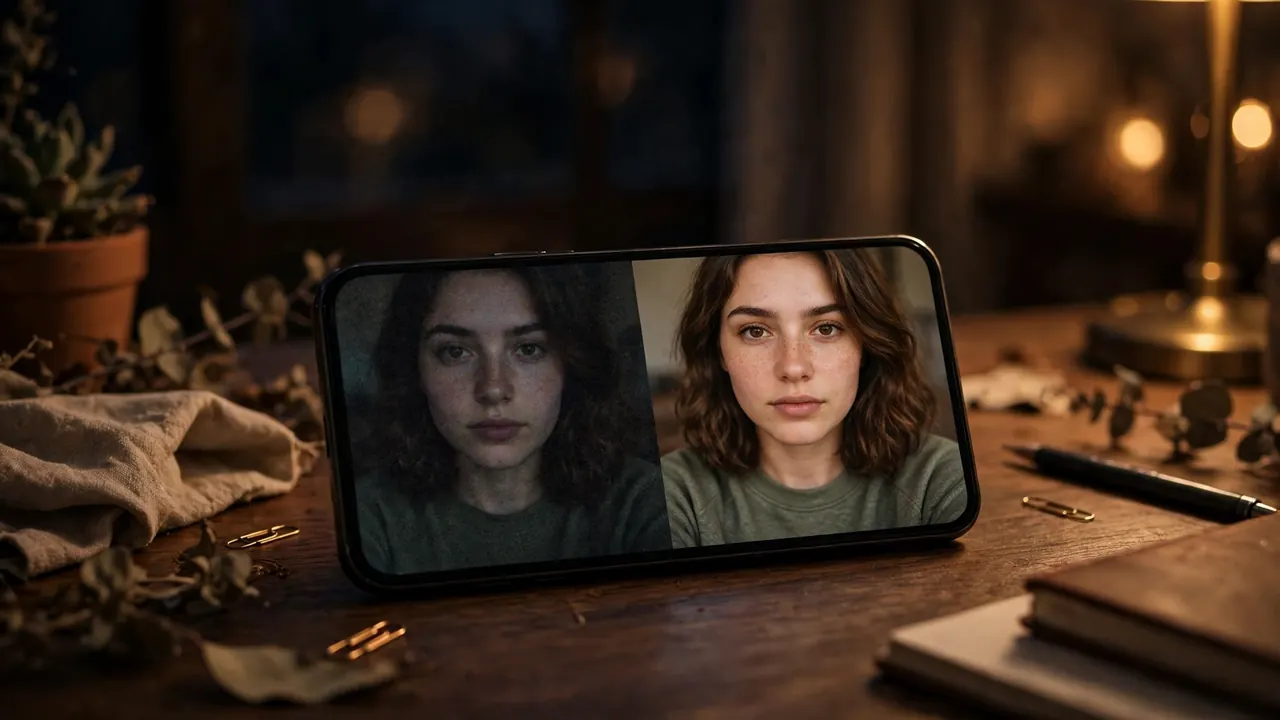
I started with the most common photo problem there is: a front-camera selfie taken indoors at night — soft focus, visible grain, eyes not quite sharp. It is the kind of photo you almost delete.
Remini handled it the way its face models are built to. In a few seconds it sharpened the eyes and hair, rebuilt skin texture, and lifted the whole image enough that it survived being cropped into a profile picture. Our unblur guide covers the same technique and where it stops working. The flaw showed up on a second, softer selfie from the same night: Remini returned skin so smooth it looked airbrushed, and the face drifted slightly — polished, likeable, but not quite the same person. That is not a bug. Remini reconstructs a plausible face from the detail it can find; on a very soft image, part of that face is invented.
Polish took the same selfie differently. Its AI Photo Enhancer brightened exposure, sharpened edges and cleaned mild noise, and the result looked more honest — still recognisably the original photo, just tidier. But it could not create sharpness that was not there: zoom in, and the eyes stayed soft. What Polish did offer was control afterwards — skin smoothing, blemish removal and eye brightening, each on a slider.
Verdict: For rescue, Remini — nothing in Polish rebuilds a blurry face. For a selfie that is only slightly soft and needs honest polishing, Polish’s controlled result is the one I would actually post.
Test Two: The Old Damaged Family Photo
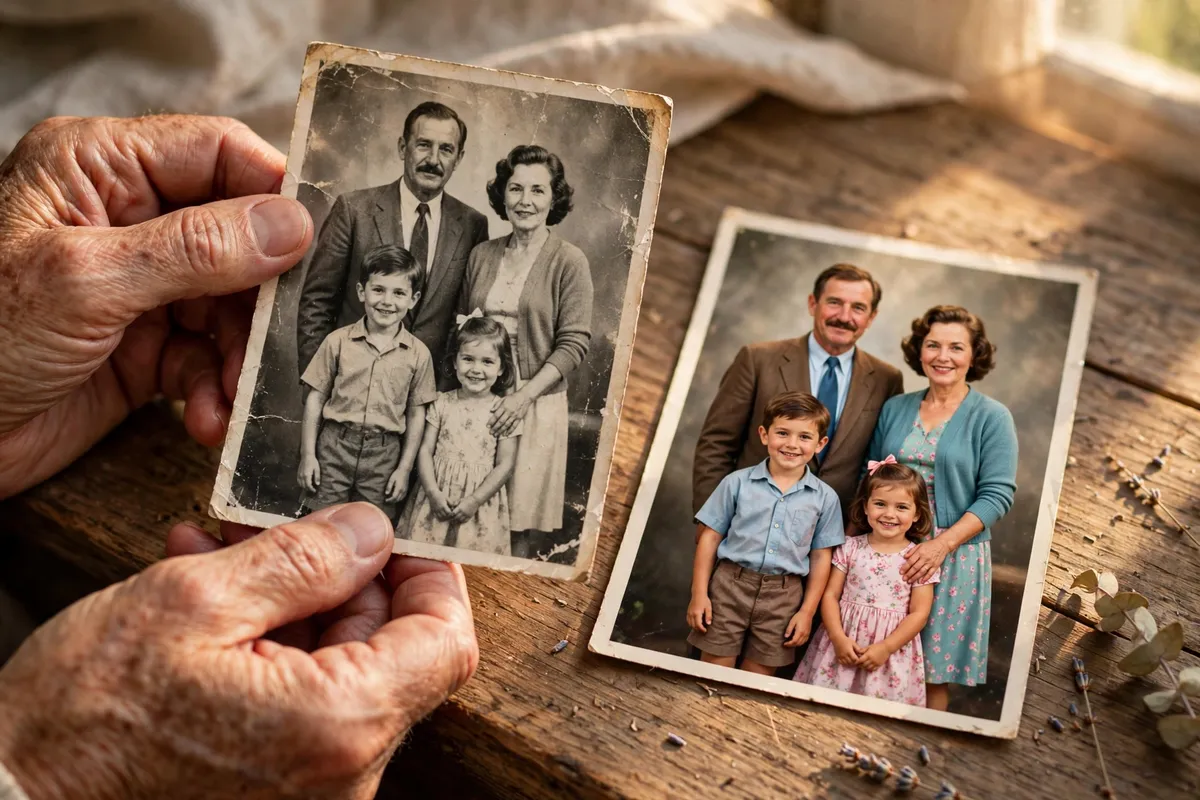
Next, a scanned family print from decades ago — yellowed, faded, with a scratch across one corner and faces softened by an old camera. This is the test that ends most remini vs polish arguments.
Remini treated the scan as a reconstruction job. It rebuilt eyes, hair and skin texture, pulled the faded colour back toward life, and suppressed the scratch and grain without me touching a single control. The result was not perfect — one face in the back row came back slightly generic, the way Remini faces can when the original detail is almost gone — but as a framed print, the difference was dramatic. Our guide to restoring old photos with Remini walks through scanning and enhancing step by step.
Polish did everything a good general editor can do, and it was not enough. Its enhancer improved contrast and sharpness, and its colour controls warmed the yellow cast, but every tool worked only on the pixels that survived. The scratch stayed a scratch. The soft faces stayed soft. Polish cannot restore a photo because restoration is not editing — it is rebuilding, and that is a different kind of AI.
One rule matters more here than any verdict: always work on a copy. Scan your originals at the highest resolution you can, keep those files untouched, and run either app on a duplicate — especially with Remini, where the enhanced face is partly a reconstruction.
Verdict: Remini, by a distance Polish does not seriously contest. If the photo is damaged, this comparison is already decided.
Test Three: The Instagram Post and Collage Due Tonight
For the third test I flipped the problem. The photos were good — a set of bright shots from a day out. What was missing was the post itself: a layout, stickers, a caption treatment, a reason to stop scrolling.
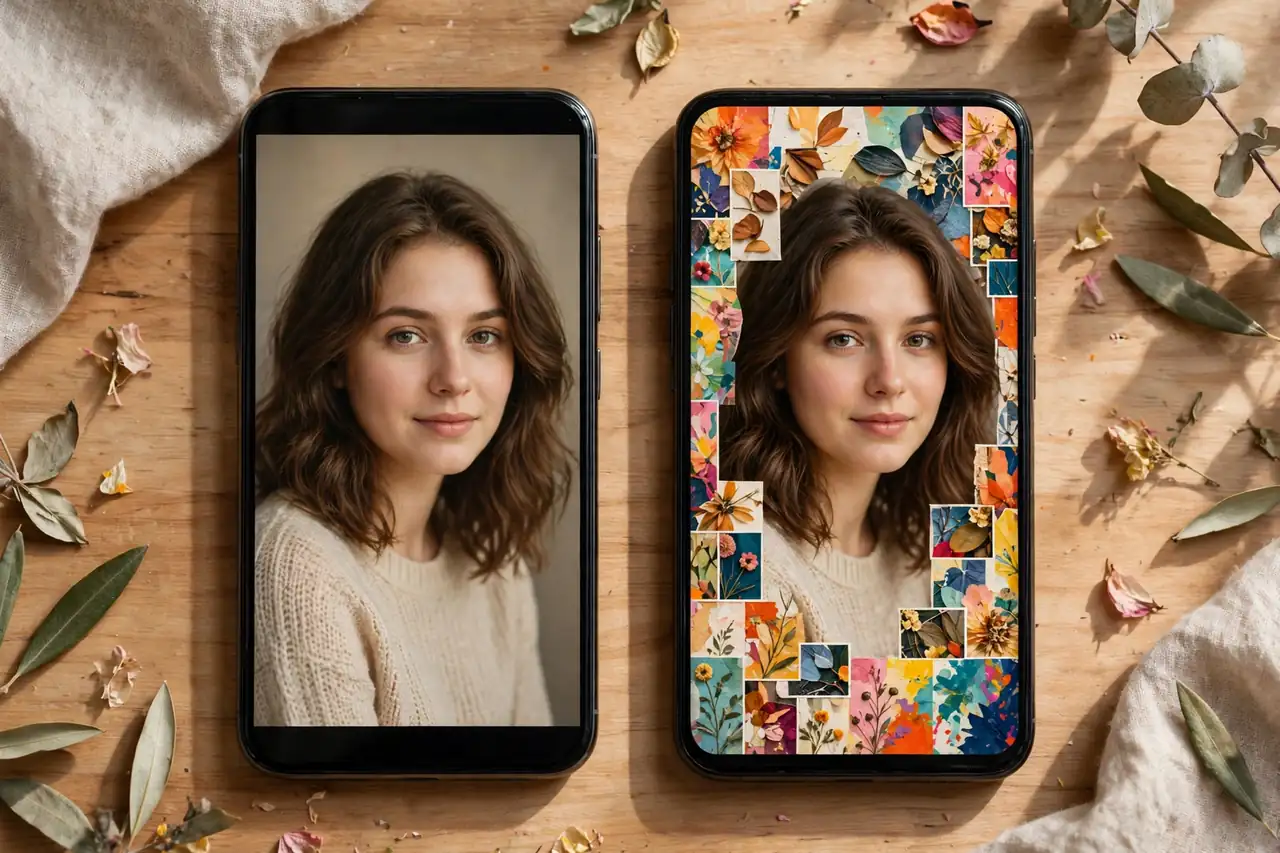
Polish is built for exactly this. Its collage maker combines up to 18 photos with customisable layouts, backgrounds and frames. Around that sit more than 100 filters — CCD, Y2K, Vintage, VHS, Film and Flash styles — plus hundreds of AI filters and effects, stickers, text tools, light effects like bokeh and lens flare, and an AI background and object remover. I went from raw photos to a finished post without leaving the app. The free tier’s cost also showed: ads appear between steps, and some better filters are marked Pro.
Remini had no entry in this test at all. There is no collage maker, no text tool worth the name, no stickers, no templates. Its AI filters generate stylised portraits from your selfies, which is a different job entirely. Remini can give you a better photo to post. It cannot build the post.
Verdict: Polish, uncontested. If the job is creative — a collage, a story, a styled post — Remini is not a participant.

Test Four: The Portrait That Needs Beauty Retouch
The last test was a decent, sharp portrait that did not need rescuing — it needed retouching: uneven skin, a blemish, tired eyes, the normal things people actually open a beauty editor for.
Polish won this round on depth and control. AI Beautify smooths skin and refines features in one tap, and the manual face retouch tools let me adjust how far each effect went. The body editor reshapes contours and evens skin tone, with a Smart Protection feature intended to keep faces and backgrounds intact while you edit. Used lightly, the result looked natural. Used heavily, it tipped into the familiar plastic look — features over-smoothed, proportions subtly wrong. Polish gives you the sliders; it does not stop you abusing them, so the discipline has to come from you.
Remini, honestly, barely competes here. Enhancing the same portrait made it sharper and cleaner, but there are no skin sliders, no blemish tool, no reshaping — you accept the AI’s version or you reject it. On a photo that was already good, that all-or-nothing enhancement sometimes made skin look worse: too smooth, too perfect, slightly waxy.
Verdict: Polish for any portrait you intend to retouch. Remini enhances portraits; it does not beautify them, and on an already-good photo its enhancement can be a step backwards.

Pricing Reality: Free With Ads vs a Weekly Subscription
The pricing models tell the same story as the tests. Polish is free to download and genuinely usable without paying: the core editor, collage maker, many filters and the basic enhancer all work in the free tier, paid for by ads and by locking some filters, effects and tools behind Polish Pro. Pro is a low-cost subscription, typically bought annually, with the exact price varying by region and store — check the official Polish listing on Google Play for the current figures in your country. For everyday editing, Polish Pro for a year costs less than a few weeks of the alternative.
Remini is the opposite model. Its headline plan runs around $9.99 per week, and while longer plans cut the effective rate, continuous weekly billing passes a year of Polish Pro remarkably quickly. The free tier offers a limited number of watermarked enhancements — enough to test the app on your own worst photo, not enough for regular use, and our guide to removing the Remini watermark explains the legitimate options. Our Remini subscription plans breakdown tracks the current tiers. The sensible way to buy Remini is in bursts: subscribe, restore the family archive in a weekend, cancel.
You will also see unofficial mod builds advertised with premium features unlocked. They are not distributed or endorsed by the developers — Bending Spoons for Remini, InShot Inc. for Polish — and their contents cannot be verified. Try both first at Remini’s official site and on Polish’s Play Store listing above.
The Decision Guide
- Old, faded, scratched or damaged family photos: Remini. Polish can clean a print; only Remini rebuilds what time removed.
- Blurry or low-light selfies: Remini for a genuine rescue; Polish when the shot is nearly good and you want a result that stays honest.
- Beauty retouch and selfie polish: Polish — skin, face and body tools with control Remini simply does not have.
- Collages, stories and styled social posts: Polish, uncontested, for its collage maker, stickers, text and filter library.
- Background or object removal: Polish — it has dedicated AI tools for both; Remini has neither.
- The tightest budget: Polish free, tolerating the ads, or its low-cost annual Pro. Remini only in short, deliberate bursts.
- Working on a computer: Remini, which also offers a web app. Polish is mobile-only, on iOS and Android.
- Irreplaceable originals: Work on copies in either app, and check Remini restorations closely — a rebuilt face is a reconstruction, not a recovery.
Plenty of people end up using both in sequence: restore or enhance in Remini first, then retouch, filter and build the post in Polish. That is the strongest workflow in this comparison — just do not pay for both year-round unless you genuinely use both every week.
Frequently Asked Questions
Which is better overall in Remini vs Polish?
Neither wins overall, because they do different jobs. Remini is better at fixing photos — AI enhancement, unblurring and old photo restoration. Polish is better at everything done to a photo that is already fine — beauty retouch, filters, collages and creative editing.
Can Polish restore old photos like Remini?
No. Polish can improve an old photo with its enhancer and colour controls, but it cannot rebuild lost facial detail, repair scratches or reverse heavy fading. On a damaged family print, Remini produces clearly stronger restorations in testing.
Is Polish Photo Editor really free?
Yes, Polish is free to download and use, and its core editor and collage maker work without paying. The trade-offs are ads in the free tier and some filters, effects and tools reserved for Polish Pro, which is a low-cost subscription with prices varying by region.
Which app is better for selfies, Remini or Polish?
It depends on the selfie. If it is blurry or low-light, Remini rescues it better. If it is sharp and needs skin smoothing, blemish removal or a filter, Polish is far better — Remini has no dedicated beauty retouch tools at all.
Does Remini invent detail or change faces?
It can. Remini reconstructs detail rather than recovering it, so a very blurry face can come back over-smoothed or slightly different from the real person. Keep your originals untouched, work on copies, and check important restorations closely.
Can Polish remove backgrounds and unwanted objects?
Yes. Polish includes an AI background remover and an object remover that work well for social posts and cleaner product or portrait shots. Remini offers no dedicated background or object removal tool.
Which is cheaper over a full year?
Polish, by a wide margin. Its annual Pro plan typically costs less than a few weeks of Remini at around $9.99 per week. Remini makes financial sense bought in short bursts for a specific restoration project, not as an always-on subscription for occasional use.
Should I use Remini and Polish together?
For important photos, yes — that is the strongest workflow here. Enhance or restore in Remini first, then move the result into Polish for retouching, filters, text and collages. For everyday photos, Polish alone is usually enough.
Conclusion
Remini vs Polish resolves the moment you name what is wrong with your photo. If the photo itself is the problem — blurry, faded, scratched, shot in bad light years ago — Remini is the better tool, because rebuilding lost detail is a job Polish was never built to do. If the photo is fine and the problem is everything around it — skin to retouch, a post to build, a budget to respect — Polish wins just as clearly, at a fraction of Remini’s price. Test both free tiers on your own worst photo and your own next post, and pay only for the app that fixes your actual problem.
Related Remini Guides
- Remini vs Meitu
- Remini vs FaceApp
- Remini vs PhotoRoom
- Remini vs PicsArt
- Remini vs Snapseed
- Best Remini Alternatives
- Remini AI Filters List
- Remini Baby AI
- Remove the Remini Watermark
- Remini Subscription Plans
Written by Rahul Sharma
