
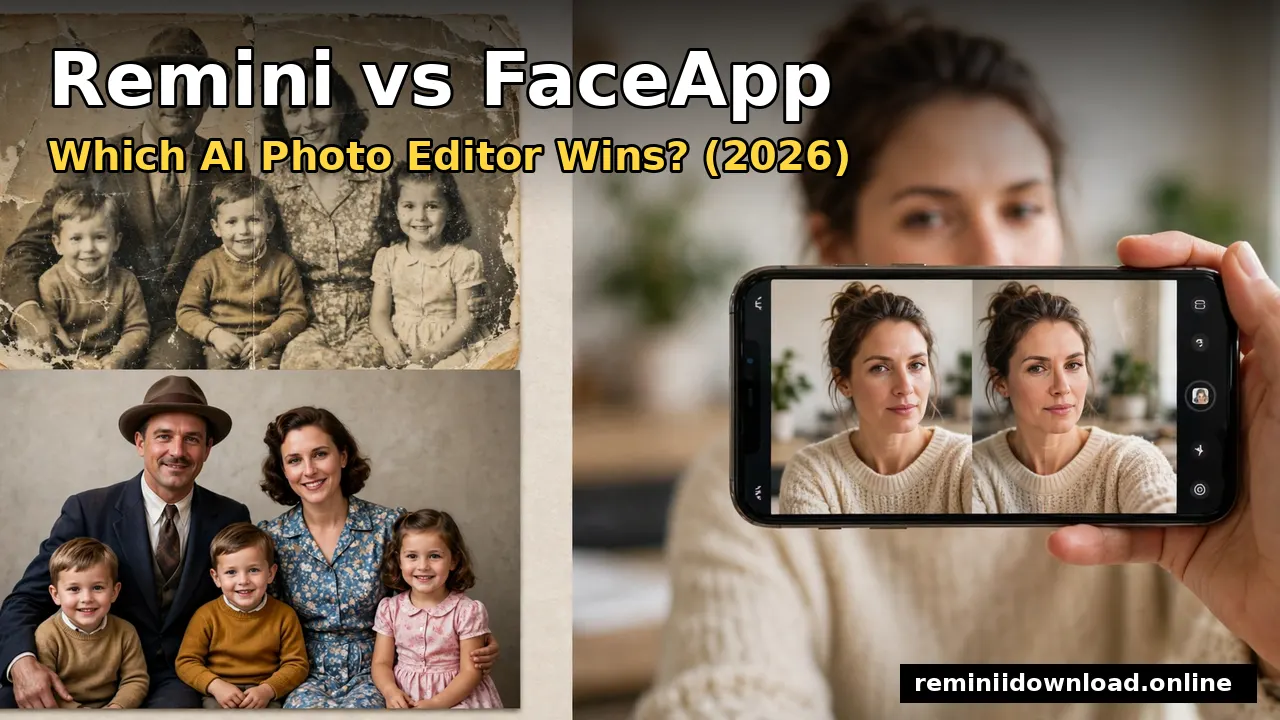
Remini vs FaceApp: Which AI Photo Editor Wins? (2026)

Remini vs FaceApp looks like a fair fight — both are famous AI face apps with hundreds of millions of downloads — until you ask what each one does to a face. Remini repairs faces: it takes blurry, faded, or damaged photos and rebuilds them into sharp HD images, and it restores old photos and enhances video besides. FaceApp transforms faces: it ages them, rejuvenates them, swaps gender, changes hairstyles, and retouches selfies for fun. If your photo needs saving, Remini is the only one of the two that saves anything. If your photo is fine and you want to play with the person in it, FaceApp has no rival here. Three tests make the split impossible to miss — and the privacy section covers the history both apps would rather you skimmed.
Last updated: October 29, 2026
Table of Contents
The Scorecard
| Round | Remini | FaceApp | Winner |
|---|---|---|---|
| Photo enhancement | Rebuilds blur and low resolution into HD | Smooths and stylizes only | Remini |
| Old photo restoration | Dedicated restoration + colorization | Not offered | Remini |
| Aging and transformations | Not offered | Old/Young, gender swap, smiles, morphing — 60+ filters | FaceApp |
| Hairstyles and makeup | Not offered | Hair color/style, beards, makeup | FaceApp |
| Selfie retouching | Enhancement only | Blemish, wrinkle, teeth, Impression filters | FaceApp |
| Generative portraits | AI Avatars, headshots, Baby AI from selfies | Stylized filters, not true generation | Remini |
| Video | Video enhancement included | Photo-only in current versions | Remini |
| Free tier | Limited daily credits | Many filters free, no ads | FaceApp |
| Yearly price | Around $59.99/year | Around $39.99/year | FaceApp |
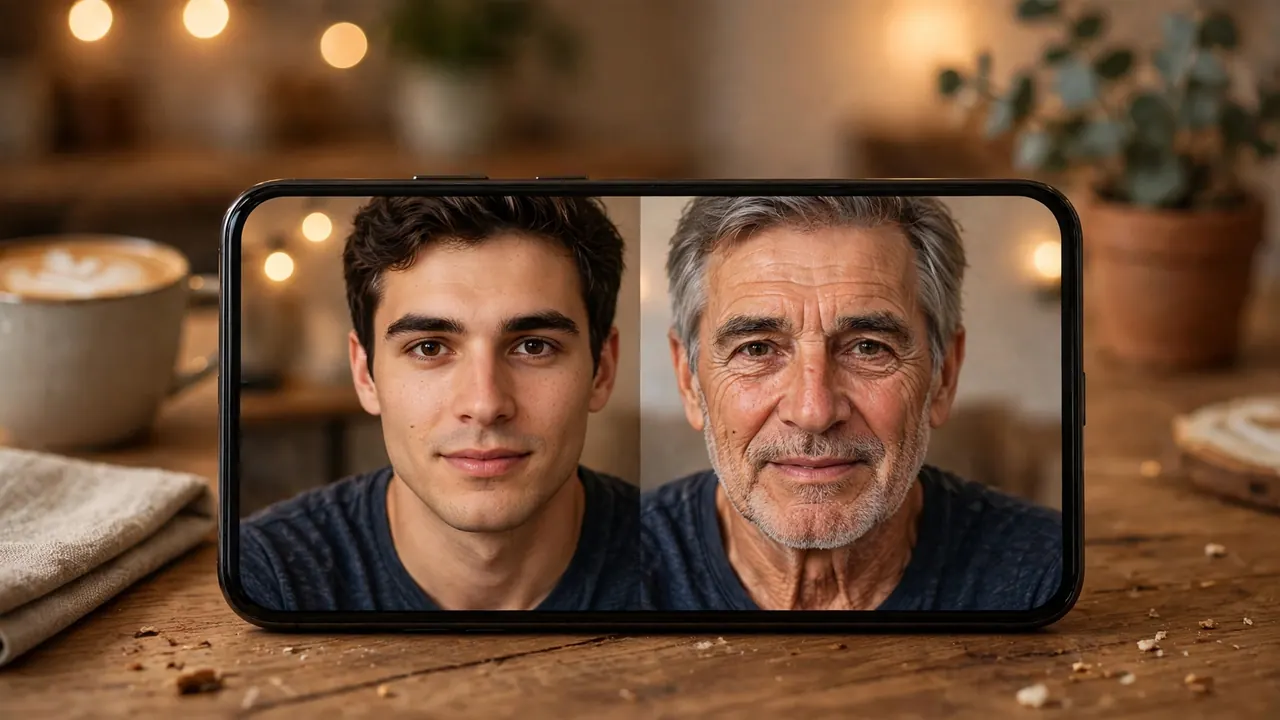
Test One: Age Yourself Thirty Years
Start with the job FaceApp was born for — the filter that has gone viral repeatedly and been used by over a hundred million people. Take a selfie, tap Old, and the face comes back convincingly aged: wrinkles placed where muscles actually crease, hair grayed at a plausible rate, skin texture that holds up at a glance. The Young filter runs time backwards nearly as well, and the catalog around them — gender swap, smile insertion, beard and hairstyle changes, makeup — is the deepest transformation library in this comparison by an enormous margin. FaceApp is faster at it than any rival, too: a transformation lands in seconds.
Remini’s answer to this entire category is silence. It has no aging filter, no gender swap, no hairstyle previews. Its filters are enhancement styles, because the app was built to answer “can this photo be saved?” rather than “what would I look like at eighty?” One practical limit applies to FaceApp’s fun: free exports can carry a small watermark, and its output resolution ceiling — around 1080px on some exports — is lower than Remini’s, which matters if a transformed photo is headed anywhere bigger than a feed.
Verdict: Transformations are not a round FaceApp wins narrowly. They are a category Remini does not compete in at all.

Test Two: The Torn Wedding Photo
Now hand both apps the opposite job: a wedding portrait from the 1960s — torn at one corner, faded, the faces softened into suggestion. Remini treats this as reconstruction. Its AI rebuilds facial detail, repairs the visual damage, restores color, and upscales the result toward printable quality; our old photo restoration guide walks through the full process. It is the app’s signature job, and it does it better than any transformation app can pretend to.
FaceApp, faced with the same print, can smooth the skin of the people in it — once you can see them clearly enough for its face detection to work at all. That is retouching, not restoration, and on a genuinely degraded photo there is often too little face left to retouch. The honest caveat belongs to Remini’s win: it reconstructs plausibly rather than recovering truly, so a badly blurred face can return slightly different from the person. Keep originals untouched, work on copies, and check treasured faces closely.
Verdict: Repair is Remini’s home turf, by the widest margin in this comparison.


Test Three: The Everyday Selfie
The last test is the one most people run daily: a decent selfie that could look better. FaceApp’s retouching is fast and tasteful — blemish removal, wrinkle softening, teeth whitening, and the one-tap Impression filters that made it a default selfie tool. Remini’s Face Enhance sharpens and rebuilds detail, which rescues soft selfies FaceApp cannot help, but on an already sharp photo enhancement adds little and can tip skin toward a plastic look if pushed.
Beyond selfies, one generative divide matters. Remini trains on 8–12 of your selfies and generates genuinely new portraits — avatars, professional headshots, even Baby AI predictions; our AI headshots guide covers the professional end. FaceApp’s filters restyle the photo you give it; they do not generate new portraits of you. And video separates them completely: Remini enhances clips, as our video enhancement guide details, while current FaceApp versions are photo-only.

The Privacy File: What Is Actually Documented
No Remini vs FaceApp comparison is honest without this section, because both apps process faces in the cloud and FaceApp has a documented history worth knowing precisely. In 2019, its aging filter went viral and so did the concerns: photos are uploaded to FaceApp’s servers for processing, and its terms originally granted broad rights over user content. What happened next matters more than the panic. The CEO clarified publicly that the app uploads only the photo you select, stores it temporarily, and deletes most images within 48 hours; users can request full deletion. Independent researchers checked the traffic — Avast’s head of mobile threat intelligence found no sign of covert data exfiltration, and researchers cited by The New York Times called the fears overblown. The company also later tightened its terms. FaceApp notes that most users never log in, so it holds little identifying data about them.
Remini’s model is structurally the same bargain: enhancement this heavy cannot run entirely on a phone, so your photos go to Bending Spoons’ servers, under a published privacy policy with retention and deletion routes — our Remini safety review goes through it in detail. The bottom line for both apps: neither is a documented privacy disaster, and neither keeps your photos on your device. Use the official apps only, do not grant full library access to edit one picture, and never upload images you could not afford to have on someone else’s server.
Pricing: The Generous Free Tier vs the Serious Tool
FaceApp is the cheaper date. Its free tier is unusually generous — many popular filters free, no ads — with Pro from around $7.49 a month or roughly $39.99 a year unlocking premium styles, watermark-free exports, and priority processing. Remini’s free tier gives limited daily enhancement credits; Pro runs around $9.99 a month or $59.99 a year for unlimited enhancement and video work. Prices vary by region and store, so check the in-app page before subscribing, and remember both auto-renew. Our Remini subscription plans breakdown tracks Remini’s tiers and its weekly option, which suits a single restoration project better than a year of anything.
Value verdict: if the fun filters are what you came for, FaceApp’s free tier may mean you never pay at all. If the photo itself needs repair, Remini’s price buys a capability FaceApp does not sell at any tier.
The Decision Guide
- Old, torn, or faded family photos: Remini — FaceApp cannot restore anything.
- Blurry or pixelated pictures: Remini, for actual reconstruction of detail.
- Aging, gender swap, and transformation fun: FaceApp, uncontested.
- Trying hairstyles, beards, or makeup before committing: FaceApp.
- Quick selfie polish: FaceApp’s retouching, unless the selfie is blurry — then Remini first.
- Professional AI headshots and avatars: Remini’s generative suite.
- Video clips: Remini — FaceApp is photo-only.
- Both, in sequence: Restore or sharpen in Remini, then stylize in FaceApp. Repair first, play second.
Try both free tiers first; they cost nothing and answer most of this comparison on your own photos. Official downloads start at Remini’s official site and FaceApp’s official store listing.
Frequently Asked Questions
What is the main difference between Remini and FaceApp?
Remini enhances and restores photo quality — it rebuilds blurry, old, and damaged images. FaceApp transforms and retouches faces — aging, gender swap, hairstyles, smiles. One repairs photos; the other reimagines the people in them.
Can FaceApp enhance blurry photos like Remini?
No. FaceApp smooths and stylizes faces, but it does not restore resolution or repair damaged photos. A truly blurry or degraded image needs Remini’s reconstruction AI; FaceApp’s filters work on photos that are already usable.
Can Remini do aging or gender swap filters?
No. Remini has no transformation filters of that kind. Its AI covers enhancement, restoration, colorization, video, and generative portraits like AI Avatars and AI headshots — changing your apparent age or gender is FaceApp’s territory.
Is FaceApp safe to use in 2026?
Its documented record is better than its 2019 headlines: it uploads only the photo you select, says most images are deleted within 48 hours, and independent researchers found no evidence of malicious collection. It is still a cloud app, so avoid sensitive images and use only the official app.
Which app is cheaper?
FaceApp. Pro starts around $7.49 a month with an annual option near $39.99, and its free tier covers many filters. Remini Pro runs around $9.99 a month or $59.99 a year, with limited free daily credits.
Do FaceApp photos have a watermark?
Free exports can carry a small watermark on some styles; Pro removes it. Remini’s free tier may also watermark outputs. FaceApp’s export resolution can also cap around 1080px on some exports, lower than Remini’s HD output.
Can I use Remini and FaceApp on the same photo?
Yes — restore or sharpen the photo in Remini first, then open the result in FaceApp for stylistic edits. Repair before transformation gives FaceApp a cleaner face to work with, and the two apps complement each other well.
Conclusion
There is no single winner in Remini vs FaceApp, because the apps were never aimed at the same target. Choose Remini when the photograph is the problem: old, damaged, blurry, low-resolution, or stuck in a video clip. Choose FaceApp when the photograph is fine and the face is the playground: older, younger, restyled, reimagined. The mistake is expecting either to do the other’s job — no transformation filter will rescue your grandparents’ wedding photo, and no enhancer will show you yourself at eighty. Install both, run each on the job it was built for, and the comparison settles itself.
Related Remini Guides
- Remini vs Lensa
- Remini vs PicsArt: Which Photo Editor Wins? (2026)
- Remini vs Polish
- Remini vs Meitu
- Remini AI Avatars
- Remini Baby AI
- Remini AI Headshots
- Remini Pregnancy AI
- Remini Wedding AI
- Remini AI Filters List
Written by Rahul Sharma
