
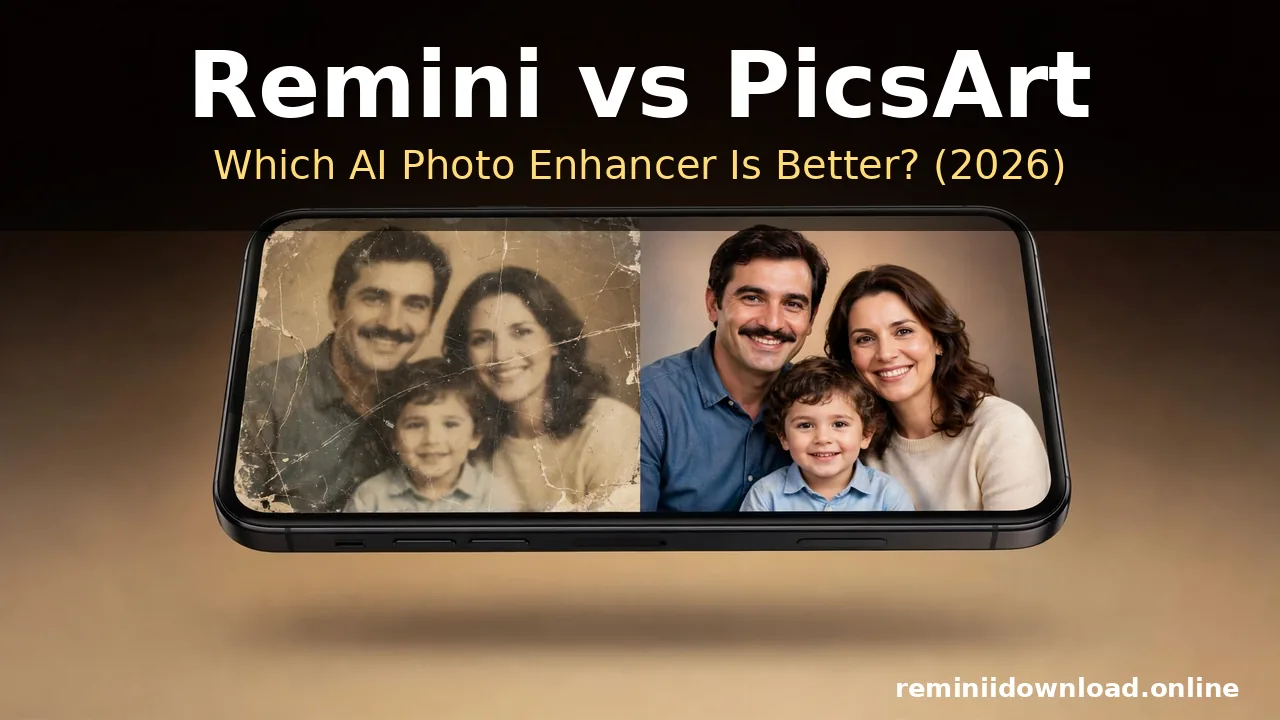
Remini vs PicsArt: Which AI Photo Enhancer Is Better? (2026)

Remini vs PicsArt is not really a contest between two similar apps — it is a choice between a repair tool and a creation tool. Remini wins when the photo itself is the problem: blurry, faded, scratched, or shot on a phone from another era, because its AI rebuilds faces and detail that no slider can recover. PicsArt wins when the photo is fine and the project is the problem: a post to design, a thumbnail to build, a collage to assemble. Rather than listing features side by side, this comparison runs both apps through the four jobs people actually open them for, checks what verified reviewers say on G2, and adds up what each app really costs over twelve months.
Last updated: October 29, 2026
Table of Contents
The Scorecard
| Round | Remini | PicsArt | Winner |
|---|---|---|---|
| Old photo restoration | Rebuilds faces, scratches, faded color | Cleans and sharpens only | Remini |
| Blurry photo rescue | Reconstructs lost detail | Mild sharpening at best | Remini |
| Portrait retouching | Enhancement only, no reshaping | Blemish, skin, beauty tools with control | PicsArt |
| Manual editing | Almost none | Layers, curves, masking, selective edits | PicsArt |
| Filters, stickers, templates | Small realistic set | Thousands, plus a template library | PicsArt |
| Video | Enhances old/low-quality clips | Edits clips with effects, music, text | Split — different jobs |
| Background removal | Basic | Strong and refined | PicsArt |
| Ease of use | One tap, nothing to learn | Learnable, but a crowded toolbox | Remini |
| Cost over 12 months | Weekly billing adds up fast | Gold costs less per year | PicsArt |
The pattern is total: Remini sweeps every round about fixing images, PicsArt sweeps every round about making things from images. The tests below show where those scores come from — and where each app’s store listing quietly overpromises.
Job One: The Damaged Family Photo
Start with the job that built Remini’s reputation: a scanned family portrait from decades ago — faded, yellowed, with a scratch through one corner and faces softened by a cheap camera. Remini treats this as reconstruction. Its Enhance and restoration tools rebuild eyes, hair, and skin texture, pull the color back toward life, and suppress the scratch and grain in seconds. Our guide to restoring old photos with Remini walks through the full process, scan settings included.
PicsArt approaches the same scan as an editing job, and that is its limit. Contrast, color, and sharpening controls can make the print look cleaner, but every slider works on the pixels that survived. The detail time removed is simply not in the file, and no amount of careful editing invents it.
One warning belongs in every Remini vs PicsArt comparison, because neither app’s marketing mentions it: Remini reconstructs rather than recovers. On a badly damaged face it generates a plausible face — usually convincing, occasionally not quite the person in the original. For a family archive that trade is normally worth making, but scan your originals at the highest resolution you can, keep those files untouched, and only ever run the AI on a copy.
Verdict: If the photo is damaged, this comparison ends here. Remini is the restoration tool; PicsArt is not.

Job Two: The Blurry Selfie You Almost Deleted
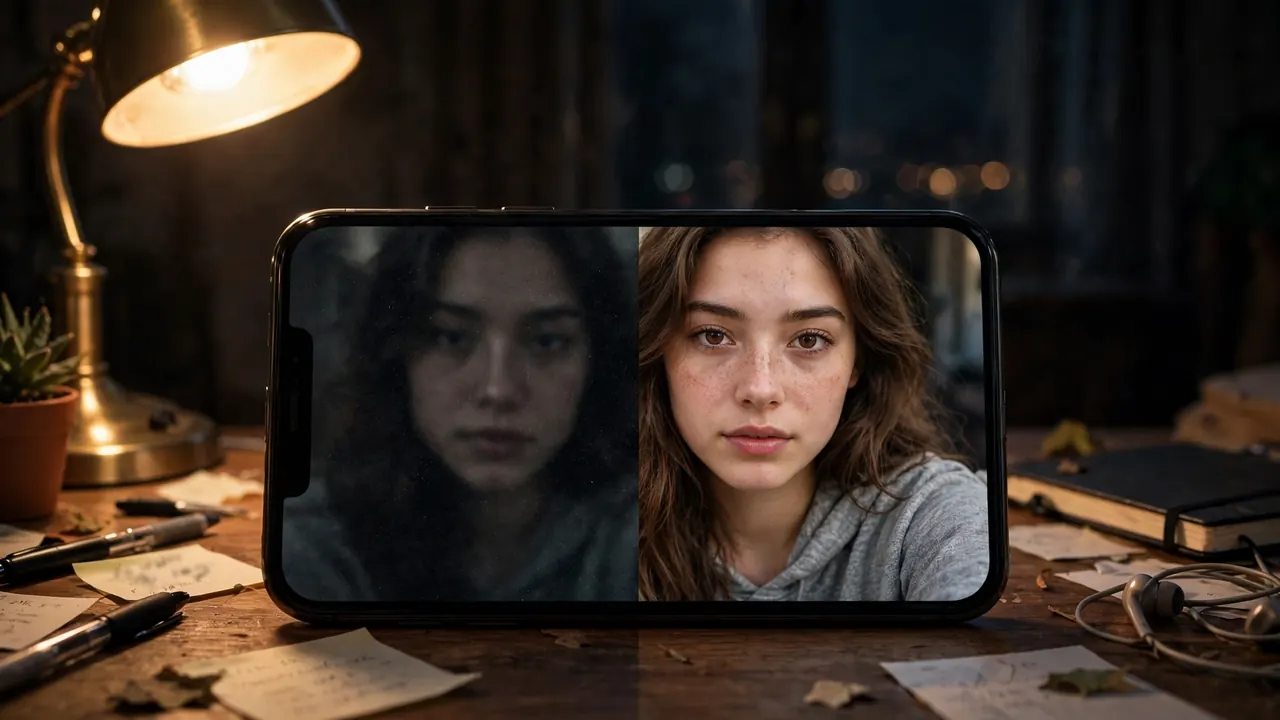
The second job is the everyday one: a low-light selfie, slightly soft, a little grainy — almost postable. Remini’s face models are built for exactly this. They sharpen eyes and hair, rebuild skin texture, and upscale the result so it survives cropping into a profile picture. Our unblur guide covers the technique and its limits. The recurring flaw is enthusiasm: skin can return over-smoothed, and a heavily enhanced face sometimes drifts toward a polished stranger.
PicsArt answers the same selfie differently — not with reconstruction but with retouching you control. Blemish removal, skin smoothing, teeth whitening, and background blur let you decide how far each effect goes. On a photo that is only mildly soft, that control produces the more honest result, because nothing gets reinvented. On a genuinely blurry photo, the retouching tools have too little to work with, and Remini wins the round again.
Verdict: Rescuing a bad selfie is Remini’s job. Polishing a decent one is PicsArt’s.
Job Three: The Social Post That Is Due in an Hour
Now flip the problem. The photo is good; what is missing is everything around it — a headline, a layout, a brand color, a reason for anyone to stop scrolling. This is PicsArt’s home ground and Remini has no entry in the category at all. PicsArt gives you layers, text tools, thousands of stickers and templates, a collage maker, AI background removal, and design templates sized for every platform. A creator can go from raw photo to finished post without leaving the app.
Remini’s answer to the same deadline is a better photo and nothing else. There are no layers, no text tools worth the name, no templates. That is not a flaw in its design — it is the design. But it means the creator workflow almost always ends with a second app, and for most creators that second app is the one doing the visible work.


Verdict: For anything that will be designed, captioned, or branded, PicsArt wins uncontested.
Job Four: Video — Two Different Meanings of the Word
Both apps claim video, and they mean opposite things. Remini enhances video: the same face-rebuilding AI sharpens low-resolution clips, old phone footage, and compressed social videos, which is why families use it on birthday clips shot a decade ago. Our video enhancement guide shows what it can and cannot rescue. PicsArt edits video: trimming, transitions, effects, music, and text overlays for TikTok and Reels. If your clip is old and ugly, Remini. If your clip is fine and needs to become content, PicsArt. Neither substitutes for the other.

What Verified Reviewers Say: The G2 Picture
Store ratings measure popularity; review platforms measure what happens after people pay. On G2, the comparison data draws a consistent picture. Ease of use is the most-discussed strength on both sides — PicsArt scores 9.2 there across hundreds of mentions, while Remini’s tiny reviewer pool rates it 9.6, a number to treat gently given how few reviews sit behind it. The feature mentions tell the real story: PicsArt’s AI tools, templates, and background removal are cited constantly, while Remini is cited almost exclusively for one thing — face-focused enhancement and restoration.
The complaints repeat often enough to count as data. PicsArt reviewers flag expensive pricing, free features that turn out to be limited, and an interface that can lag or feel crowded on large files. Remini reviewers flag the subscription price, the limited free version, and occasional unnatural results in face enhancement. Both patterns match the tests above: you are choosing which frustration you prefer — a powerful studio that keeps reaching for your wallet, or a brilliant single-purpose tool that charges like it knows it.
The Real Cost Over 12 Months
Weekly pricing is where Remini comparisons usually get lazy, so here is the arithmetic. Remini’s headline plan runs around $9.99 per week; used continuously, that pace costs more in about five weeks than PicsArt Gold costs in a year. PicsArt Gold runs around $11.99 a month, with annual billing cutting the effective monthly rate roughly in half, and it unlocks the premium templates, filters, and AI tools plus an ad-free experience. Longer Remini plans also cut its rate sharply, and the app makes sense bought in bursts — subscribe for a weekend, restore the family archive, cancel. Our Remini subscription plans breakdown tracks the current tiers.
The free tiers deserve honesty too. Remini’s free plan allows a limited number of watermarked enhancements, useful for testing on your own worst photo. PicsArt’s free tier covers real editing, but reviewers consistently note that attractive features reveal themselves as premium at export time — budget for Gold if PicsArt becomes your daily driver. You will also see unofficial Remini Mod APK builds advertised with premium features unlocked; they are not distributed or endorsed by the developer, their contents cannot be verified, and the free tiers and trials are the safer way to test the same tools.
The Decision Guide
- Old, faded, or damaged family photos: Remini. Nothing in PicsArt reconstructs what time removed.
- Blurry selfies and portraits: Remini for rescue; PicsArt when the shot is decent and you want retouching you control.
- Old or low-quality video clips: Remini — it is the only one of the two that enhances footage.
- Social posts, thumbnails, and marketing graphics: PicsArt, for templates, text, layers, and background removal.
- Collages and sticker-heavy creative edits: PicsArt, uncontested.
- The tightest budget: PicsArt Gold on annual billing for creators; short Remini bursts for one-off restoration projects.
- Sensitive or irreplaceable originals: Work on copies in either app — and read our Remini safety guide before uploading anything private.
Plenty of people end up running both in sequence: restore or enhance in Remini, then design in PicsArt. That workflow costs more than either app alone, so save it for photos that earn it. You can try both first at the official PicsArt site and on Remini’s official site.
Frequently Asked Questions
Which is better overall, Remini or PicsArt?
Neither wins overall, because they do different jobs. Remini is better at fixing photos — enhancement, restoration, and video cleanup. PicsArt is better at everything built on top of photos — editing, design, templates, and creative effects.
Can PicsArt restore old photos like Remini?
No. PicsArt can clean up an old photo with contrast, color, and sharpening, but it cannot rebuild lost facial detail or repair damage. For faded, scratched, or heavily blurred originals, Remini produces clearly stronger restorations.
Can Remini replace PicsArt for social media content?
No. Remini has no layers, templates, text tools, or collage maker. It improves the photo itself; everything a social post needs around the photo has to happen in another app.
Which app is better for beginners?
Remini, for pure simplicity — open a photo, tap enhance, done. PicsArt is beginner-friendly for an editor, but its toolbox takes time to learn. G2 reviewers rate both highly for ease of use.
Are Remini and PicsArt free?
Both have free tiers with real limits. Remini’s free plan offers a limited number of watermarked enhancements. PicsArt’s free tier covers basic editing, but many templates, AI tools, and clean exports sit behind PicsArt Gold.
Which is cheaper over a full year?
PicsArt Gold on annual billing, by a wide margin. Remini’s weekly plan at around $9.99 per week passes a full year of PicsArt Gold in roughly five weeks of continuous use, though longer Remini plans reduce the gap.
Can Remini change a person’s face or invent detail?
Yes, it can. Because Remini reconstructs detail rather than recovering it, very blurry faces can come back over-smoothed or slightly different from the original person. Keep your originals untouched and check important restorations closely.
Should I use Remini and PicsArt together?
For important photos, yes — that is the strongest workflow here. Enhance or restore in Remini first, then move the result into PicsArt for cropping, text, filters, and design.
Conclusion
Remini vs PicsArt resolves the moment you name what is actually broken. If the photo is broken — old, blurry, faded, or trapped in a low-resolution video — Remini is the better tool by a distance PicsArt does not seriously contest. If the photo is fine and the work around it is what is broken — the post that needs designing, the thumbnail that needs building, the budget that needs respecting — PicsArt wins just as clearly. Test both on your own worst photo and your own busiest project, start with the free tiers, and pay only for the app that fixes the problem you actually have.
Related Remini Guides
- Remini vs Fotor: Which AI Photo Editor Wins? (2026)
- Remini vs Canva
- Remini vs Snapseed
- Remini vs FaceApp
- Remini vs Lightroom
- Best Remini Alternatives
- How to Use the Remini App
- Remini AI Filters List
- Remove the Remini Watermark
- Remini for PC
Written by Rahul Sharma
