
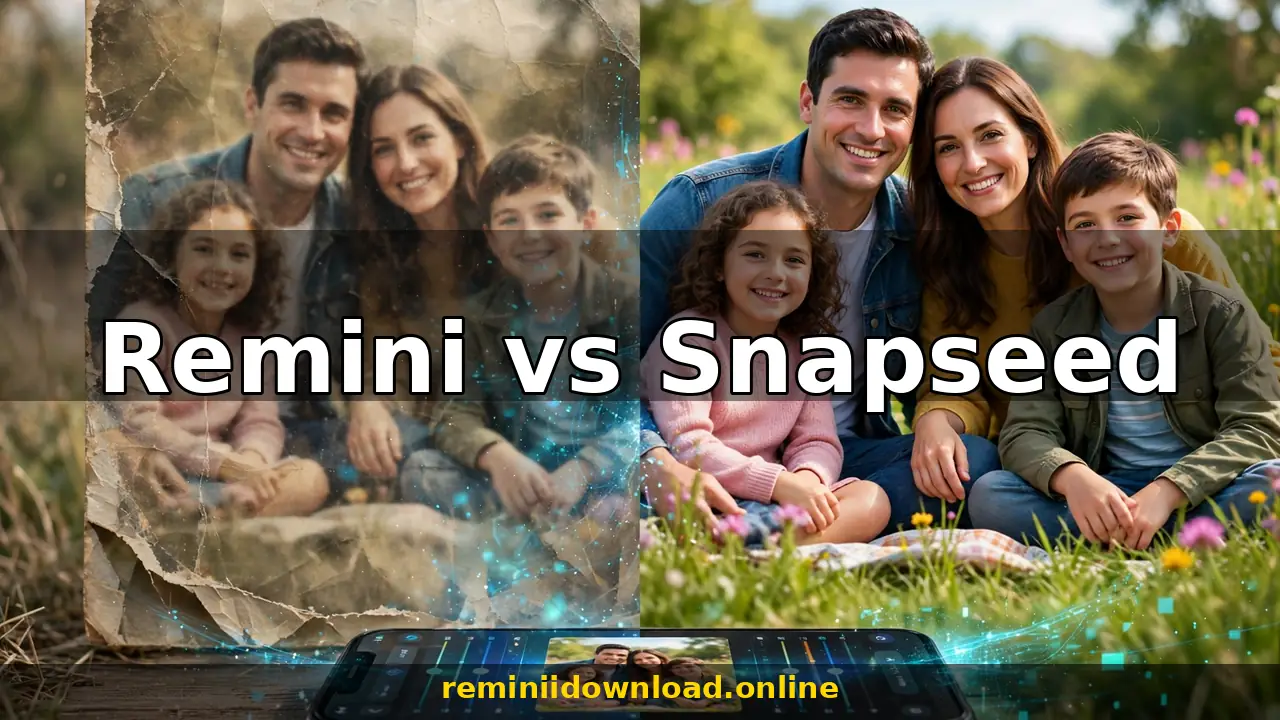
Remini vs Snapseed: Which AI Photo Editor Wins? (2026)

Remini vs Snapseed: Which Photo Editor Should You Use?
Remini wins for fixing blurry, low-quality, or old photos automatically with AI, while Snapseed wins for free manual photo editing with pro-level controls. They are not really rivals — Remini is a corrective tool that repairs bad image data, and Snapseed is a creative tool that polishes good images. This guide compares Remini vs Snapseed across features, pricing, ease of use, and real-world results so you can pick the right app — or learn the pro workflow that uses both together.
Quick Verdict: Remini vs Snapseed at a Glance
| Factor | Remini | Snapseed |
|---|---|---|
| Best for | Unblurring, restoring, and upscaling old or low-quality photos with AI | Free manual editing: exposure, color, selective edits, RAW |
| AI enhancement | Yes — one-tap, cloud-based generative restoration | Basic AI assist only (no generative restoration) |
| Manual editing tools | Very limited | 29+ tools: curves, selective adjust, healing, perspective, brushes |
| Filters | Basic portrait/landscape filters | Wide range of customizable looks and presets |
| RAW / DNG support | No | Yes, full RAW editing |
| Batch processing | No | No (single-photo workflow) |
| Offline use | No — requires internet for AI processing | Yes — fully offline |
| Price | Free (ads, limited); Pro ~$4.99/mo or ~$29.99/yr | 100% free, no ads, no paywalls |
| Developer | Bending Spoons (Remini) | Google LLC |
Bottom line: If your photo is blurry, pixelated, or faded, run it through Remini first. If your photo is already sharp and you want to make it beautiful, use Snapseed. The best results come from combining them — enhance with Remini, then fine-tune in Snapseed.
What Is Remini?
Remini is an AI-powered photo and video enhancement app (by Bending Spoons) that specializes in one thing: turning low-quality images into sharp, high-definition versions. Its generative AI reconstructs faces, removes blur and noise, restores scratched or faded old photos, and upscales resolution — all in one tap. If you have spent any time learning how to use the Remini app, you know the workflow: upload a photo, tap Enhance, and let the cloud AI rebuild the detail in seconds.
Remini’s strength is corrective enhancement. It works on photos where image data is missing or damaged — the kind of photos no manual editor can save. It is cloud-based, so it requires an internet connection and a Remini account. The free tier limits how many photos you can enhance per day (with ads), while the Pro subscription unlocks unlimited enhancement, faster processing, and no ads. Our Remini subscription plans breakdown covers current pricing and whether Pro is worth it.
Remini’s honest limitation: it is not an editing app. You cannot selectively adjust exposure, dodge and burn, or do precise local edits. It enhances automatically, and you accept (or redo) what the AI produces.
What Is Snapseed?
Snapseed is Google’s free professional photo editor for Android and iOS. It is the closest thing to desktop Lightroom on a phone: non-destructive editing, full RAW/DNG support, 29 tools, and a deep set of filters (“Looks”) that can be stacked and fine-tuned. Tools like Selective Adjust, Curves, Healing, Perspective, Brush, and Double Exposure give you surgical control over every pixel — and every edit is non-destructive, so you can undo or revise anything at any time.
Snapseed’s strength is creative control. Its weakness is that it cannot invent detail that isn’t there. A blurry, pixelated, or badly damaged photo will still be blurry after Snapseed’s sharpening — its tools enhance existing data, they don’t reconstruct missing data. Snapseed is also fully free with no ads and works completely offline, which makes it a rare thing in 2026: a pro-grade editor with zero cost and zero catches.
Remini vs Snapseed: Feature-by-Feature Comparison
1. AI Photo Enhancement and Restoration
This is the entire reason Remini exists. Its AI models were trained on millions of faces and scenes, so they can reconstruct a blurry face into a sharp one, remove compression artifacts, and revive faded prints. No competitor does this as well — see our deep dive on restoring old photos with Remini for what the AI can and cannot recover.
Snapseed has no equivalent. Its Sharpening and Structure tools boost local contrast, which makes an already-decent photo look crisper, but they cannot unblur a truly blurry photo or restore a damaged scan. For heavy lifting on bad photos, Remini is the only choice of the two.
Winner: Remini — by a landslide for enhancement and restoration.
2. Manual Editing Tools
Flip the comparison and Snapseed dominates. Snapseed offers 29 tools including Tune Image, Curves, White Balance, Selective (control points for local brightness/contrast/saturation), Healing (object removal), Perspective, Expand, Lens Blur, Glamour Glow, Tonal Contrast, HDR Scape, Grunge, and Text. Every adjustment is non-destructive and can be saved as a reusable “Look.”
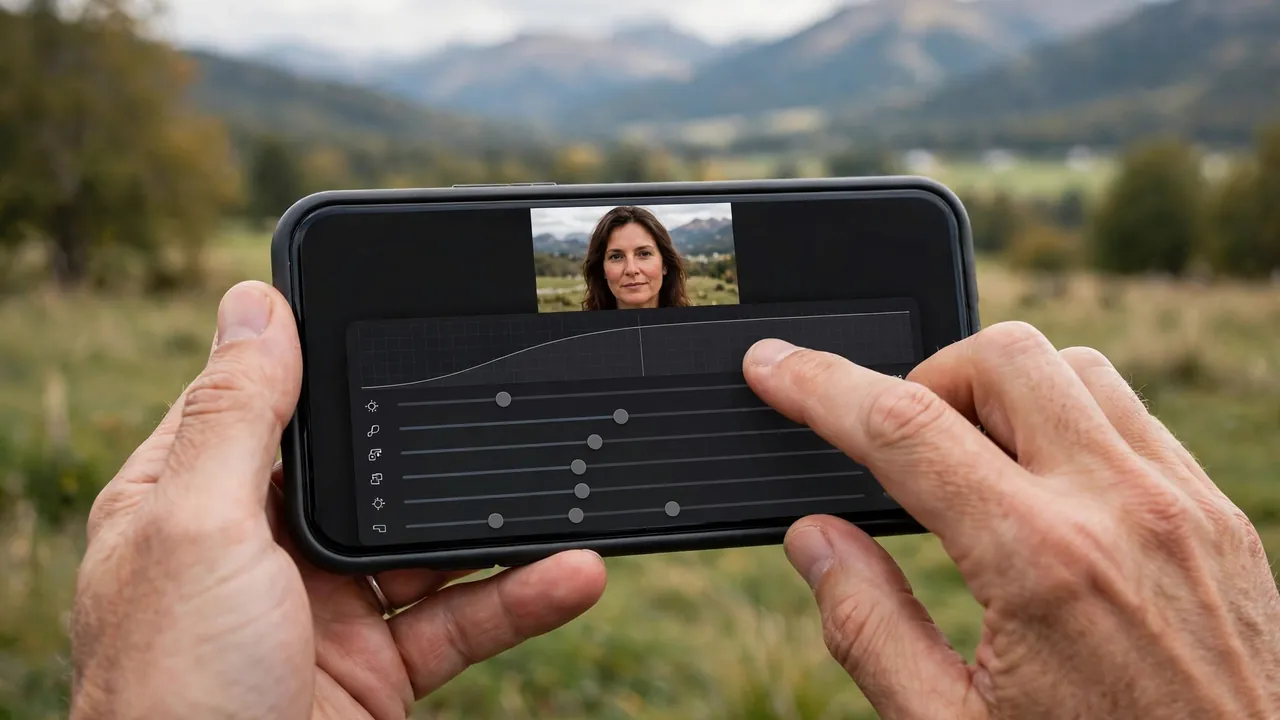
Remini offers essentially none of this. You get enhancement modes, a handful of filters, background and color tools, and that’s it. If you want to rescue an overexposed sky, whiten teeth selectively, or correct perspective on a building shot, Remini can’t help you.
Winner: Snapseed — the most powerful free manual editor on mobile.
3. Filters and Presets
Remini’s filters are basic — portrait and landscape presets plus the AI-generated styles in its filters catalog (we cataloged them in our Remini AI filters list). They exist to add flair after enhancement, not to drive the edit.
Snapseed’s Looks are far more capable: 12+ base presets, all fully customizable, stackable, and saveable as custom styles. Filters like Vintage, Grunge, Noir, and Drama are genuinely good, and each can be fine-tuned tool by tool.
Winner: Snapseed — deeper, customizable, and stackable.
4. RAW Support and Professional Workflow
Snapseed opens and edits RAW/DNG files from phones and cameras, with full control over exposure, white balance, and detail at the sensor-data level. This alone puts it in a different league for photographers.
Remini accepts only standard image formats (JPEG/PNG/HEIC) and processes them in the cloud. There is no RAW pipeline, no color profiles, and no batch workflow.
Winner: Snapseed — Remini isn’t built for professional workflows.
5. Ease of Use
Remini is dead simple: pick a photo, tap Enhance, done. The learning curve is zero, which is exactly why it went viral.
Snapseed is beginner-friendly on the surface — auto-adjust and Looks work in one tap — but its pro tools (Selective, Curves, Brush) take practice. That said, tuning the best Remini settings before exporting also takes some experimentation, so neither app is entirely effortless at the highest level.
Winner: Tie — Remini is simpler; Snapseed rewards the learning curve.
6. Pricing
Snapseed is completely free. No ads, no subscriptions, no locked features, no watermarks. In 2026, that is remarkable.
Remini is freemium: the free tier limits daily enhancements and shows ads, while Pro (roughly $4.99/month or $29.99/year, prices vary by region) removes ads and limits. If you only enhance photos occasionally, the free tier suffices. If you want to remove the Remini watermark and enhance without limits, Pro is the legitimate route.
Winner: Snapseed — free beats freemium.
7. Offline Use and Privacy
Snapseed works fully offline — your photos never leave your device. Google’s privacy policy applies, but no upload is required to edit.
Remini requires an internet connection because enhancement happens on its cloud servers, which means your photos are uploaded for processing. If you care about privacy, read our Is Remini Safe review before uploading sensitive images.
Winner: Snapseed — offline and no mandatory uploads.
Pros and Cons: Remini
Pros
- Best-in-class AI restoration: unblurs, denoises, and upscales photos no manual editor can save
- One-tap workflow — zero learning curve
- Old photo restoration and colorization features
- Video enhancement available
- Free tier lets you test before paying
Cons
- Requires internet and uploads photos to cloud servers
- Very limited manual editing controls
- Free tier is limited and ad-supported; Pro is a subscription
- AI can occasionally produce unnatural faces or artifacts on heavily damaged photos
- No RAW support, no batch processing
Pros and Cons: Snapseed
Pros
- Completely free with no ads, subscriptions, or locked features
- 29 pro-grade tools including Curves, Selective Adjust, Healing, and Perspective
- Full RAW/DNG support and non-destructive editing
- Works fully offline; photos stay on your device
- Deep customizable filters that can be saved as reusable Looks
Cons
- Cannot unblur or restore heavily damaged/low-quality photos — no generative AI
- Advanced tools have a learning curve for beginners
- No cloud sync; edits live on one device
- Development has slowed — Google updates it infrequently
- No video editing features
The Pro Workflow: Use Remini and Snapseed Together
Here is the secret most comparison articles miss: you don’t have to choose. The two apps solve different problems, and the best mobile editing workflow in 2026 uses both in sequence:
- Start with Remini. Upload the blurry, noisy, or old photo and run AI enhancement. This rebuilds the missing detail and gives you a clean, sharp baseline.
- Export the enhanced photo at the highest available quality.
- Open it in Snapseed. Now use Tune Image or Curves to fix exposure, Selective to balance faces against backgrounds, Healing to remove distractions, and your favorite Look to finish the style.
- Export from Snapseed at maximum quality.
Why this order matters: Snapseed’s sharpening and detail tools work dramatically better on a clean, high-resolution file. Running Remini first means Snapseed has real detail to work with instead of noise and blur. Photographers who restore family archives swear by this two-step pipeline.
Which Should You Download?
- Download Remini if: your photos are blurry, pixelated, compressed, or old and damaged; you want one-tap fixes; you need AI restoration or old-photo colorization.
- Download Snapseed if: your photos are already decent and you want to make them stunning; you shoot RAW; you want a free pro editor with no ads; you edit offline.
- Download both if: you restore old family photos or rescue bad shots regularly — enhance in Remini, polish in Snapseed.
For most people, both apps deserve a place on the phone. They are free to try, and together they cover the entire journey from a ruined photo to a finished one.
Table of Contents
Is Remini better than Snapseed?
Neither is universally better — they do different jobs. Remini is better at fixing blurry, old, or low-quality photos with AI, while Snapseed is better for manual editing, color grading, and creative control. For a ruined photo, Remini wins; for a good photo, Snapseed wins.
Can Snapseed enhance blurry photos like Remini?
Not really. Snapseed’s Sharpening and Structure tools improve perceived sharpness in decent photos, but they cannot reconstruct a truly blurry or pixelated photo the way Remini’s AI does. If the detail isn’t in the file, Snapseed can’t invent it.
Is Snapseed really free?
Yes. Snapseed is 100% free with no ads, no subscriptions, and no locked features. It is developed by Google and available on Android and iOS.
Can I use Remini and Snapseed together?
Yes, and you should. Enhance the photo in Remini first to rebuild detail, then open the result in Snapseed for exposure, color, and creative edits. This two-step workflow produces better results than either app alone.
Does Remini or Snapseed work offline?
Snapseed works fully offline. Remini requires an internet connection because its AI enhancement runs on cloud servers.
Which app is better for old photo restoration?
Remini, by far. Its AI restoration and colorization are built specifically for old, faded, and damaged photos. Snapseed can clean up a scanned photo’s tones, but it cannot repair damage or reconstruct faces.
Does Snapseed support RAW photos?
Yes. Snapseed offers full RAW/DNG editing with non-destructive adjustments. Remini does not support RAW files.
Is there a watermark on Remini or Snapseed photos?
Snapseed adds no watermark, ever. Remini’s free tier may add a watermark to some outputs; Pro removes it.
Conclusion
The Remini vs Snapseed debate has a clear answer once you understand what each app is for: Remini repairs photos, Snapseed perfects them. Remini’s AI is unmatched for rescuing blurry, noisy, and decades-old images, while Snapseed remains the best free manual editor on any phone, with pro tools that cost nothing and work offline.
Don’t pick a winner — build a workflow. Run damaged photos through Remini’s AI first, then bring the clean result into Snapseed for the finishing touches. That combination beats any single app, free or paid, in 2026.
By Rahul Sharma — Remini Download is an independent review site. We test every app ourselves and only recommend tools we’d use on our own photos.
