
Remini Mod APK Premium Unlocked: Every Pro Feature Explained (2026)

Remini premium unlocked features change what you see on your phone — open menus, no ads, no watermark — but they do not change Remini’s servers, where every AI enhancement is actually processed and counted against an account. So you can unlock the interface completely and still run out of processing. That single fact decides whether an unlocked build is worth anything to you, and this guide is organised around it: what genuinely changes, what never changes, and which route makes sense for the kind of work you actually do.
Last updated: October 29, 2026
Table of Contents
Start With the Reality Table
Most pages about remini premium unlocked features list features as if they all behave the same way. They do not. Every limit in Remini sits in one of two places. Some limits are part of the app installed on your device: paywall screens, advert interruptions, the watermark stamped on exports, menus greyed out. A modified build can rewrite those, because they are only software on your phone. Other limits sit on Remini’s servers. Remini does not enhance photos on your device at all — it uploads your image, processes it on its own systems, and charges that work against your account’s allowance, whether that allowance comes from a subscription or from Pro Cards. No modified app can create quota on someone else’s server. Read every feature through that split and the marketing claims sort themselves out.
| Premium feature | Where the limit lives | What “unlocked” really delivers |
|---|---|---|
| Ad-free experience | Device | Ads genuinely disappear; this is a display change inside the app. |
| No watermark on exports | Device | The overlay is applied in the app, so exports can come out clean. |
| Full filter and AI tool library | Device, mostly | Locked menus and premium filters open, including portrait effects and style presets. |
| HD / high-resolution export | Device setting, server processing | The resolution cap in the menu lifts, but each export still needs a server job. |
| Video enhancement | Server | Tools may appear open, yet every clip still consumes account quota, fast. |
| Batch processing | Device queue, server processing | You can queue many photos, but each one is still a separate paid server job. |
| Old-photo restoration suite | Device menu, server processing | Scratch repair and colourisation unlock in the menu; the work is still metered. |
| New AI models and features | Server / developer | Nothing. A modified build is frozen at whatever version it was made from. |
What Genuinely Changes: The Device Side
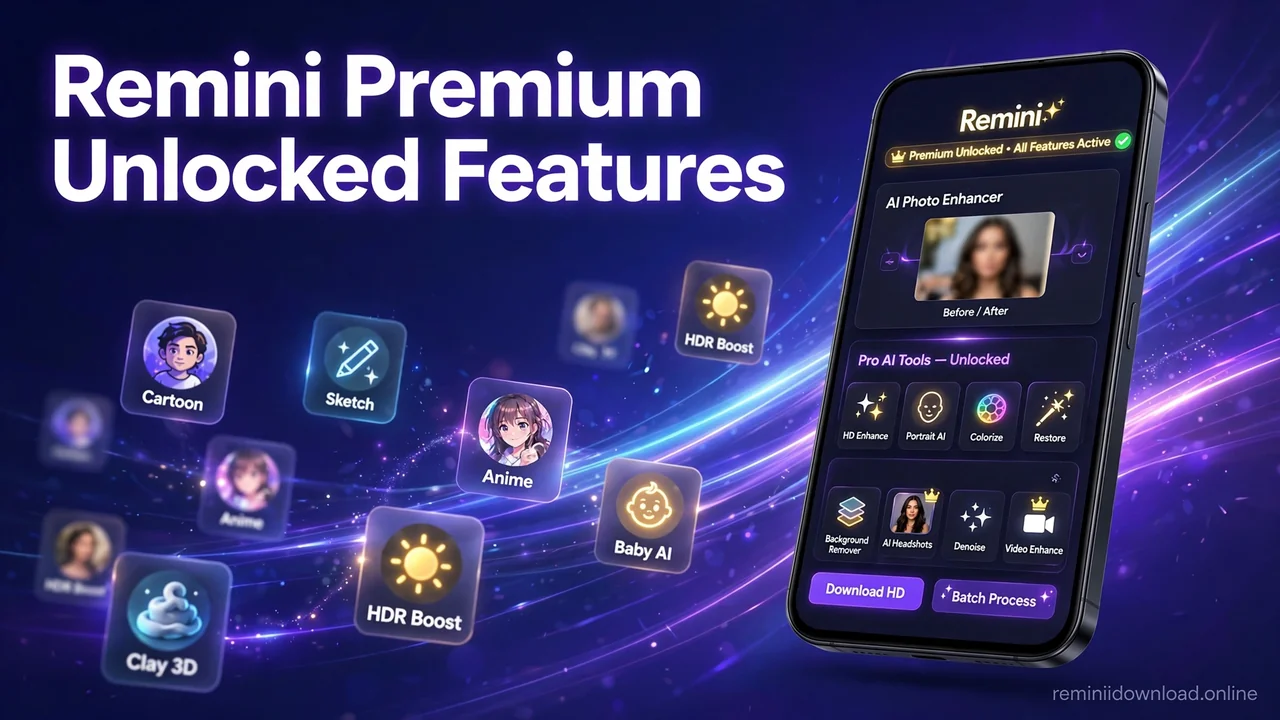
On the device side, the changes are real, and it is worth being precise about them rather than dismissing the whole idea. An unlocked build can remove the advertising that interrupts the free experience, because ad calls are made by the app itself. It can remove the watermark from exported images, because that overlay is composited on the device before the file is saved. It can open menus that the free version keeps behind a paywall, which means the full premium filter library becomes selectable: advanced face enhancement, AI portrait effects, background enhancement, colour correction presets, and specialty styles such as cartoon, oil painting and sketch. It can also expose the HD export setting that the free tier caps, so the app will request a higher-resolution result instead of the reduced free output.
Two honest qualifications belong here. First, “selectable” is not the same as “completed.” Opening a filter only lets you send the job; the enhancement itself still happens on Remini’s servers, under your account, as the next section explains. Second, reliability varies because these builds are unofficial snapshots. A tool that works this month may break after a server-side change, a filter may produce different results from the current official version, and there is no developer support channel to ask when something fails. What genuinely changes, then, is the shop window — everything on display, nothing locked — not the stockroom behind it.
What Never Changes: The Server Side
The server side is where the popular claims fall apart, and it is the part download pages consistently leave out. Every enhancement, whether it starts from the official app or a modified one, is processed on Remini’s servers and deducted from an account allowance. That allowance is finite in both of its forms: a subscription includes a set amount of processing, and outside a subscription the same work is paid for with Pro Cards, Remini’s prepaid processing credits — our guide to how Pro Cards work breaks down how quickly different jobs consume them. When the allowance runs out, processing stops. It does not matter that the menus still look open or that a filter is still selectable; the server simply has nothing left to give that account. An unlocked build cannot mint quota, reset a counter it does not control, or persuade a server to work for free.
Video makes this impossible to ignore. A single short clip can consume more allowance than a stack of still photos, because the model works across many frames. Readers who unlock a build expecting unlimited video enhancement usually discover the limit within their first few clips — not because the build failed, but because the limit was never in the build.
Two further things never change. Updates: Remini ships new models and features to its own app and servers, and a modified build stays frozen at the version it was altered from, so newer tools may be missing or stop working altogether. And standing: modified builds are not distributed or endorsed by the developer, Bending Spoons, their contents cannot be verified before you install them, and using one can put your account at risk — a concern we cover in more depth in our explainer on whether Remini is safe. None of that is a scare tactic; it is simply the part of the deal that sits outside your phone and outside any modifier’s control.
The Official Route, Compared
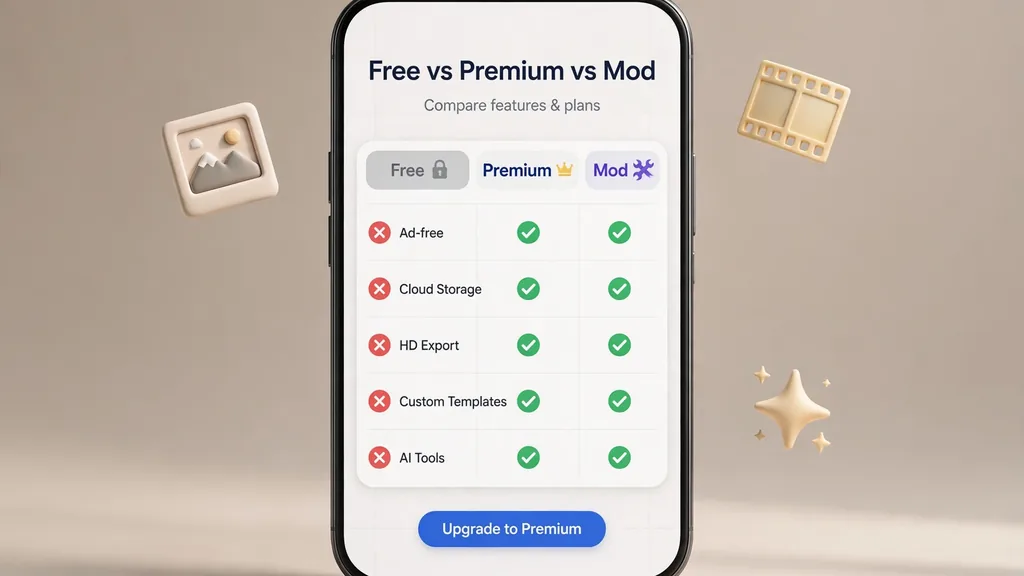
Set against that, the official premium subscription sold through Remini’s official site is a different kind of product: not a set of unlocked menus, but menus plus the server allowance to actually use them, in Personal and Business tiers. Our Remini subscription plans guide covers the tiers and pricing in detail. The comparison below is the whole decision in one place.
| Official subscription | Modified build | |
|---|---|---|
| Cost | Recurring subscription (Personal / Business tiers) | No subscription fee, but no included server allowance either |
| Quota | Processing allowance included; top-ups via Pro Cards | No quota created; processing still draws on an account |
| Updates | New models and features as Remini releases them | Frozen at the altered version; features can break or go missing |
| Support | Developer’s support channels and account recovery | None; no official help if the build or account fails |
| Risk | Account in good standing, verified app | Unverified contents, no endorsement from Bending Spoons, account at risk |
The right choice depends on how much processing you actually need. If you are a one-off restorer with a single precious photo, neither a subscription nor an unlocked build is the smart first step — start with the Remini free trial and the free allowance, because one photo rarely justifies paying or taking on risk. If you are a regular creator enhancing photos every week, the subscription’s included quota is the thing you are really buying, and it is the only route that reliably supplies it. If you are a professional whose clients depend on the output, the decision is not close: verified software, current models, support and an account in good standing are part of the product, and a modified build offers none of them.
Where the Features Actually Matter
Three of the remini premium unlocked features deserve a closer look — not as catalogue entries, but because they are the ones readers ask about most, and each shows the device-versus-server split in a different way.
Restoring an Old Family Portrait
The pro restoration suite is Remini at its most valuable: scratch removal, repair of torn or damaged areas, correction of fading, sharpening of soft faces, and colourisation of black-and-white portraits. For a scanned family photograph, these tools together can recover a picture that looked lost. The menu for all of this can be unlocked on the device side, and the first enhancement may well succeed. But each pass — and careful restoration usually takes two or three passes at different settings — is a separate server job. Plan the work around your allowance, start with the photograph that matters most, and save every intermediate version.

Enhancing Video Without Burning Through Everything
Video enhancement combines AI upscaling, stabilisation assistance and frame-by-frame clarity improvements, and on a short, shaky phone clip the difference is striking. It is also the fastest way to exhaust an account. Because every second of footage contains dozens of frames, treat video as the premium spend it is: enhance the shortest clip that proves the result, check it, and only then commit allowance to longer footage. An unlocked menu does not soften this maths at all — it only removes the paywall screen that used to warn you about it.

Batch Processing for a Set of Photos
Batch processing solves a workflow problem, not a quality one: instead of opening, enhancing and saving thirty scanned photos one at a time, you queue the set and let the app work through it with consistent settings. For family archives and event photos, that consistency is the real gain. But a batch is a queue of individual server jobs, not a single job, so a thirty-photo batch consumes roughly thirty photos’ worth of allowance. Queue a small test batch first, confirm the settings suit the whole set, and then run the rest.

Frequently Asked Questions
What does Remini premium unlocked actually mean?
It means a modified version of the app in which device-side premium restrictions — paywall screens, ads, the watermark, locked menus — have been altered. It does not mean unlimited processing, because enhancements run on Remini’s servers against an account allowance.
Is premium unlocked really unlimited?
No. The interface may look unlimited, but every photo and video enhancement consumes server allowance from a subscription or Pro Cards. When that allowance runs out, processing stops regardless of what the menus show.
Does premium unlocked remove the watermark?
The watermark is applied by the app on your device, so a modified build can produce exports without it. That is one of the changes that genuinely works, because the limit lives on the device side.
Do Pro Cards work with an unlocked build?
Pro Cards are account-based server credits, not an app feature, so they belong to the account rather than the build. Processing still draws them down the same way, and using a modified build can put the account holding them at risk.
What are the video limits with premium unlocked?
The same as everyone else’s. Video is processed frame by frame on Remini’s servers and consumes allowance faster than any other job type, so unlocked video tools still stop when the account’s allowance is exhausted.
Is premium unlocked the same as official premium?
No. Official premium combines open features with included server quota, updates and support. An unlocked build offers the open interface only — no quota, no updates, no support, and no endorsement from the developer.
Can using a modified build get my account banned?
It can put the account at risk. Modified builds are not distributed or endorsed by Bending Spoons and their contents cannot be verified. We cannot promise any account outcome, which is exactly why the risk belongs in the decision.
What is the best legitimate alternative?
Start with the free trial and free allowance for small jobs. If you enhance regularly, an official Personal or Business subscription is the alternative that actually includes the server processing the features depend on.
Conclusion
Remini premium unlocked features are best understood as an unlocked interface, not unlocked processing. What lives on your device — ads, the watermark, paywalled menus, the HD export setting — can genuinely change, and for casual browsing of filters that may feel like the whole product. What lives on Remini’s servers — the quota every enhancement consumes, Pro Cards, new models, account standing — never changes, and it is the half that decides whether your photo actually gets enhanced. Decide by your workload: trial the service for a one-off repair, subscribe if you create regularly, and treat any modified build as an unverified, unsupported shortcut whose limits appear exactly when the work matters most.
Related Remini Guides
- Remini Pro Cards Explained
- Remini Subscription Plans
- Remini Free Trial
- Remini Mod APK Ultimate Guide
- How to Use the Remini App
- Remini AI Filters List
- How to Enhance Videos with Remini
- Remini Old Photo Restoration
- Is Remini Safe?
- How to Cancel a Remini Subscription
Written by Rahul Sharma
