
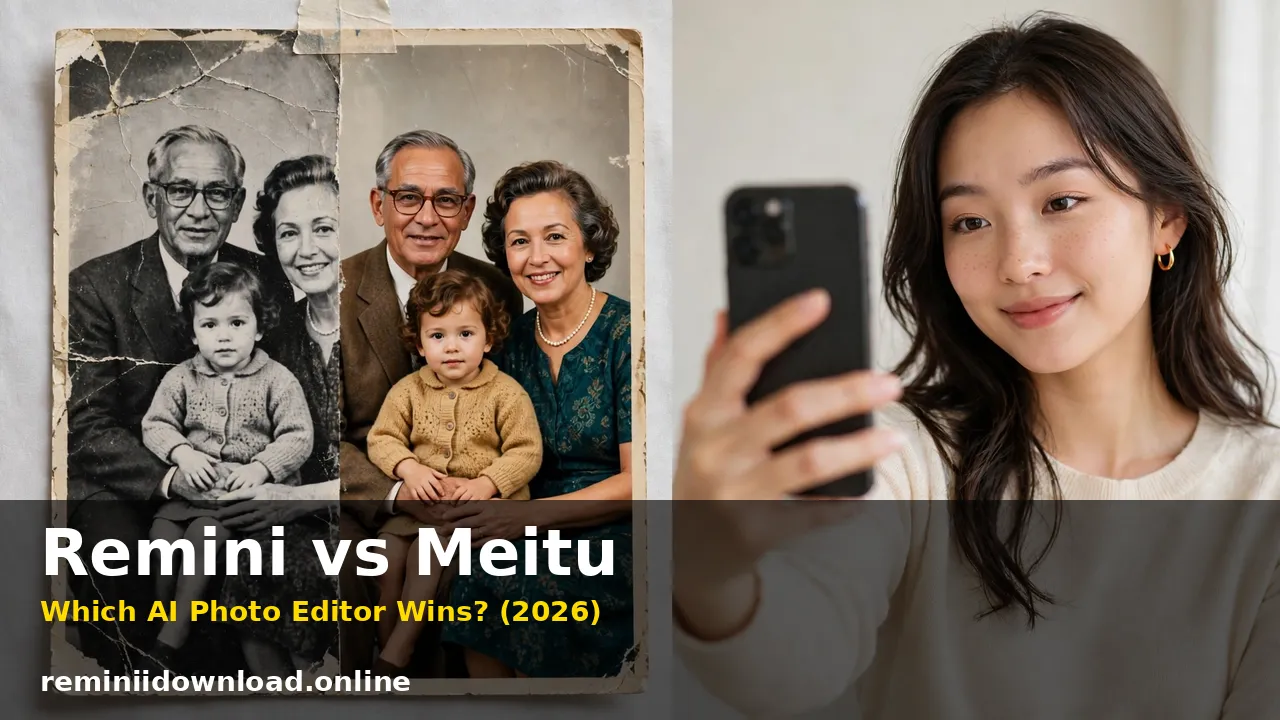
Remini vs Meitu: Which AI Photo Editor Wins? (2026)

Remini vs Meitu comes down to one simple question: do you want to fix photos, or do you want to beautify them? Remini wins for one-tap AI photo enhancement and old photo restoration, while Meitu wins for selfie beautification, makeup effects, filters, and AI art. If your main problem is a blurry, faded, or low-quality photo, Remini is the better tool. If you want flawless selfies, creative filters, and social-ready portraits, Meitu is the stronger choice. This guide compares Remini vs Meitu on enhancement quality, beauty tools, AI features, pricing, ease of use, and privacy, so you can pick the right app before you pay for either.
Table of Contents
Remini vs Meitu at a Glance
| Remini | Meitu | |
|---|---|---|
| Main strength | AI photo enhancement and restoration | Selfie beautification, filters, AI art |
| Best for | Blurry photos, old photos, faces | Selfies, portraits, social media content |
| Beauty retouching | Very limited | Full: skin, makeup, body shape, eyes, teeth |
| Manual editing controls | Very limited | Full: crop, filters, stickers, collage, video |
| AI art styles | AI Photos portraits (headshots, wedding, yearbook) | AI art, anime, clay effects, AI portraits |
| Free plan | Limited free enhancements, ads, watermarked | Free editing, ads, watermarked VIP exports |
| Paid price | Around $9.99 per week or $69.99 per year | VIP from $8.59 per month or $37.99 per year |
| Platforms | iOS, Android, Web | iOS, Android |
| Video editing | Video enhancement | Full video editor with filters and retouching |
What Remini Does Best
Remini is a specialist. It does one job extremely well: it takes a low-quality photo and uses AI to rebuild detail. Upload a blurry selfie, a pixelated screenshot, or a scanned family photo from decades ago, and Remini sharpens faces, restores faded colors, and cleans up noise in seconds. Its Enhance tool, Unblur and Sharpener, and Colorize feature are built specifically for photos that are damaged, old, or low resolution.
Remini also offers AI Photos, a generative feature that turns 8 to 12 selfies into stylized portraits, headshots, wedding photos, yearbook photos, and baby predictions. In any Remini vs Meitu comparison, this specialization is Remini’s biggest advantage: it goes deeper on photo repair than any general editor. If you want to learn the basics first, our guide on how to use the Remini app walks through every tool step by step.
What Remini does not do is beautification or manual editing. There are no makeup tools, no skin sliders, no body reshaping, no collage maker, and no video editor beyond enhancement. Remini decides what the improved photo looks like, and you mostly accept or reject the result. For old damaged prints specifically, see our guide to restoring old photos with Remini, and for blurry shots see how to unblur photos with Remini.
What Meitu Does Best
Meitu is a beauty and creativity powerhouse. Built by Meitu Inc. in China, it has become one of Asia’s most popular selfie editors, and its toolkit shows why. You get one-tap beautification that smooths skin, brightens eyes, removes blemishes, and whitens teeth, plus virtual makeup with eyelashes, lipstick, and contour, body-shape tools that adjust height and proportions, and a huge library of filters, stickers, frames, and AR effects.
Meitu also includes AI art features that turn portraits into anime illustrations, paintings, and clay-style figures, plus a full video editor with filters, transitions, and portrait retouching for Reels and TikTok clips. A collage maker, templates, and text tools round out a genuinely complete creative app. Meitu’s free version covers most everyday editing, while VIP unlocks over 1,000 extra materials, advanced retouching tools, watermark-free exports, and ad-free editing.
Meitu’s weakness is depth in photo repair. Its enhancer and unblur tools improve a photo, but they do not rebuild faces or rescue heavily damaged old photos the way Remini does. If your photo is badly blurred or decades old, Meitu will polish it, while Remini will reconstruct it.
Remini vs Meitu: AI Enhancement Quality Compared

This is the category that decides the comparison for most people, and Remini wins it clearly.
Remini’s AI models are trained specifically on faces and photo restoration. They recover facial features, sharpen eyes and hair, and rebuild texture in a way that general editors do not. Independent tests consistently show Remini producing sharper, more natural-looking results on portraits and old photos, even though it sometimes over-smooths skin or invents detail that was never in the original. That last point matters: Remini reconstructs, it does not recover. On a very blurry face, the result can look plausible but not identical to the real person.
Meitu’s enhancement is a solid one-click improvement. It corrects exposure, sharpens edges, and cleans up mild noise, and it does so quickly with no learning curve. But on heavily blurred or damaged photos, the improvement is modest. Meitu is better thought of as an enhancer for photos that are already decent, not a rescue tool for photos that are ruined.
Verdict: for enhancement quality, especially faces and old photos, Remini is the clear winner. For quick everyday touch-ups, Meitu is good enough and far more convenient.
Remini vs Meitu: Beauty Tools and Filters Compared
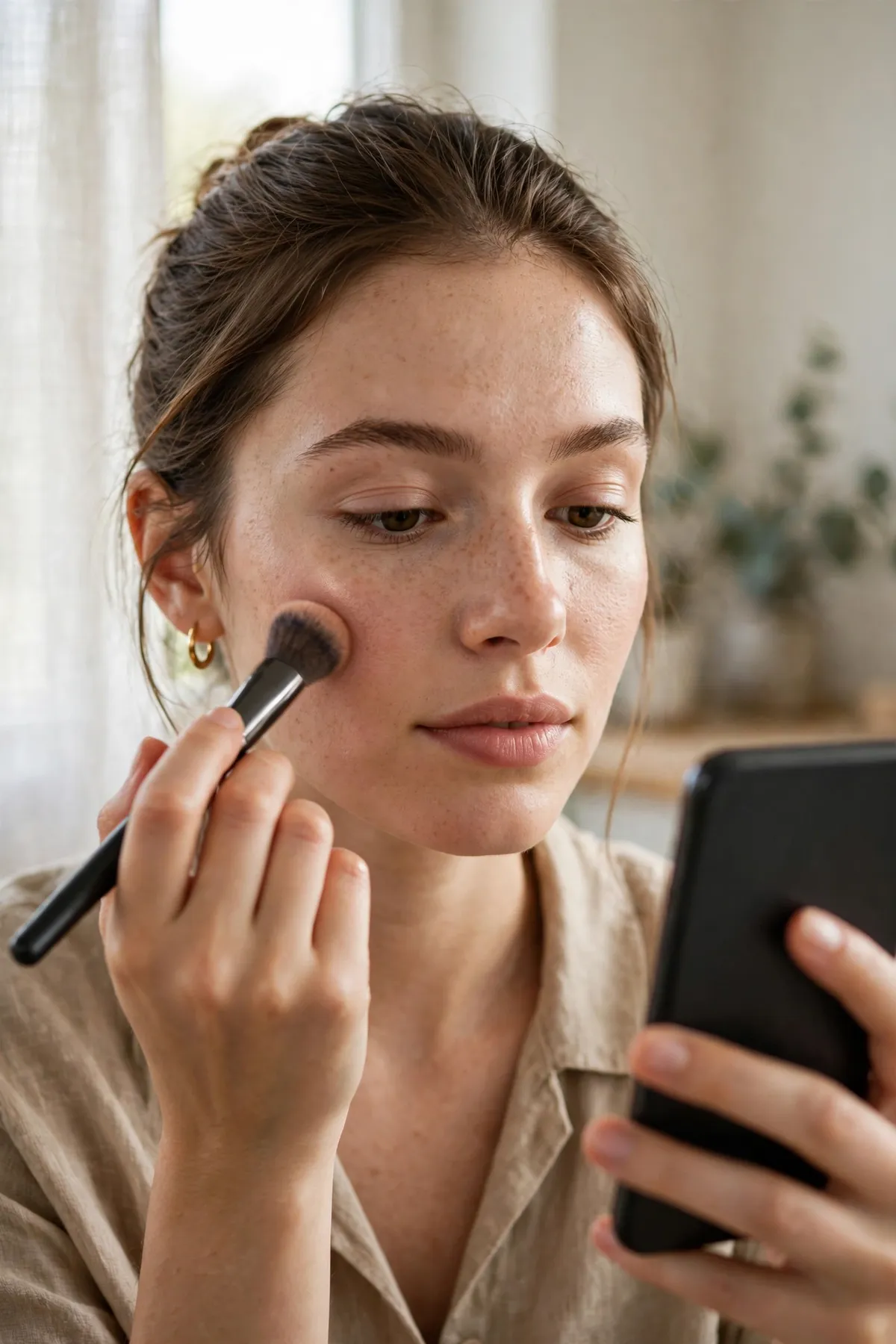
Here the result flips completely, and Meitu wins by a wide margin.
Meitu gives you a complete beautification toolkit: skin smoothing with adjustable firmness and tone, blemish removal, eye brightening and enlargement, teeth whitening, virtual makeup, hair adjustments, and body reshaping. Its 200-plus filters include vintage, digicam, and seasonal styles, and VIP adds over 1,000 more materials, stickers, and AR cameras. Everything is adjustable with sliders, so you control exactly how natural or dramatic the result looks.
Remini offers almost none of this. Beyond enhancement and its AI Photos styles, you cannot apply makeup, reshape a portrait, or fine-tune skin by hand. If you enhance a photo in Remini and then want a beautified, social-ready version, you still need a second app.
Verdict: if beauty retouching, makeup, or filters matter to you at all, Meitu is the only real choice of the two. Remini is not a beauty app and does not try to be.
Remini vs Meitu: AI Art and Creative Features Compared
Both apps have generative AI features, but they aim at different kinds of creativity.
Remini’s AI Photos feature trains on your selfies and generates realistic stylized portraits: professional headshots, wedding photos, 90s yearbook shots, and baby predictions. The results look like photographs, which is why they go viral on social media. The trade-off is time and cost: you upload 8 to 12 selfies, wait for processing, and the best results usually sit behind a paid plan.
Meitu’s AI art leans playful and artistic. Its AI filters turn portraits into anime characters, oil paintings, clay figures, and cartoon styles, often in seconds and with many styles free to try. Recent head-to-head tests of the viral clay effect found an interesting split: Meitu’s version looked softer and more shareable thanks to its built-in beautification, while Remini’s version rendered hands and fine details more accurately. That split sums up the whole comparison: Meitu optimizes for pretty, Remini optimizes for accurate.
Verdict: for realistic AI portraits, Remini wins. For fun artistic styles and instant creative effects, Meitu wins.
Remini vs Meitu: Pricing Compared
Pricing is close, but the structures differ, so check what you actually get before subscribing.
Remini costs around $9.99 per week on its weekly plan, or roughly $69.99 per year on annual billing. The weekly plan is expensive if you forget to cancel, so the yearly plan is far better value for regular users. A limited free tier exists, but daily enhancements are capped, ads appear, and some exports carry watermarks. See our full breakdown in Remini subscription plans.
Meitu is free to download and use for basic editing. VIP costs around $8.59 per month, $14.99 per quarter, or $37.99 per year on iOS, with prices varying by region and platform. A VIP Plus tier adds more materials and cross-platform access. VIP removes ads and watermarks and unlocks advanced retouching, extra filters, and digicam styles. Meitu’s yearly VIP is notably cheaper than Remini’s yearly plan, but the two subscriptions buy different things: Meitu VIP buys creative tools, Remini buys restoration power.
Verdict: Meitu is cheaper and its free tier is more generous for everyday editing. Remini’s subscription is only worth it if you regularly restore or enhance photos.
Remini vs Meitu: Ease of Use Compared
Both apps are beginner-friendly, but in different ways.
Remini is the simplest app of the two. Open it, pick a photo, tap Enhance, and wait a few seconds. There is almost nothing to learn, which is exactly why it is popular with casual users. The trade-off is control: if you dislike the result, your only options are to try a different tool or accept it.
Meitu takes a little longer to learn because it offers so much more. The home screen packs beautify, filters, collage, video, and AI tools into one place, and new users can feel overwhelmed at first. But each tool is guided with sliders and live previews, so most people get confident results within minutes. The depth is a feature, not a flaw, as long as you want that depth.
Verdict: Remini is simpler; Meitu is more capable. Beginners who only want enhancement should pick Remini, while creators who enjoy editing should pick Meitu.
Remini vs Meitu: Privacy and Safety Compared
Both apps process photos in the cloud, so privacy deserves a straight answer.
Remini uploads your photo to its servers for AI processing and states that uploads are deleted within a retention window that varies by platform, up to around 30 days. Face data is not sold to third parties, and general images are only used for model training if you explicitly opt in. Still, you should avoid uploading sensitive documents or photos of other people without permission. Our full review covers this in is Remini safe.
Meitu, as a China-based app with a global user base, collects personal information, device identifiers, and usage data, encrypts data in transit, and lets users request deletion of their data. Its app store listing notes that data may be used to track you across other companies’ apps and websites. The practical advice is the same for both apps: use them for photos you are comfortable uploading, avoid sensitive images, and delete uploads you no longer need.
Verdict: neither app is a privacy-first local editor. If privacy is your top priority, a desktop tool that processes photos on your device, such as our Remini vs Topaz comparison covers, is a better fit than either mobile app.
Who Should Choose Remini?
Choose Remini if you:
- restore old family photos or scanned prints regularly;
- fix blurry, pixelated, or low-light photos;
- want realistic AI headshots, wedding photos, or yearbook portraits;
- prefer a one-tap tool with no learning curve;
- already use another app for beauty edits and design.
Who Should Choose Meitu?
Choose Meitu if you:
- take selfies and want beautification, makeup, and filters;
- create content for Instagram, TikTok, or Xiaohongshu;
- enjoy AI art styles, anime effects, and creative portraits;
- edit short videos with filters and retouching;
- want a generous free tier with optional VIP extras.
The Pro Workflow: Use Both Together
The honest answer for many people is that Remini vs Meitu is not an either-or choice. The two apps do different jobs, and combining them gives the best result:
- Restore first in Remini. Enhance the blurry or old photo, or colorize a black-and-white print, and export the best version.
- Beautify second in Meitu. Open the restored photo in Meitu, apply gentle skin retouching, a filter, or virtual makeup, and adjust to taste.
- Finish for social in Meitu. Add stickers, text, or a collage layout, or cut a short video version with Meitu’s video editor.
This order matters. Enhancing first gives Meitu a clean, detailed photo to work with, while beautifying first and then enhancing can exaggerate skin smoothing and produce a plastic look. For settings that keep Remini results natural, see our guide to the best Remini settings.
Remini vs Meitu: Final Verdict
Remini vs Meitu is a specialist versus a creative all-rounder. Remini wins for photo enhancement and restoration, Meitu wins for beauty, filters, AI art, and video editing. If you can only pay for one app, pick the one that matches your main problem: damaged or old photos mean Remini, selfies and social content mean Meitu. If you regularly do both, use Remini to repair and Meitu to beautify, and you will get better results than either app gives alone.
Frequently Asked Questions
Is Remini better than Meitu?
Remini is better than Meitu for enhancing and restoring photos, especially blurry, old, or low-quality images. Meitu is better for selfie beautification, makeup effects, filters, and AI art. Neither app is better at everything, so the right choice depends on whether you need photo repair or creative editing.
Is Meitu free to use?
Yes, Meitu is free to download and use for basic photo and video editing. A VIP subscription unlocks over 1,000 extra filters, stickers, and materials, advanced retouching tools, watermark-free exports, and ad-free editing. Prices start at around $8.59 per month or $37.99 per year, varying by region.
Can Meitu enhance old photos like Remini?
Meitu can improve old photos with its enhancer and unblur tools, but it cannot match Remini on heavily damaged, faded, or very blurry prints. Remini’s AI is trained specifically for restoration and rebuilds facial detail, while Meitu’s tools mainly polish photos that are already in decent condition.
Does Remini have beauty filters like Meitu?
No, Remini does not have Meitu-style beauty tools. It has no virtual makeup, skin sliders, or body reshaping. Its AI Photos feature generates stylized portraits, but for everyday beautification and filters, Meitu is far stronger.
Which app is better for social media content?
Meitu is better for social media content thanks to its filters, stickers, collage maker, templates, and full video editor built for Reels and TikTok. Remini is better when the raw photo itself is low quality and needs repair before posting.
Is Meitu safe to use?
Meitu is a legitimate app from Meitu Inc. with millions of users, but like most cloud photo editors it collects personal and device data and processes uploads on its servers. Avoid uploading sensitive photos, review the app’s privacy policy, and use the in-app deletion options for uploads you no longer need.
Can I use Remini and Meitu together?
Yes, and this is the best workflow for many users. Enhance or restore the photo in Remini first, then open the result in Meitu for beautification, filters, or video editing. Restoring first gives Meitu a clean, detailed image to work with and avoids over-smoothing.
Do Remini and Meitu work on both iPhone and Android?
Yes, both apps are available on iOS and Android. Remini also offers a web version for browser-based enhancement, while Meitu is mobile-focused with VIP Plus adding cross-platform access.
Conclusion
Remini vs Meitu is not a contest with one winner. Remini is the tool you reach for when a photo is damaged, blurry, or old, and Meitu is the tool you reach for when a photo needs beauty, style, or social polish. Pick Remini for restoration, pick Meitu for creativity, and combine them when you want both. Either way, start with the free tier, test both apps on your own photos, and only subscribe once you know which one earns its place on your home screen.
By Rahul Sharma
