
Remini AI Yearbook: Create Viral Yearbook Photos from Selfies (2026)

Remini AI Yearbook is a generative feature inside the Remini app that turns 8 to 12 of your selfies into realistic 90s-style school yearbook portraits — vintage hairstyles, retro outfits, studio backdrops and all. To make yours: open Remini, tap AI Photos, pick a yearbook model, upload varied well-lit selfies, and wait a few minutes while the AI trains on your face and renders a batch of portraits. Everything else here — the selfie shoot, the era styles, the fixes, the real cost — exists because the gap between a batch that looks exactly like you and one that looks like a stranger is almost never the app. It is the ten minutes before you press generate.
Last updated: October 29, 2026
Table of Contents
Why your feed filled up with fake yearbook photos
The yearbook trend did not start with Remini. It exploded on TikTok in 2023, when EPIK’s yearbook pack went viral and millions posted portraits of themselves as imaginary 90s high-school students. Remini’s version arrived inside its AI Photos family — alongside baby photos, avatars and headshots — and spread for three reasons. Nostalgia: the soft lighting, denim and film grain charm even people who never sat for one. Personalisation: the AI rebuilds your face into each scene instead of pasting an effect over a selfie. And humour: every batch holds a few gloriously awkward frames, shared as much as the good ones.
One warning follows from that origin: most “AI yearbook” advice online was written about EPIK, and some does not transfer. Remini uses a smaller selfie set, generates inside AI Photos rather than a standalone flow, and ties the feature to its subscription and Pro Cards.
Shoot your selfie set first — before you open the app
Every Remini AI Yearbook result reflects one training set: your uploaded selfies. The app asks for 8 to 12, and rejects shots that are blurry, too dark, or show more than one clear face. Treat the upload like a short photo shoot, not a scroll through your camera roll — ten minutes by a bright window beats an hour of regenerating.

The ten-minute shoot plan
- Face a window in daylight, light even across your face — no harsh shadows.
- Take three front-facing shots: neutral, slight smile, full natural smile.
- Turn your head slightly left and right, then add one three-quarter view each side.
- Change one thing — different top, hair up instead of down — and take two or three more.
- Move to a different background for the last couple of shots.
What helps, and what quietly ruins a batch
| Do this | Avoid this |
|---|---|
| Recent photos (last year or two) | Mixing photos from very different ages |
| Bare, real skin texture | Beauty filters and heavy makeup |
| Face fully visible, eyes open | Sunglasses, low caps, hands on your chin |
| Solo shots only | Group photos with another prominent face |
| Several angles and expressions | Twelve near-identical front-facing selfies |
If your camera roll already holds selfies matching this standard, use them — the shoot is only necessary if it is full of filtered group shots. Either way, do not skip variety: twelve photos of one angle teach the model almost nothing about your face’s shape — the top cause of the “that looks like my cousin” result.

How to create your yearbook photos in Remini, step by step
- Update and open Remini. AI Photos features roll out by app version and region, so an outdated install is the most common reason the yearbook option seems missing. New to the app? See how to use the Remini app; download it from the official Remini website.
- Tap AI Photos on the home screen — the generative section, separate from the Enhance tab, which improves existing photos instead of creating new ones.
- Study the yearbook model before tapping it. The model image is the template — pose, outfit, hairstyle, backdrop — that your face is rendered into. Models produce wildly different batches, so pick the era you want (next section).
- Upload your 8 to 12 selfies. Remini may reject individual shots — replace rejected ones with cleaner solo photos instead of forcing the same file through.
- Confirm your gender selection. It steers hairstyles and outfits, and a wrong selection is a common cause of a strange first batch.
- Start generation. Rendering is server-side and typically takes several minutes, longer at busy times. You can leave the app; the set appears in AI Photos when ready.
- Review the whole batch before judging anything (next section), save your favourites, delete the misses.
- Optionally Enhance your best portrait. One light pass sharpens facial detail and makes the grain look like a real scanned film photo.
One cost note: on some plans, generations draw on Remini’s Pro Cards rather than unlimited use. If the app asks you to spend cards, read how Remini Pro Cards work first.
Pick your era: the yearbook styles are not all the same
“Yearbook style” covers four decades of school photography, and the model you choose sets the hairstyle, clothing and backdrop for the whole batch — choose deliberately.
| Era / style | The look | Who it suits |
|---|---|---|
| Classic 90s studio portrait | Soft gradient backdrop, denim or collared shirt, relaxed formal pose, gentle film grain | Almost everyone — the safest first batch |
| Varsity / sporty | Letterman-style jacket, team colours, gym or field backdrop | Anyone who wants the fun, shareable version |
| 80s big-hair portrait | Volume hairstyles, bolder colours, brighter studio backdrops | People leaning into the costume side |
| Casual 90s everyday | Jean jackets, plain tees, natural poses — a real school photo day | Posts that should read as nostalgic, not gimmicky |
| Formal / senior portrait | Dressier outfit, darker backdrop, composed pose | A profile-worthy single portrait |
Two working rules. First, one style per batch — mix styles and, if results disappoint, you cannot tell whether the style or your selfies were at fault. Second, start classic: the plain studio portrait is the most forgiving template, with tight framing and fewer props to mangle. Once a classic batch proves your set works, experiment freely.
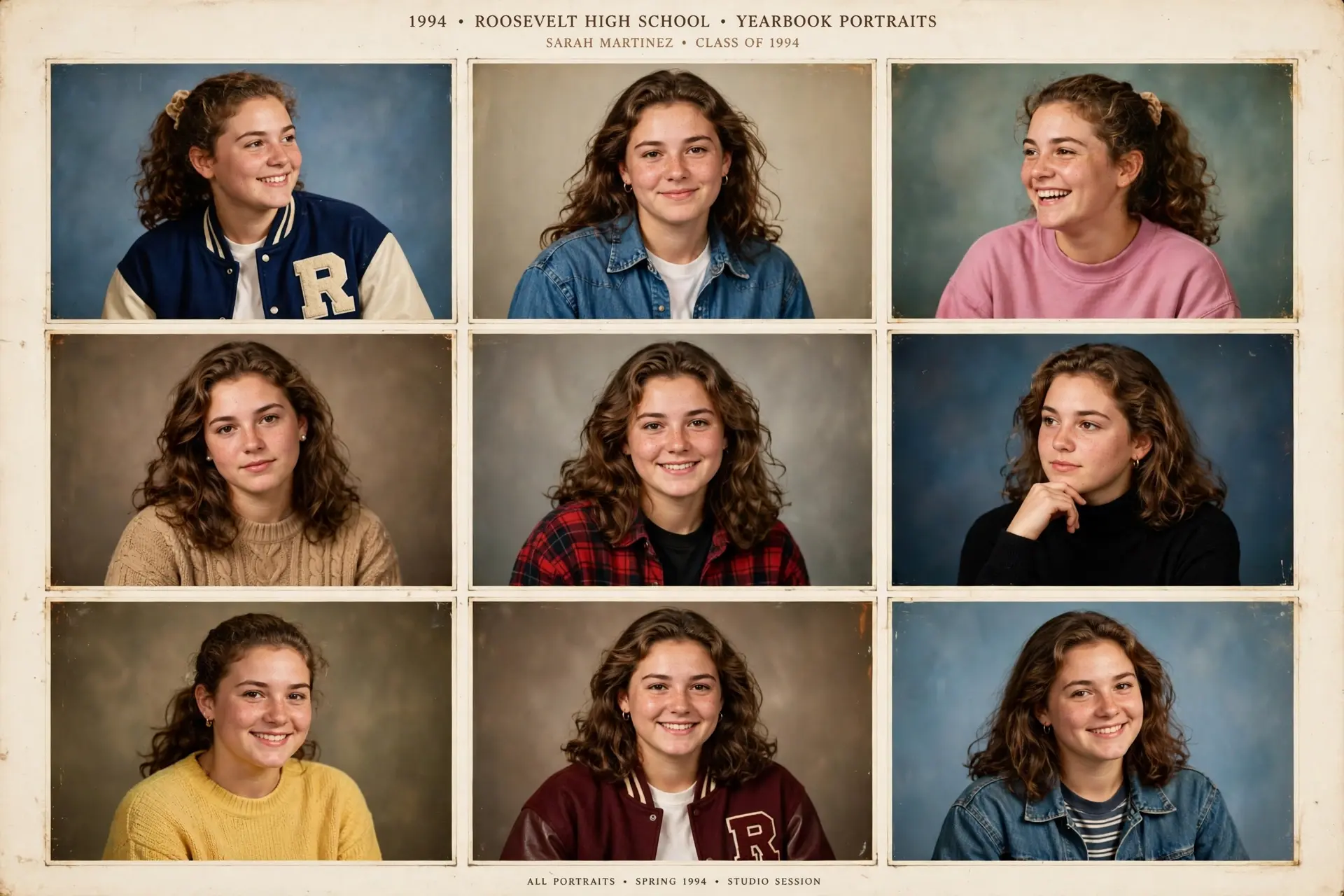
Read your batch like a photographer, not a critic
A generated batch is raw material, not a verdict. Expect a spread: a handful of portraits that look convincingly like you, several close but slightly off, and a few where the face drifts into a stranger. That is normal for generative AI — hence a set, not a single image.
Work the batch in two passes. First: save anything that reads as “me” at a glance — do not zoom in yet. Second: check the saved few for the details that give AI away — ears, teeth, jacket lettering, hands, jewellery. A portrait surviving both passes is your post. If nothing survives pass one, the problem is upstream (selfie set or gender selection); regenerating the same set in another style will not fix it. Rebuild the set and run one classic batch as a clean test.
The fix clinic: bad results, diagnosed
| Symptom | Most likely cause | Fix |
|---|---|---|
| Faces look like a relative, not you | Too little variety in the set, or filtered uploads | Re-shoot with the ten-minute plan: more angles, bare skin |
| Hairstyles and outfits look wrong | Gender selection does not match the model | Check the gender setting, regenerate with a classic model |
| Blurry or soft portraits | Saving a preview or screenshot, not the finished file | Save from the completed AI Photos set, then Enhance once |
| Generation stuck for a long time | Weak connection, or a silently rejected upload | Reconnect and reopen the app; retry with a fresh set if it failed |
| Yearbook option missing | Outdated app version, or style not offered in your region yet | Update Remini and check AI Photos; styles rotate in and out |
| Great face, weird jacket text and props | Normal AI limits on lettering and small objects | Crop tighter on the face, or pick the cleanest portrait |
Notice the pattern: most fixes are free and take minutes. Only regenerate after changing something — same inputs, same outputs.
What Remini AI Yearbook actually costs
The full feature is a premium one in most regions — anyone calling it simply “free” is describing a trial window. The realistic routes, in order of value:
- Free trial. New subscribers can usually start with a Remini free trial — the smartest way to test the feature. Generate a batch or two, judge the quality with your own face, and cancel before billing if it does not earn the money.
- Subscription. If you will use AI Photos repeatedly, compare weekly and yearly options in the current Remini subscription plans first. Weekly costs dramatically more over a year, and prices differ by country and store, so any quoted price is a snapshot, not a promise.
- Pro Cards. On some plans, generations spend Pro Cards, making each batch a small decision rather than a free retry — another reason to fix your selfies first.
What does not work: the free version covers enhancement, not AI Photos generation, so “just use the free app” is not a route to a batch. And do not start a paid subscription for a single social post — a trial covers a first batch for nearly everyone.
Remini vs the other yearbook apps people ask about
Because the trend started elsewhere, the comparison is fair. EPIK made the yearbook pack famous and offers the largest, most photoshoot-like sets — but generation can be slow at peak times, in a separate app to pay for. Fotor runs its generator in a browser, convenient if you want no new app, though results tend to look like a filter over one photo rather than a rebuilt portrait — our Remini vs Fotor comparison covers both in full. Remini’s edge is consolidation: the yearbook model sits in the app you may already enhance with, trains on a smaller set, and finished portraits sharpen with the same Enhance tool.
Your face is data: privacy, handled properly
A yearbook batch is fun; the upload behind it deserves thirty seconds of thought. You are sending clear images of your face — biometric-style data — to a cloud service. That is how every app in this category works; not a reason to refuse, but a reason to do the basics:
- Upload only your own photos, or photos of adults who have clearly agreed. Never upload children’s photos to generative features.
- Crop out background clutter where you can — street signs, house numbers, documents and other people do not need to be in the training set.
- Check the app’s privacy settings after generating, including any data-usage toggles, and delete finished sets you no longer need.
- Read the current policy if details matter to you. Remini publishes how AI Photos data is handled in its privacy policy, and our is Remini safe review explains the app’s data practices in plain language.
One honesty rule for the output: a generated portrait is AI art, not a photograph of your past — never present it as a real school record or identity document.
Post it so people actually stop scrolling
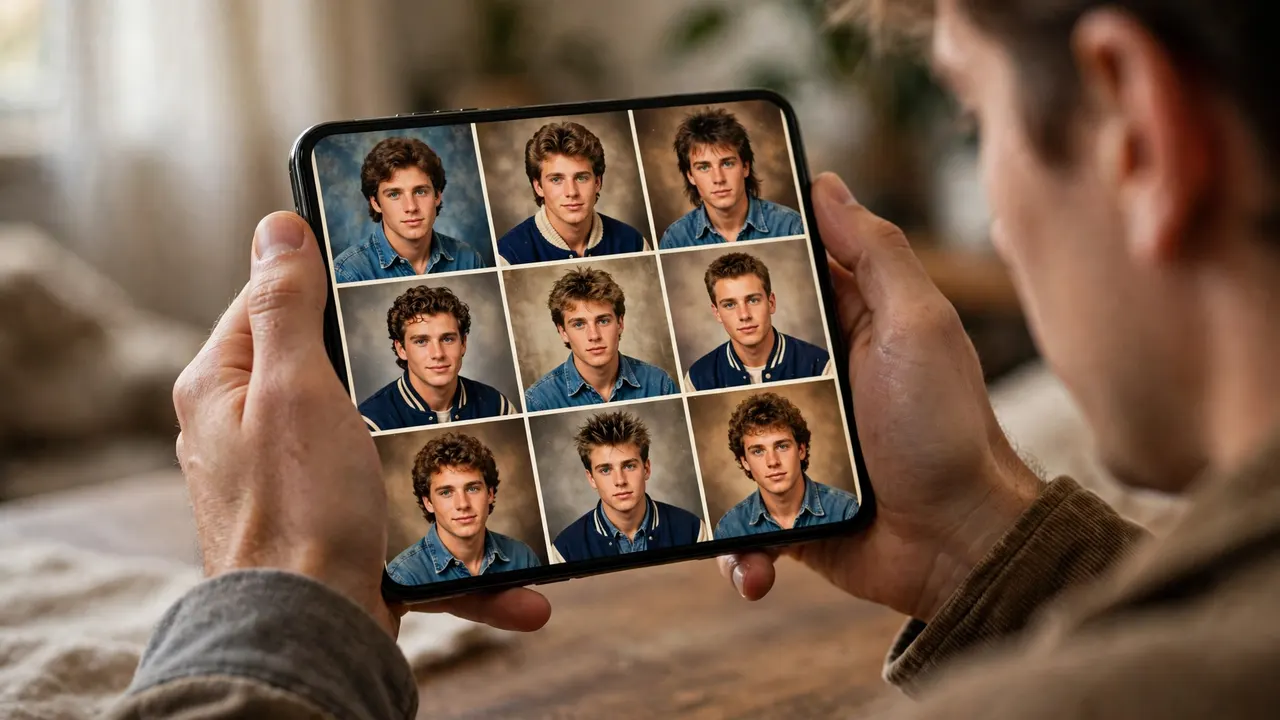
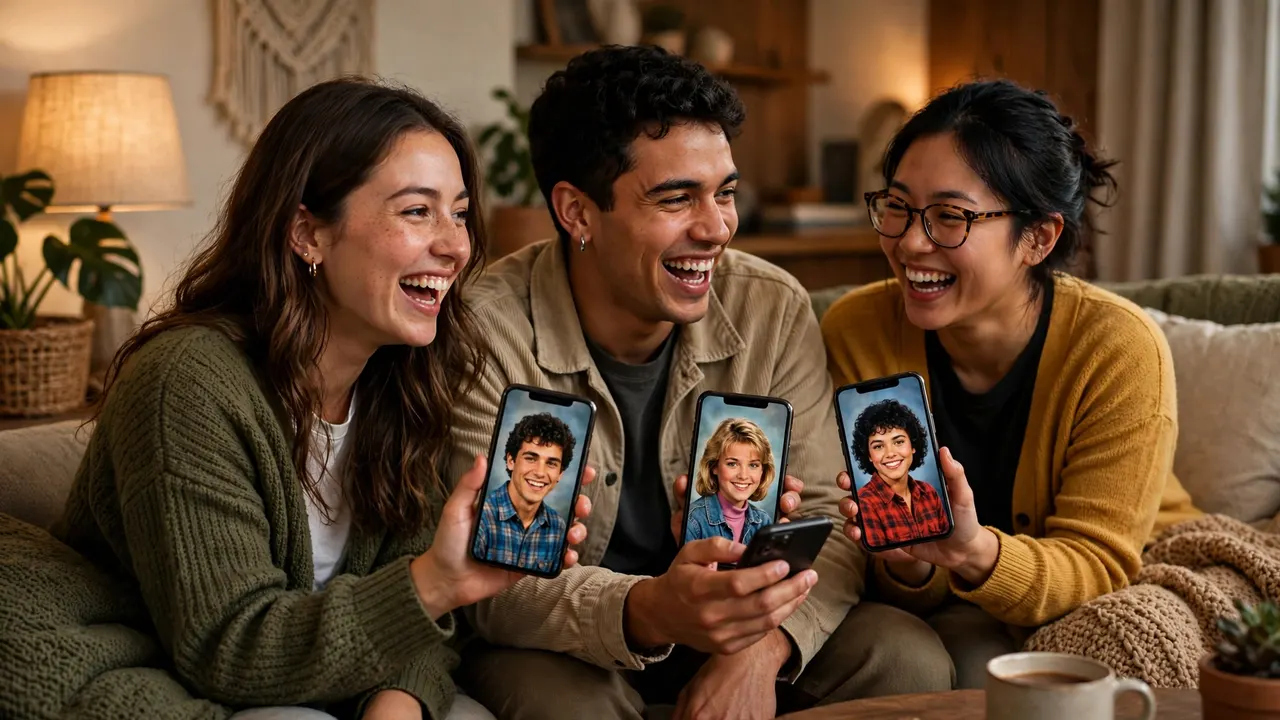
The portraits that perform best share a format, not just a look. Strongest is the side-by-side: your real current selfie next to your yearbook portrait — the comparison the trend runs on. Second is the group carousel: friends each generate their own batch (one face per batch), then share the grids together. Put your most realistic frame first, save the awkward outtakes for the last slide — they reliably earn the comments — and use the plain trend hashtags (#AIYearbook, #YearbookAI).
Frequently Asked Questions
How many selfies does Remini AI Yearbook need?
8 to 12. Fewer gives the model too little to learn from; more rarely helps. Variety — angles, expressions, lighting — matters far more than count.
How long does a Remini AI Yearbook batch take?
Generation is server-side and typically takes several minutes, longer at busy times. You can leave the app and check AI Photos later.
Is Remini AI Yearbook free to use?
The full feature is premium in most regions. New users can often try it inside a free trial; the free version covers enhancement, not AI Photos generation. Some plans also spend Pro Cards per generation.
Why do my yearbook photos look like someone else?
Almost always the selfie set: too similar, too filtered, too few angles. Re-shoot a varied, well-lit, filter-free set, confirm the gender selection, and test with a classic style first.
Can Remini AI Yearbook do couples or group photos?
No. Each batch trains on one person’s face. Each person generates their own set, and you post the results side by side.
What is the difference between Remini AI Yearbook and EPIK’s yearbook?
EPIK made the trend famous and produces large photoshoot-style sets, sometimes slowly at peak times. Remini’s version uses 8 to 12 selfies and lets you enhance finished portraits in the same app.
Can I delete my photos and generated sets afterwards?
Yes — sets can be deleted in the app, and Remini’s privacy policy explains how uploads are handled. Delete sets you no longer need.
Can I use the portraits as a profile picture or for work?
For social profiles, yes. For professional use a yearbook portrait is deliberately retro; Remini’s professional AI headshots model is the better tool. Never use a generated portrait for identity documents.
Conclusion
Remini AI Yearbook rewards preparation and punishes shortcuts. Gather 8 to 12 varied, well-lit selfies; start with the classic 90s studio style; judge the whole batch, not the first frame; and test everything inside a free trial first. Do those four things and you will likely get several portraits worth posting. Skip the preparation, and no app will save the batch.
Related Remini Guides
- Remini AI Headshots
- Remini AI Avatars
- Remini Baby AI
- Remini Wedding AI
- Remini AI Filters: The Complete List
- Remini Pro Cards Explained
- Remini Free Trial
- How to Use the Remini App
- Remini vs Fotor
- Remini Subscription Plans
Written by Rahul Sharma
