
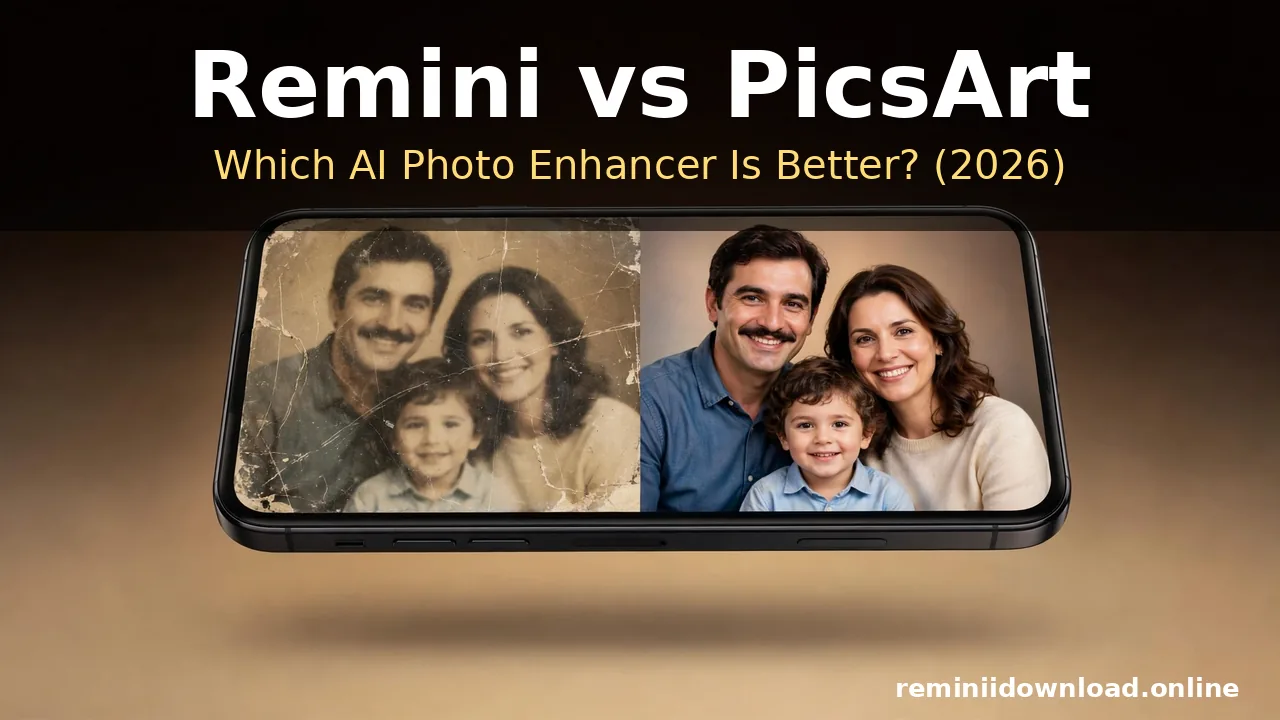
Remini vs PicsArt: Which AI Photo Enhancer Is Better? (2026)

Quick Answer
Remini is better for restoring and enhancing old, blurry, or low-resolution photos with a single tap, while PicsArt is better for creative editing with filters, stickers, collages, and manual controls. If your main goal is photo quality and restoration, choose Remini. If your main goal is creativity and design, choose PicsArt. The two apps serve different purposes, and many people end up using both for different jobs.
That is the short version. Below is the full head-to-head breakdown — features, editing power, filters, video, pricing, and ease of use — so you can pick the right app for what you actually want to do in 2026.
Table of Contents
What Is Remini?
Remini (by Bending Spoons) is an AI photo enhancer built around one core idea: automatically improving photo quality. You open a picture, tap enhance, and the app’s AI model reconstructs detail, sharpens faces, removes noise, and restores old or damaged photos — all without manual sliders.
Its standout strengths are AI photo restoration, face enhancement, and upscaling. It can also enhance videos. Remini is famously simple: there are no complicated editing panels, which is exactly why millions of people use it to rescue blurry selfies, old family albums, and low-quality screenshots. If you are new to the app, our step-by-step guide on how to use the Remini app walks through every feature.
The trade-off is creative control. Remini does not offer deep manual editing — no layers, no drawing tools, no collage maker. It is a specialist, not a studio.
What Is PicsArt?
PicsArt is a full creative photo and video editing platform with over a billion downloads. It combines a traditional photo editor (brightness, contrast, crop, curves, selective adjustments) with a huge library of AI filters, artistic effects, stickers, text styles, frames, templates, and drawing tools — plus a collage maker and background remover.
Where Remini asks you to tap once and trust the AI, PicsArt hands you the controls. You can build social media posts, thumbnails, marketing graphics, and artistic edits with real precision. It also includes video editing tools that go well beyond simple enhancement.
The trade-off runs the other way: PicsArt’s enhancement and upscaling tools are decent but not class-leading, and it cannot match Remini’s specialized old-photo restoration engine.

Remini vs PicsArt: Head-to-Head Comparison
| Category | Remini | PicsArt | Winner |
|---|---|---|---|
| AI photo enhancement | Excellent — one-tap reconstruction of detail | Good but more stylistic than precise | Remini |
| Old photo restoration | Excellent — dedicated restoration engine | Limited | Remini |
| Manual editing | Basic | Advanced — layers, curves, selective edits | PicsArt |
| Filters & effects | Moderate — realistic, limited | Extensive — thousands of creative filters | PicsArt |
| Stickers, text & drawing | Minimal | Extensive | PicsArt |
| Collage maker | No | Yes — customizable templates | PicsArt |
| Video | AI video enhancement/upscaling | Broader video editing with effects | Depends (see below) |
| Background remover | Basic (in some versions) | Strong, refined | PicsArt |
| Batch processing | Yes | Yes | Tie |
| Ease of use | Very easy — tap and done | Moderate — feature-rich, steeper learning curve | Remini |
| Platforms | Android, iOS, web app | Android, iOS, desktop | PicsArt |
| Best for | Photo quality & restoration | Creative editing & design | — |
AI Photo Enhancement: Remini Wins
This is the core of the comparison, and it is where Remini’s specialization shows. Remini’s AI models were trained specifically for image reconstruction — recovering facial detail, deblurring motion-softened shots, denoising night photos, and upscaling low-resolution images while preserving natural textures.
In side-by-side tests, Remini consistently produces sharper, more natural results on portraits and old photos. PicsArt’s enhancement tools improve clarity, but they lean stylistic — the results look “processed” rather than recovered. For the specific job of making a bad photo look genuinely better, Remini is the stronger tool.
One honest caveat: Remini’s AI sometimes “invents” detail it cannot actually recover, especially in heavily damaged photos. For irreplaceable family pictures, keep an untouched copy of the original and check faces closely at 100% zoom before saving.
Manual Editing & Creative Tools: PicsArt Wins — By a Lot
If you want to do more than enhance, PicsArt is in a different league. You get layers, masking, selective color adjustments, curves, clone tools, and precision retouching — features Remini simply does not have. You can remove objects cleanly, swap backgrounds, composite images, and fine-tune every pixel.
Remini offers essentially no manual correction. If the AI enhancement misses what you wanted, your only options are to try a different enhancement style or move to another app. For creators, designers, and anyone who wants control, this gap decides the match.

Old Photo Restoration: Remini Wins Decisively
Restoring faded, torn, or yellowed vintage photos is Remini’s signature use case. Its restoration pipeline handles scratches, fading, color cast, and lost facial detail in a way no general editor matches. Our old photo restoration guide shows exactly how far the results can go with the right source scans.
PicsArt can clean up a photo — adjusting contrast, fixing color, sharpening — but it works on what is already in the pixels. It cannot reconstruct what time destroyed. For family archives, this is not close: Remini wins.
Filters, Effects & Stickers: PicsArt Wins
PicsArt ships with thousands of filters, artistic effects, overlays, stickers, text styles, and templates for social media. Its AI effects (sketch, cartoon, dispersion, glitch, double exposure) give you genuinely creative transformations.
Remini’s filters are fewer and realistic by design — color fixes, portrait styles, and enhancement variants rather than artistic reinvention. If your feed runs on style, PicsArt is the obvious pick.
Video: It Depends on What You Need
Both apps touch video, but differently. Remini offers AI video enhancement — upscaling and clarifying low-quality clips, which is genuinely useful for old footage. PicsArt offers fuller video editing: trimming, transitions, effects, music, and text overlays.
If you want to rescue a blurry video, Remini. If you want to edit one for TikTok or Reels, PicsArt. (For a deeper look at Remini’s video side, see our video enhancement guide.)
Ease of Use: Remini Wins
Remini could not be simpler: open a photo, tap enhance, wait a few seconds, done. That is the entire workflow, and it is why non-technical users love it.
PicsArt’s power comes with complexity — dozens of tabs, tools, and options. It is beginner-friendly for an editor, but there is a real learning curve before you use it well. If you just want results fast, Remini is the easier app.
Pricing & Free Tiers
Both apps are freemium. Remini gives you a limited number of free enhancements per day (or per week, depending on your region), with a paid subscription unlocking unlimited processing, HD results, and no ads. You can read the full breakdown of Remini subscription plans and pricing before you decide.
PicsArt’s free tier is generous for basic editing, with PicsArt Gold unlocking premium filters, templates, and an ad-free experience. Neither app is expensive by subscription standards, and both offer free trials — try the free tiers first and pay only for what you actually use.
Who Should Use Remini?
- Family archivists restoring old, faded, or damaged photos
- Anyone fixing blurry or low-resolution images quickly
- Selfie and portrait improvers who want one-tap results
- Users who hate complicated editors and just want better photos
Who Should Use PicsArt?
- Social media creators making posts, stories, and thumbnails
- Designers and marketers who need templates, text, and branding
- Anyone who wants manual control over every edit
- Collage and sticker lovers building creative compositions
Can You Use Both Together? (The Best Workflow)
Yes — and honestly, this is what many power users do. The winning workflow is simple:
- Restore and enhance in Remini first — get the cleanest, sharpest base image possible.
- Edit and stylize in PicsArt second — apply filters, add text or stickers, build collages.
Remini gives you the quality; PicsArt gives you the creativity. Neither app does both jobs well, which is exactly why they pair so well. If you are still weighing other options, our roundup of the best Remini alternatives covers more tools worth knowing.
Frequently Asked Questions
Is Remini better than PicsArt for photo quality?
Yes. Remini’s AI enhancement engine is specifically built for image quality — sharpening, denoising, restoring, and upscaling. PicsArt’s enhancement is good but more stylistic. If photo quality is the priority, Remini wins.
Is PicsArt better than Remini for editing?
Yes. PicsArt offers full manual editing — layers, curves, masking, clone tools — plus thousands of filters, stickers, and templates. Remini has almost no manual editing capability. For creative editing, PicsArt wins clearly.
Can PicsArt restore old photos like Remini?
Not to the same level. PicsArt can clean up an old photo with contrast, color, and sharpness adjustments, but it cannot reconstruct lost detail the way Remini’s dedicated restoration AI does. For serious restoration work, use Remini.
Which app is easier for beginners?
Remini. Its workflow is one tap: open a photo and enhance. PicsArt is feature-rich and takes time to learn, though its guided tools help. Absolute beginners get results faster with Remini.
Are Remini and PicsArt free?
Both offer free tiers. Remini limits free enhancements per day/week; PicsArt’s free tier covers basic editing. Paid subscriptions (Remini Pro, PicsArt Gold) unlock premium features in both.
Can I use Remini and PicsArt together?
Yes. The best workflow is to enhance and restore your photo in Remini first, then import the result into PicsArt for creative editing, filters, and design. They complement each other well.
Which app should I download in 2026?
Download Remini if you mainly want to improve photo quality or restore old pictures. Download PicsArt if you mainly want to create and design. If you do both, install both — they serve different purposes.
Conclusion
There is no single winner in Remini vs PicsArt — there is only the right tool for your job. Choose Remini for AI photo enhancement and old photo restoration; choose PicsArt for creative editing, filters, and design. If you want the best of both worlds, use them together: enhance in Remini, create in PicsArt.
For official downloads and feature details, check the official Remini website and the official PicsArt website. Whatever you choose, start with the free tier and upgrade only when you hit its limits.
Disclaimer: We are not affiliated with Bending Spoons (Remini) or PicsArt. All trademarks belong to their respective owners. This article is for informational and educational purposes only.
About the author: Hi, I’m Rahul Sharma — a tech enthusiast and digital content creator from India. For over 4 years I’ve helped users find safe, reliable apps, and I founded ReminiDownload.online to make photo enhancement accessible to everyone without expensive subscriptions. Note: I am not affiliated with Bending Spoons or the developers of any app mentioned here; all rights belong to their respective owners. I share information for educational purposes only and never host harmful files — your safety is my top priority.
