
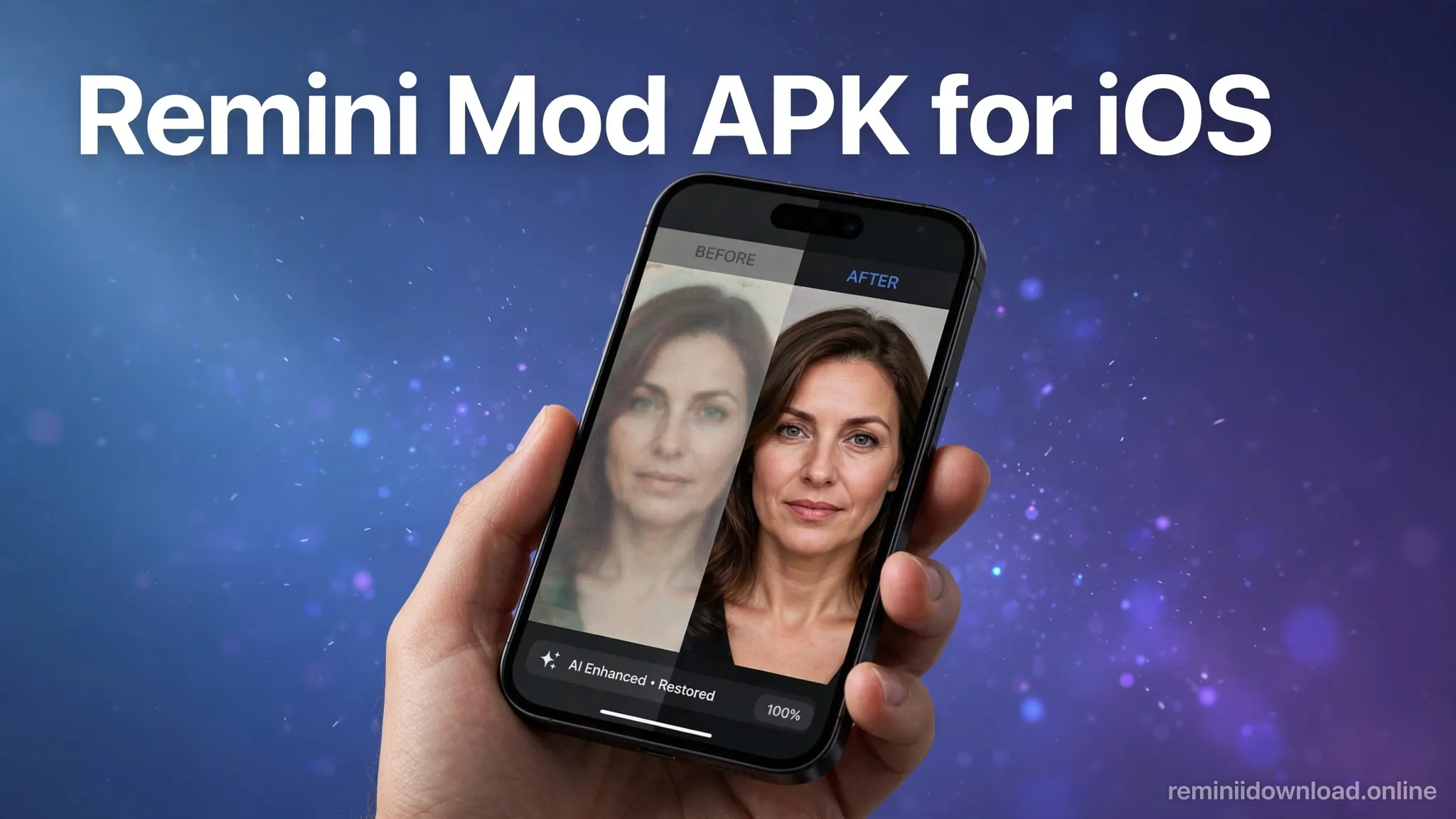
Remini Mod APK for iOS: The Truth Every iPhone User Must Know (2026)

There is no real Remini Mod APK for iOS. APK files are built for Android only — iPhones cannot install them, period. But iPhone users are not out of luck: the official Remini app on the App Store delivers the same AI photo enhancement, and there are legitimate ways to unlock its premium features. This guide explains the full truth and your best options.
If you searched for “Remini Mod APK for iOS,” you have probably seen websites claiming to offer a modified iPhone version with premium unlocked. Before you download anything from those sites, read this — what they are actually offering ranges from useless to dangerous, and the safe path is simpler than you think.
Table of Contents
Why “Remini Mod APK for iOS” Cannot Exist
To understand why no genuine iOS mod exists, you need to know how the two phone systems differ:
| Android (APK) | iPhone (IPA) | |
|---|---|---|
| App file format | APK — open format, can be sideloaded | IPA — locked to Apple’s signing system |
| Installing outside the store | Allowed (enable “unknown sources”) | Blocked by iOS by design |
| Modifying apps | Possible — APKs can be unpacked and repackaged | Practically impossible without jailbreak |
| Apple’s review | Not applicable | Every app install is verified against Apple’s servers |
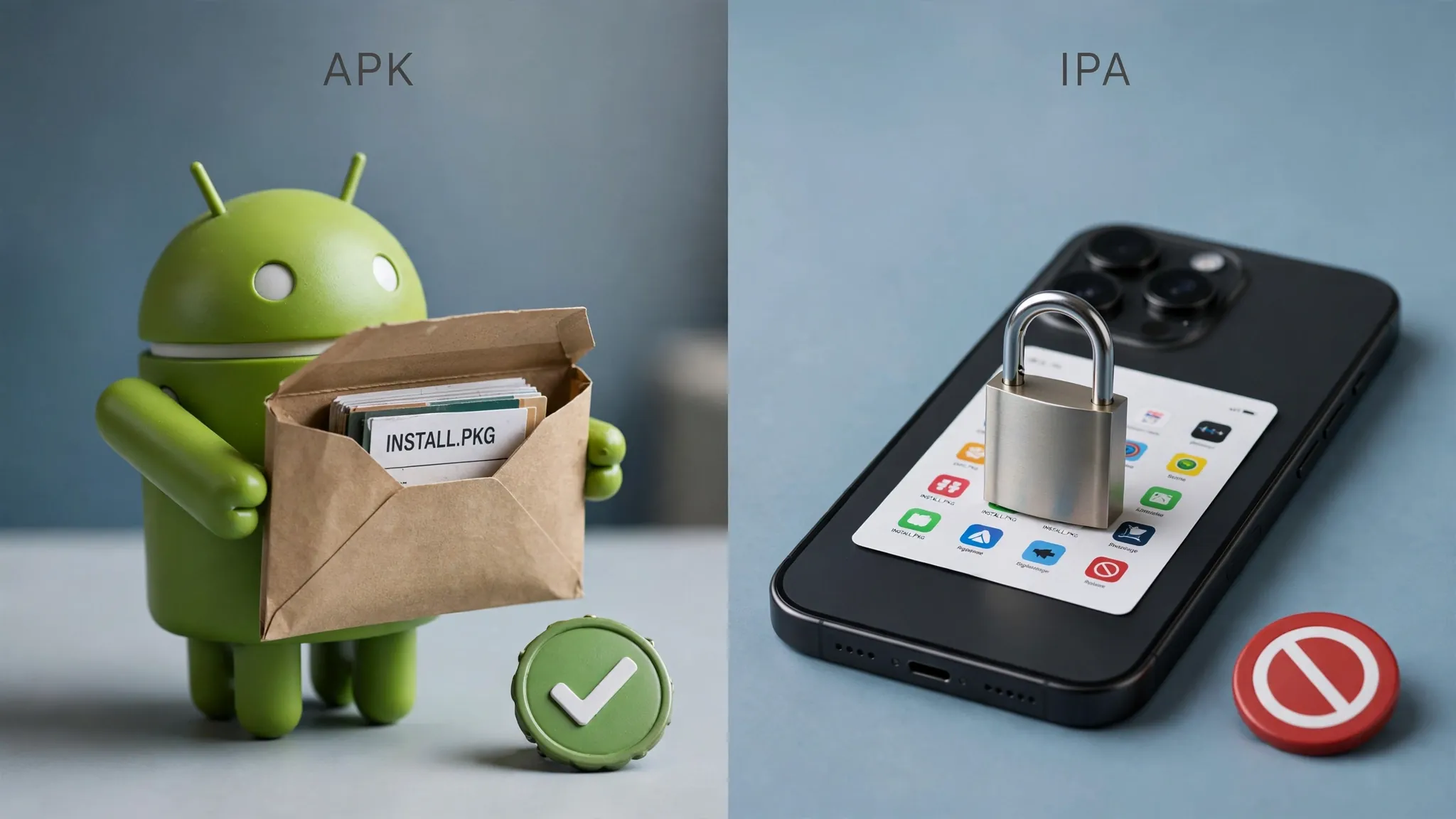
On Android, anyone can unpack an APK, modify it, and share the result — that is how mod APKs are born. On iPhone, every app must carry Apple’s cryptographic signature. A modified app loses that signature, and iOS simply refuses to install it. The only workaround is jailbreaking, which breaks your warranty, disables security protections, and is something we do not recommend. Our Remini Mod APK ultimate guide explains the Android side in full detail.
What “iOS Mod” Download Sites Actually Offer
So what are those websites actually giving you when they promise “Remini Mod APK for iOS free download”? In our experience, it is one of these:
- The official App Store link disguised as a mod. Some sites just redirect you to the real Remini app after showing ads — harmless but pointless.
- Configuration profiles or “tweaked” app stores. These ask you to install an enterprise profile or a third-party store (TutuApp-style). This punches a hole in iOS security and is a known malware vector.
- Fake IPA files. Files that claim to be a modified Remini but are broken, outdated, or bundled with spyware. iOS will usually refuse them — but the download page may harvest your data first.
- Survey and ad traps. “Complete 3 offers to unlock the download” pages that never deliver a file.
Bottom line: any site offering a working “Remini Pro IPA” or “Remini Mod for iPhone” is misleading you. Do not install configuration profiles from such sites, and never enter your Apple ID on a third-party download page.
The Official Remini App for iPhone: Your Best Option
The good news is that iPhone users get the real Remini — the official app by Bending Spoons, available free on the App Store. It includes the same AI engine as the Android version: photo enhancement, old-photo restoration, face retouching, and video tools.
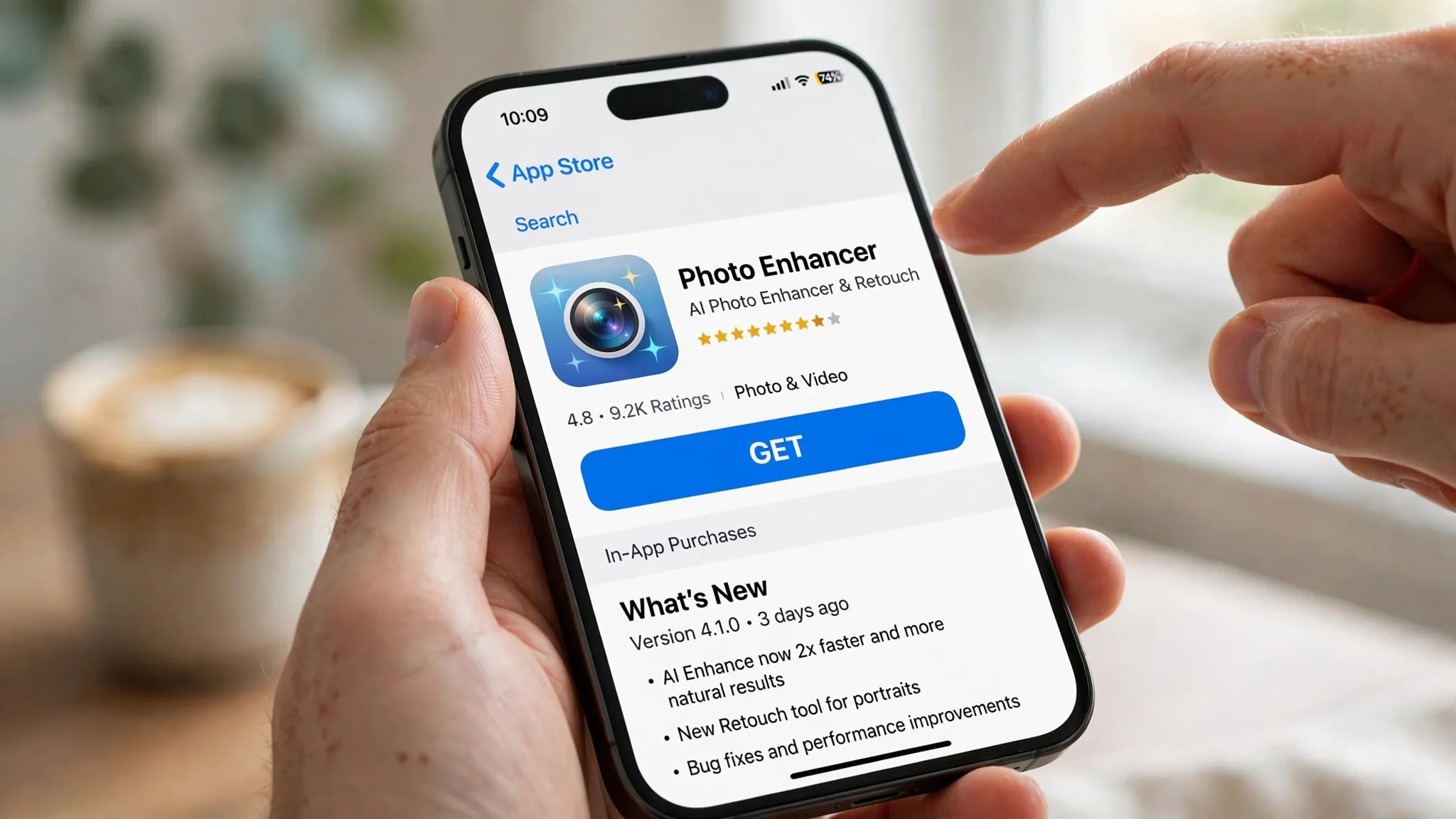
How to Download Remini on iPhone
- Open the App Store on your iPhone or iPad.
- Search for “Remini – AI Photo Enhancer” (developer: Bending Spoons).
- Tap Get and authenticate with Face ID, Touch ID, or your Apple ID password.
- Open the app, grant photo library access, and start enhancing.
You can also find it directly here: Remini – AI Photo Enhancer on the App Store.
New to the app? Our step-by-step Remini tutorial walks through every feature — the workflow is identical on iPhone and Android.
Free vs Premium on iOS
| Free tier | Premium (subscription) | |
|---|---|---|
| Daily enhancements | Limited | Unlimited |
| Ads | Yes | No |
| Watermark | On some exports | No |
| Video enhancement | No | Yes |
| Batch processing | No | Yes |
| Price | Free | Weekly/monthly/yearly plans (see App Store for current prices) |
How to Get Remini Premium Features on iPhone (Legitimately)
Since there is no mod shortcut on iOS, here are the legitimate ways to get the most out of Remini on your iPhone:
- Use the free tier strategically. The free version gives you a number of enhancements — save them for your most important photos instead of testing on random shots.
- Try the free trial. Remini periodically offers trial periods for premium plans. Check the app’s subscription screen — but set a reminder to cancel before it renews if you do not want to keep it.
- Choose the right plan length. If you need premium for a photo-restoration project, a single weekly plan is far cheaper than letting a monthly subscription run. Cancel right after subscribing — you keep access until the period ends.
- Share with family. Apple’s Family Sharing can share some subscriptions across family members, splitting the effective cost.
- Watch for seasonal discounts. Photo apps often discount annual plans around holidays.
Remini on iOS vs Android: Key Differences
| Aspect | iPhone (iOS) | Android |
|---|---|---|
| Modded version exists? | No — technically impossible without jailbreak | Yes — APK mods widely available |
| Official app | App Store, same AI engine | Play Store, same AI engine |
| Free tier limits | Same limits | Same limits |
| Getting premium free | Only via trials and smart plan use | Via mods (with security trade-offs) |
| Sideloading risk | Not possible — iOS blocks it | Possible — malware risk from bad sources |
5 Safe Alternatives for iPhone Users
If Remini’s subscription does not appeal to you, these iPhone-friendly options are worth a look — all available on the App Store:
- YouCam Enhance — excellent AI selfie and portrait enhancement, generous free tier.
- Pixelup — iPhone-focused AI photo enhancer with old-photo restoration.
- Adobe Lightroom Mobile — professional editing with a capable free tier.
- Snapseed — completely free, powerful manual editing (no AI upscaling, but superb control).
- FaceApp — best-in-class AI face editing for portraits.
See our full roundup of the best Remini alternatives for detailed comparisons, pricing, and honest pros and cons.
Frequently Asked Questions
Can I install Remini Mod APK on my iPhone?
No. APK files are Android-only and cannot be installed on iOS. Any website claiming to offer a working “Remini Mod IPA” is misleading you — do not download files or install profiles from such sites.
Is there a jailbreak method to get Remini premium free on iOS?
Technically, jailbreaking removes Apple’s installation restrictions, but we strongly advise against it: it voids your warranty, breaks iOS security protections, blocks banking apps, and can permanently brick your device. The risks far outweigh a photo-app subscription.
Does the official Remini iPhone app have the same features as Android?
Yes. The App Store version uses the same AI engine — photo enhancement, old-photo restoration, face retouching, and video tools are all present. The interface is adapted for iOS but the capabilities match.
How much does Remini premium cost on iPhone?
Remini offers weekly, monthly, and yearly plans through the App Store, and prices vary by region. Check the current price on the app’s subscription screen before purchasing — and remember subscriptions auto-renew unless cancelled.
Why do some sites say “Remini Pro iOS free download”?
It is misleading marketing. These pages typically redirect to the official free app (after showing you ads), push unsafe configuration profiles, or are outright scams. There is no legitimate free “Pro” version for iOS outside Apple’s App Store.
Can I use Remini on iPad or Mac too?
Yes. The iOS app works on iPad, and on Apple Silicon Macs you can run the iPad version. Your subscription and account sync across your Apple devices.
What should I do if Remini shows an error on my iPhone?
Most errors are connection or cache issues, not iOS-specific. Force-close the app, check your internet, update from the App Store, or offload and reinstall. Our Oops error fix guide covers every solution step by step.
Disclaimer: We are not affiliated with Bending Spoons (Remini) or Apple Inc. All trademarks belong to their respective owners. This article is for informational and educational purposes only.
About the author: Hi, I’m Rahul Sharma — a tech enthusiast and digital content creator from India. For over 4 years I’ve helped users find safe, reliable apps, and I founded ReminiDownload.online to make photo enhancement accessible to everyone without expensive subscriptions. Note: I am not affiliated with Bending Spoons or the developers of any app mentioned here; all rights belong to their respective owners. I share information for educational purposes only and never host harmful files — your safety is my top priority.
